Table of Contents
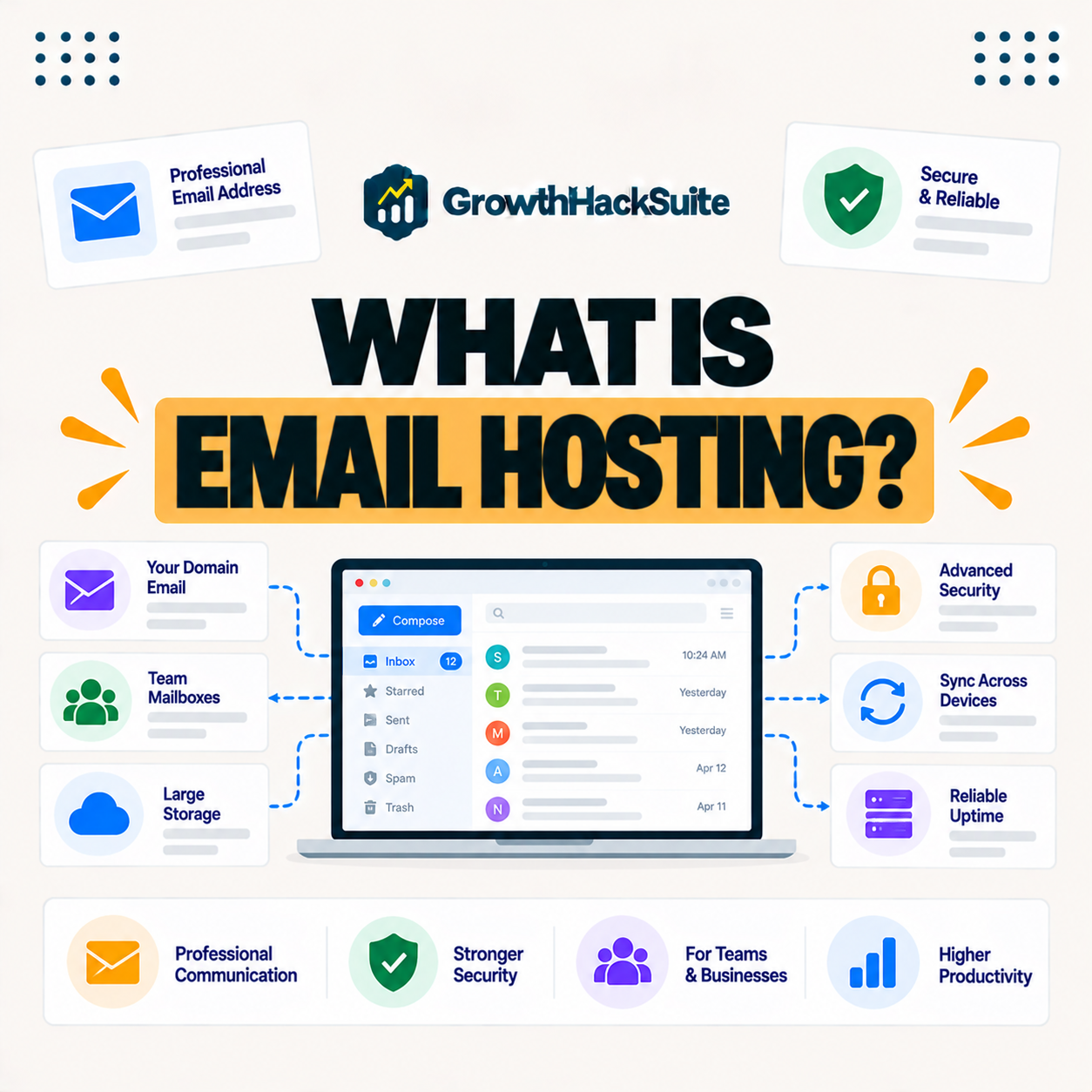
Email hosting is a service that runs your email on dedicated servers, letting you send and receive messages at a custom domain like you at yourbusiness dot com. It is usually separate from web hosting, and many managed web hosts focus only on websites, so businesses often use a dedicated email provider like Google Workspace or Microsoft 365. This guide explains how it works and where to get it.
Last updated: August 2026. Written by the Growth Hack Suite editorial team, with details cross-checked against provider documentation. This page carries affiliate links to Kinsta.
What Is Email Hosting?
Email hosting is a service that runs your email on dedicated mail servers, letting you send and receive messages at a custom domain address. A business can use professional email like you at yourcompany dot com rather than a generic free address, which keeps its identity consistent.
“An email hosting service is an Internet hosting service that operates email servers.”
— Wikipedia, Email hosting service
In plain terms, it is the service that runs the mailboxes behind your custom-domain email, keeping messages flowing reliably.
How Does Email Hosting Work?
Email hosting works by storing and managing your mailboxes on the provider’s mail servers, handling sending, receiving and storage. DNS records like MX records point your domain’s mail to the provider, so messages addressed to your domain reach the right servers and land in your inbox.
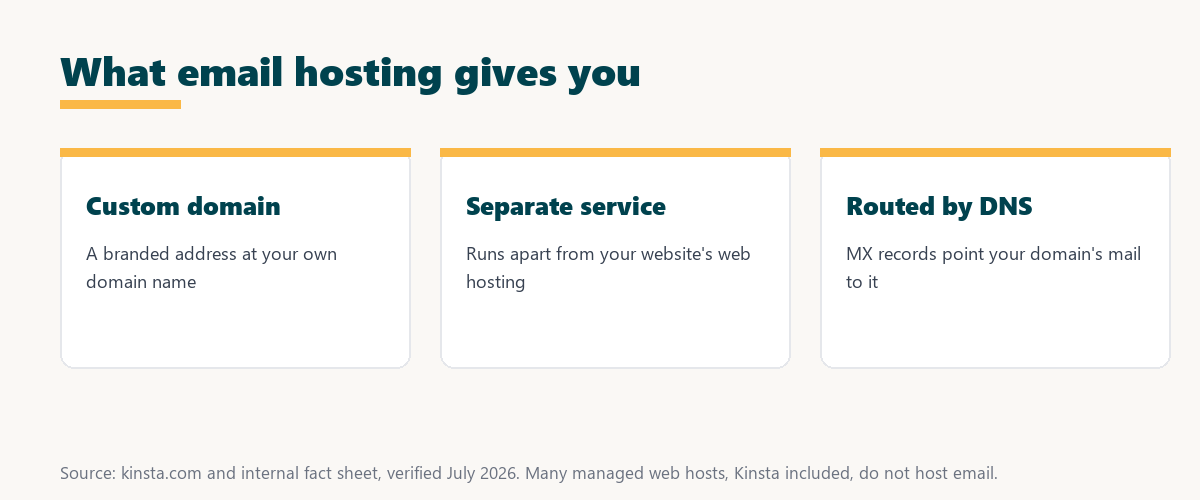
The key mechanism is DNS: MX records tell the internet which servers handle your domain’s mail, which is how your mail service connects to your domain.
Why Is Email Hosting Separate From Web Hosting?
Email hosting is often separate from web hosting because email and websites have different technical needs. Many managed web hosts focus solely on site performance, so they leave email to dedicated providers built for reliable mail delivery, spam filtering and inbox management.
The practical takeaway is that keeping them separate lets each service specialize, which usually means both your site and your email work better.
Email Hosting vs Free Email Accounts
Email hosting differs from free accounts by using your own domain and offering business features and control, while free accounts use the provider’s domain. Email hosting looks more professional and keeps your address tied to your brand, so your identity does not depend on a generic free service.
Source: provider documentation, verified August 2026. A custom domain is the main practical difference.
Comparing domain, professionalism and control shows email hosting gives you a branded, business-grade address, while free email leaves you on a generic provider domain with less control.
See how Kinsta hosts your website on Google Cloud
Try Kinsta →Website hosting with a 30-day money-back guarantee. Email runs on a separate provider.
Where Can You Get Email Hosting?
You can get email hosting from dedicated providers like Google Workspace and Microsoft 365, from some web hosts that bundle it, or from specialized email hosts. Businesses usually choose a reliable dedicated provider for professional mail, since deliverability and uptime matter as much as features.
- Dedicated providers: Google Workspace and Microsoft 365 offer business email with storage, security and collaboration tools.
- Bundled host email: Some web hosts include basic email with a hosting plan, which can suit small, simple sites.
- Specialized email hosts: Providers focused only on email offer strong deliverability and privacy-oriented options.
- DNS connection: Whatever the choice, MX records connect the domain to the provider so mail routes correctly.
- Separate from the site: Email can run on its own provider while the website stays on a specialized web host.
The honest takeaway is that most businesses are best served by a dedicated email provider, connected to their domain through DNS, rather than bundled host email.
Why Businesses Need Professional Email
Businesses need professional email because a custom-domain address builds trust, reinforces branding and looks more credible than a free address. Email hosting supports a professional image in every message you send, so each email reinforces rather than undercuts your brand.
“The first five seconds of page-load time have the highest impact on conversion rates.”
— HubSpot, page load time and conversion rates
The same logic applies to email: first impressions matter, and a professional, branded address is part of the impression a business makes before anyone reads the message.
Does My Web Host Provide Email?
Some web hosts provide email, but many premium managed WordPress hosts focus only on websites and do not host email. You should check your host’s features and, if needed, pair your site with a dedicated email provider, so your mail runs on a service built for it.
The honest point is that a fast managed web host and a dedicated email provider are a common, deliberate pairing, not a gap to worry about.
How to Choose an Email Hosting Provider
Choose an email hosting provider by weighing reliability, storage, security, spam filtering and integration with the tools you use. This way your business email is dependable, secure and works smoothly with your workflow, rather than becoming a daily source of friction.
Source: provider documentation, verified August 2026. Most businesses pick a dedicated provider.
Comparing dedicated providers, bundled host email and specialized hosts shows most businesses land on a dedicated provider for reliability. Anyone weighing how tied they become to one provider can read our note on SaaS vendor lock-in.
How Kinsta Handles Email
Kinsta focuses on website hosting and does not host email, so you pair your Kinsta-hosted site with a dedicated email provider like Google Workspace. Kinsta helps you set the DNS records so your mail keeps working, which is the standard, deliberate setup for a specialized web host.
Host your site on Kinsta and route email via DNS
Start With Kinsta →Free migration and a 30-day money-back guarantee. Email runs on a separate provider.
Setting Up Email for Your Website
You set up email for your website by choosing a dedicated email provider, connecting your domain through DNS records and keeping web and email hosting separate. Your site stays fast on its host while your mail runs on a reliable email service, so each part does the job it is built for.
“A tool is only worth its premium when the hours or revenue it protects exceed the invoice.”
— Growth Hack Suite, on tool ROI
Applied to email, a paid provider earns its cost when the deliverability, security and professional image it protects exceed the monthly fee.
How Business Email Connects to Your Domain Name
Email hosting connects to your domain through DNS, so your website and email can use the same domain while running on different services. You manage MX and related records to route mail to your email provider, which is how one domain serves both your site and your inbox.
The practical rule is that DNS records are the bridge, so getting the MX records right is what makes shared-domain email and web hosting work together.
Keeping Your Website and Inbox Working Together
You keep web and email hosting working together by hosting your site on a fast managed host, running email on a dedicated provider, and pointing both to your domain through DNS. This separation gives you a fast website and reliable email at once, without one compromising the other.
The honest summary is that the best setup for many businesses is a specialized web host plus a dedicated email provider, joined at the domain through DNS.
Try Kinsta risk-free for your website
Try Kinsta Risk-Free →Free migration and a 30-day money-back guarantee. Pair with a dedicated email provider.
Frequently Asked Questions About Business Email
The 12 most-asked questions about email hosting.
What is email hosting in simple terms?
Email hosting is a service that runs your email on dedicated servers, letting you send and receive messages at a custom domain address so your business email looks professional and branded.
How does email hosting work?
Email hosting works by storing your mailboxes on the provider’s mail servers and using DNS records like MX records to point your domain’s mail to that provider, so messages reach the right place.
Is email hosting the same as web hosting?
No, email hosting runs your email while web hosting runs your website, and they are often separate services because email and sites have different technical needs.
Why is email hosting separate from web hosting?
Email hosting is often separate because many managed web hosts focus only on website performance, so they leave email to dedicated providers built for reliable mail delivery.
Where can I get email hosting?
You can get email hosting from dedicated providers like Google Workspace and Microsoft 365, from some web hosts that bundle it, or from specialized email hosting services.
Why do businesses need professional email?
Businesses need professional email because a custom-domain address builds trust and reinforces branding, looking more credible than a free address in every message you send.
Does my web host include email?
Some web hosts include email, but many premium managed WordPress hosts focus only on websites and do not host email, so you should check and pair with an email provider if needed.
What is the difference between email hosting and free email?
Email hosting uses your own domain with business features and control, while free email uses the provider’s domain, so email hosting is more professional and tied to your brand.
How do I set up email for my domain?
You set up email by choosing an email provider and connecting your domain through DNS records like MX entries, which route your mail to the provider’s servers.
Does Kinsta provide email hosting?
No, Kinsta focuses on website hosting and does not host email, so you pair your Kinsta site with a dedicated provider like Google Workspace, and Kinsta helps you set the DNS.
Can I use the same domain for email and website?
Yes, your website and email can share the same domain while running on different services, since DNS records route web traffic and mail separately to each provider.
How do I choose an email hosting provider?
Choose an email provider by weighing reliability, storage, security, spam filtering and integration with your tools, so your business email is dependable, secure and fits your workflow.
About this guide
Written by the Growth Hack Suite editorial team, drawing on hands-on experience running business websites. Details were cross-checked against provider documentation. This page carries affiliate links to Kinsta, so the position is stated plainly: email hosting runs your email at a custom domain, it is usually separate from web hosting, and most businesses use a dedicated provider like Google Workspace. Kinsta hosts websites and does not host email, so you pair a Kinsta site with a dedicated email provider and connect both through DNS.