Table of Contents
A WordPress theme is a collection of files that controls how your site looks and is laid out, including its design, fonts, colors and structure. Themes let you change your site’s appearance without altering its content, and choosing a well-coded, responsive and well-supported theme affects both your design and your site’s performance. This guide explains how themes work, how they differ from plugins and how to choose the right one.
Last updated: August 2026. Written by the Growth Hack Suite editorial team, with details cross-checked against provider documentation. This page carries affiliate links to Kinsta.
What Is a WordPress Theme?
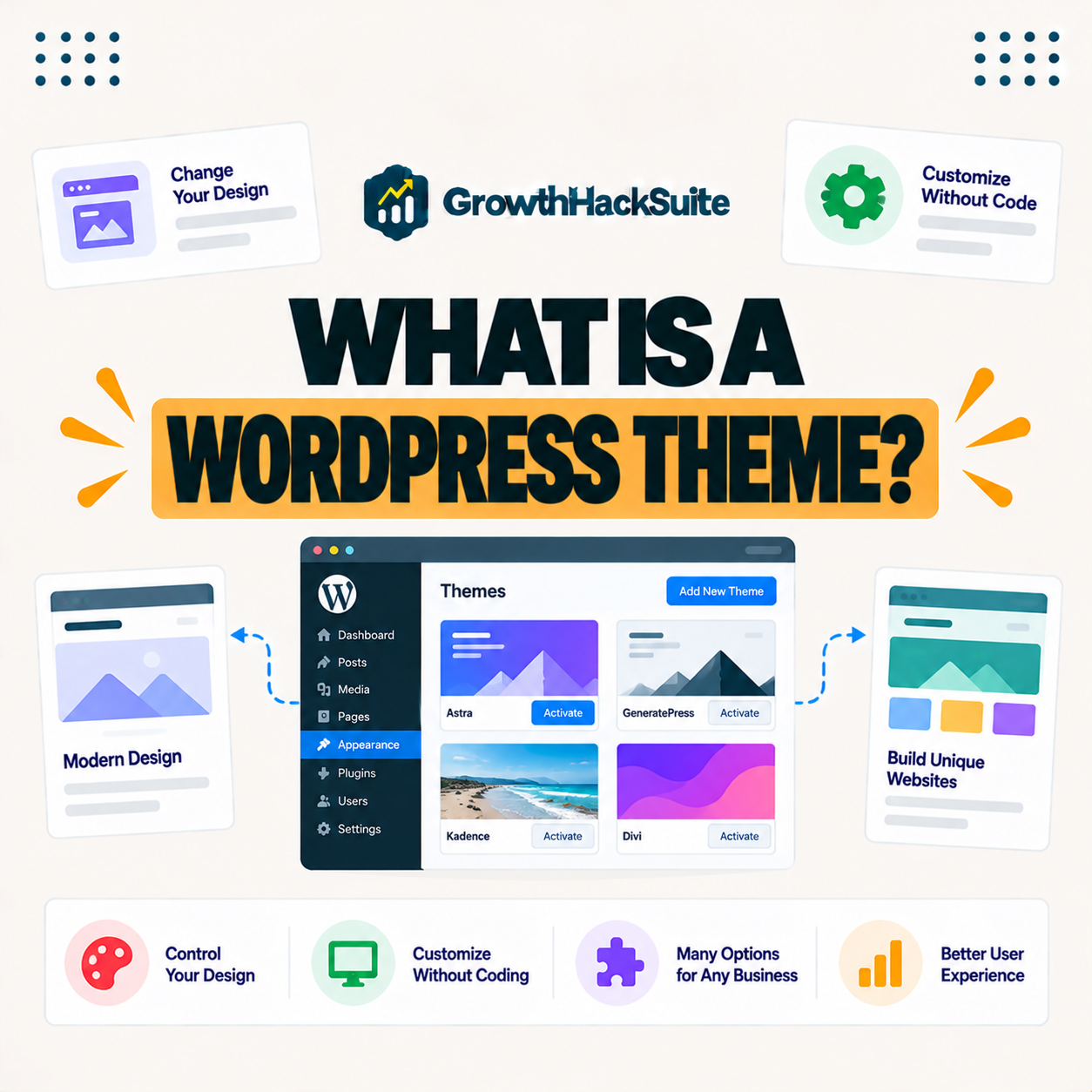
A WordPress theme is a collection of files that controls how your site looks and is laid out, defining its design, fonts, colors and page structure. You can change your site’s entire appearance without altering the underlying content, so the same posts can look completely different under a new theme.
“A theme is a set of details that determines an interface’s appearance.”
— Wikipedia, Theme (computing)
In WordPress, that interface is your whole site, so the theme is the layer that decides how everything is presented to visitors.
How Do WordPress Themes Work?
WordPress themes work by providing templates that tell WordPress how to display your content. When a visitor loads a page, the active theme determines its layout and styling while your posts and pages supply the actual content, so design and content stay separate.
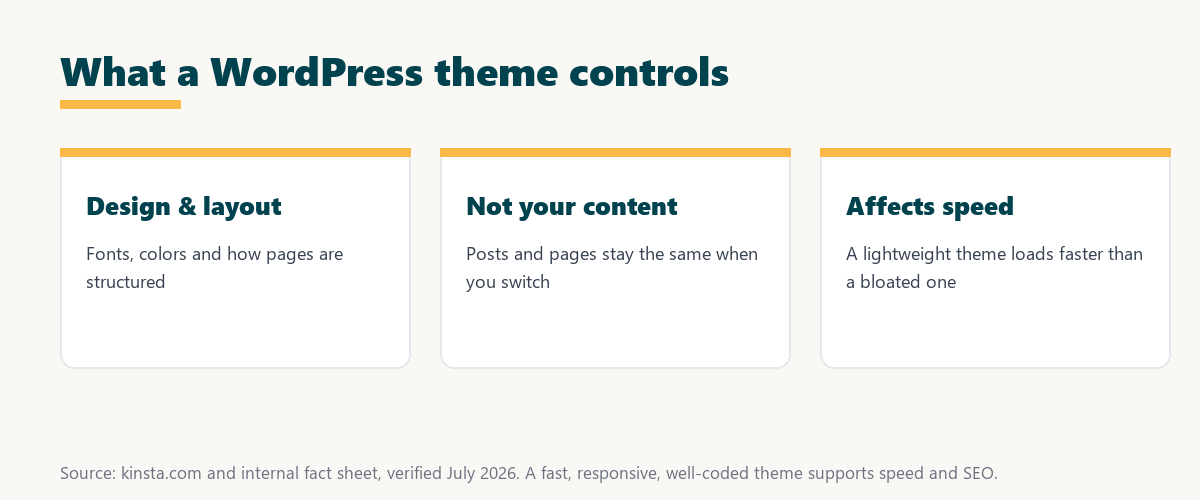
The key idea is that themes render your content, so switching themes changes the look without touching the words and images underneath.
Theme vs Plugin: What Is the Difference?
A theme controls how your site looks, while a plugin adds features and functionality. Themes handle design and layout, plugins handle capabilities, and a typical site uses one theme alongside several plugins, so the two roles complement rather than replace each other.
Source: provider documentation, verified August 2026. One theme sets the look; plugins add capabilities.
Comparing what each controls shows the theme decides how the site looks while plugins decide what it does, and a site runs one theme with as many plugins as it needs.
Free vs Premium WordPress Themes
Free themes from the WordPress directory suit many sites, while premium themes add advanced designs, features and support for a fee. The right choice depends on how much customization, polish and help you need, so a free theme is often enough to start.
Because premium themes often bill as ongoing subscriptions, it is worth reading our note on SaaS vendor lock-in before committing to a paid theme long term.
See how Kinsta keeps any theme fast
Try Kinsta →Caching and a CDN, with a 30-day money-back guarantee.
What Makes a Good WordPress Theme?
A good WordPress theme is responsive, fast-loading, well-coded, regularly updated and compatible with major plugins. It looks good on all devices and does not slow your site or break with WordPress updates, so these traits matter more than a flashy demo.
- Responsive design: The theme adapts to phones, tablets and desktops, so the site looks right on every screen.
- Fast loading: Lightweight code and optimized assets keep pages quick, which protects both speed and rankings.
- Clean code: Well-built themes follow WordPress standards, reducing conflicts and security weaknesses.
- Regular updates: An actively maintained theme stays compatible with new WordPress versions and plugins.
- Plugin compatibility: Broad compatibility means popular plugins work without layout or functionality breakage.
The honest takeaway is that a good theme is judged by responsiveness, speed, code quality, updates and compatibility, not by how impressive its demo looks.
How Themes Affect Site Performance
Themes affect performance because a bloated theme with heavy code and large assets slows pages, while a lightweight, well-coded theme loads quickly. Theme choice influences speed alongside hosting and images, so a heavy theme can undo gains made elsewhere.
“The first five seconds of page-load time have the highest impact on conversion rates.”
— HubSpot, page load time and conversion rates
Because a heavy theme is a common cause of slow first impressions, choosing a lightweight one protects those early seconds and the conversions that depend on them.
Can You Change Your WordPress Theme Later?
Yes, you can change your WordPress theme at any time, and your content remains intact. You should preview and test the new theme first, since layouts and some theme-specific features may differ, so a staging site helps you avoid surprises on the live site.
The reassuring point is that themes are not permanent, so you can restyle a site later without rebuilding its content.
How to Choose the Right WordPress Theme
Choose the right WordPress theme by checking that it is responsive, fast, well-reviewed, regularly updated and compatible with your plugins. This way it delivers the look you want without harming performance or reliability, so the design serves the site rather than slowing it.
Source: provider documentation, verified August 2026. Check each point before activating a theme.
Reviewing responsiveness, speed, ratings, updates and plugin compatibility shows whether a theme is a safe long-term choice rather than just a good-looking demo.
How Hosting Supports Your Theme’s Speed
Good hosting supports your theme’s speed with fast servers, caching and a CDN, so even a feature-rich theme loads quickly. A managed host also lets you test theme changes on staging before going live, so you can restyle the site without risking downtime.
Keep even a rich theme fast on Kinsta
Start With Kinsta →Free migration and a 30-day money-back guarantee.
Building a Fast, Good-Looking Site
You build a fast, good-looking site by pairing a lightweight, well-coded theme with fast managed hosting, caching and optimized images. Strong design and strong performance then work together, so the site looks polished and still loads quickly for every visitor.
“A tool is only worth its premium when the hours or revenue it protects exceed the invoice.”
— Growth Hack Suite, on tool ROI
Applied to themes and hosting, a premium theme or managed host earns its cost when the design quality and speed it delivers exceed the fee you pay.
Using Child Themes for Safe Customization
A child theme lets you customize a theme’s design and code safely, because your changes live in the child theme and survive updates to the parent. Serious customization should use a child theme to avoid losing work, so edits are not wiped out the next time the theme updates.
The practical rule is that any real code change belongs in a child theme, which keeps your work safe through updates.
Getting Started With a Theme as a Beginner
You get started with a theme as a beginner by picking a responsive, well-reviewed theme from the official directory, previewing it with your content, and keeping it updated. Starting with a trusted, lightweight theme gives you a clean design while avoiding the speed and compatibility problems of a heavy one.
The honest summary is that beginners do best with a simple, trusted, fast theme plus a host that makes testing changes easy.
Try Kinsta risk-free while you build your site
Try Kinsta Risk-Free →Caching, a CDN and free migration, with a 30-day money-back guarantee.
WordPress Theme: Frequently Asked Questions
The 12 most-asked questions about WordPress themes.
What is a WordPress theme in simple terms?
A WordPress theme is a set of files that controls how your site looks and is laid out, defining design, fonts, colors and structure, so you can change appearance without altering content.
How do WordPress themes work?
WordPress themes work by providing templates that tell WordPress how to display your content, so the active theme determines each page’s layout and styling while your content supplies the words and images.
What is the difference between a theme and a plugin?
A theme controls how your site looks, while a plugin adds features and functionality, so a site typically uses one theme for design alongside several plugins for capabilities.
Are WordPress themes free?
Many WordPress themes are free from the official directory, while premium themes add advanced designs, features and support for a fee, so the choice depends on your needs.
What makes a good WordPress theme?
A good theme is responsive, fast-loading, well-coded, regularly updated and compatible with major plugins, so it looks good everywhere and does not slow or break your site.
Do themes affect site speed?
Yes, themes affect speed because a bloated theme with heavy code slows pages, while a lightweight, well-coded theme loads quickly, so theme choice influences performance.
Can I change my WordPress theme later?
Yes, you can change your theme at any time and your content stays intact, though you should preview and test the new theme first since layouts and some features may differ.
How do I choose a WordPress theme?
Choose a theme by checking that it is responsive, fast, well-reviewed, updated and compatible with your plugins, so it delivers the look you want without harming performance.
What is a child theme?
A child theme lets you customize a theme safely, because your changes live in the child theme and survive updates to the parent, so it protects custom work from being overwritten.
Should I use a free or premium theme?
Use a free theme if it meets your needs, or a premium theme when you want advanced designs, features and dedicated support, since many sites do well with either.
Does the theme affect SEO?
A theme affects SEO indirectly through speed, mobile-friendliness and clean code, so a fast, responsive, well-built theme supports better Core Web Vitals and user experience.
How does hosting affect my theme?
Hosting affects how fast your theme loads, so fast servers, caching and a CDN help even feature-rich themes perform well, and staging lets you test theme changes safely.
About this guide
Written by the Growth Hack Suite editorial team, drawing on hands-on experience building WordPress sites. Details were cross-checked against provider documentation. This page carries affiliate links to Kinsta, so the position is stated plainly: a WordPress theme controls how your site looks, it is separate from plugins that add features, and a responsive, fast, well-coded theme is the right target. Kinsta keeps even feature-rich themes fast with caching and a CDN, and staging lets you test theme changes safely.