
Table of Contents
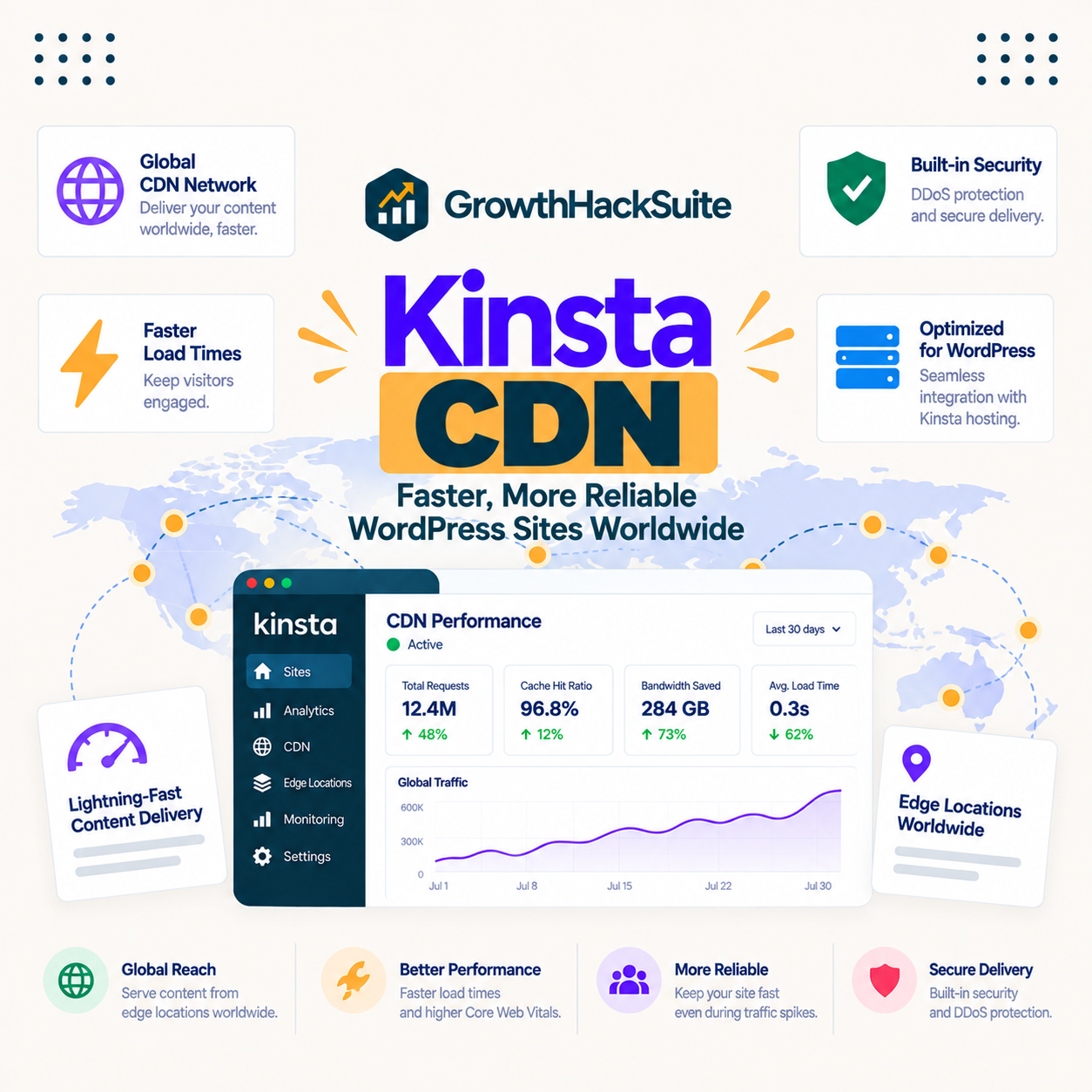
The Kinsta CDN is an included Cloudflare-powered content delivery network that serves your static assets, images, stylesheets and scripts, from locations near each visitor. It is genuinely part of the plan rather than a paid extra, with one honest qualifier: CDN bandwidth is metered, so the network is included but the data through it is not unlimited.
Last updated: August 2026. Feature and pricing details were read from kinsta.com. This page carries affiliate links to Kinsta, and it is precise about what the CDN serves and where the bandwidth allowance sits.
What Is the Kinsta CDN?
It is a content delivery network built on Cloudflare that caches and serves a site’s static files across more than 300 edge locations. When a visitor loads a page, the images, CSS and JavaScript come from a nearby Cloudflare location rather than the origin server.
Verdict: The Kinsta CDN is a Cloudflare network across more than 300 edge locations, included on every plan, that serves static assets from near each visitor. Two honest points: it delivers assets, not full HTML pages, which is edge caching’s job, and CDN bandwidth is metered with overage at 5 cents per gigabyte, the cheapest of Kinsta’s meters but still a limit.
The clearest way to place the CDN is to separate it from edge caching, because the two work on different parts of a page and are often confused.
“WordPress is a web content management system.”
: Wikipedia, WordPress
A WordPress page is made of an HTML document plus assets, and the CDN handles the assets while the rest of the delivery is handled elsewhere, which is the distinction the next section draws.
How Is the CDN Different From Edge Caching?
The CDN serves static assets from the edge, while edge caching serves the full HTML page from the edge. They are complementary layers: the CDN handles the images and files, and edge caching handles the page they sit on.
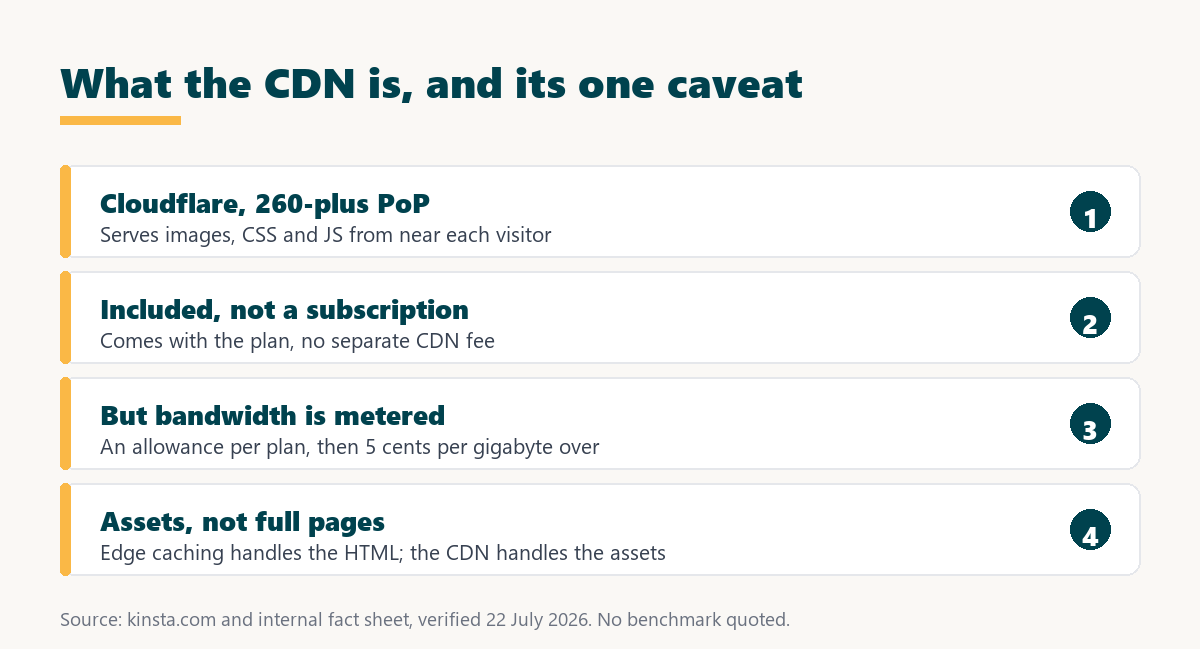
- The CDN caches assets: Images, stylesheets and scripts are distributed to Cloudflare locations and served from the nearest one to each visitor.
- Edge caching caches pages: The full HTML of a cacheable page is stored at the edge, which is a separate Kinsta feature covered on its own.
- Both reduce origin work: When assets and pages come from the edge, the origin server does less, freeing capacity for dynamic requests.
- Both are included: The CDN and edge caching come with the plan, though CDN bandwidth is metered as described below.
- Together they cover a page: A cacheable page benefits from edge caching for the HTML and the CDN for the assets, so the two work as a pair.
The practical takeaway is that the CDN is the asset-delivery layer, and it works alongside edge caching rather than replacing it, so understanding both explains a page’s full speed picture.
How Does the Kinsta CDN Work?
By distributing copies of a site’s static files across Cloudflare’s global network, so a visitor’s browser fetches each asset from the closest location. The origin server is only involved when an asset is not yet cached at that location, after which it is served from the edge.
Setup is automatic: Kinsta rewrites asset URLs to the CDN and manages the distribution, so a customer does not configure Cloudflare directly. The result is that assets load from near the visitor without the customer building or maintaining a content delivery network themselves.
What Are the Benefits of the Kinsta CDN?
Faster asset loading for a global audience, reduced bandwidth on the origin, and a contribution to Core Web Vitals. These are real for any site with images and a distributed audience, and they are strongest when visitors are far from the origin region.
- Global asset speed: Images and files load from a nearby location, so a distant visitor waits less for the heaviest parts of a page.
- Less origin bandwidth: Serving assets from the edge means the origin transfers less data, which reduces load and origin bandwidth use.
- A Core Web Vitals input: Faster asset delivery improves the loading part of Core Web Vitals, one contributor to that ranking signal.
- Handles image-heavy pages: A page with many large images benefits most, since those are the assets the CDN offloads to the edge.
- Included, not a subscription: The CDN comes with the plan rather than as a separate Cloudflare or third-party subscription a customer sets up.
The honest qualifier is that these benefits scale with how image-heavy a site is and how distant its audience is, so a light, local site sees a smaller practical gain than a global, media-rich one.
Is the Kinsta CDN Really Free?
The CDN feature is included at no separate subscription, but CDN bandwidth is metered, so it is free to have and not free to use without limit. Each plan includes a CDN bandwidth allowance, and data beyond it costs 5 cents per gigabyte.
Source: kinsta.com/plans, verified in August 2026. CDN bandwidth overage at 5 cents per gigabyte is the cheapest of Kinsta’s meters, but the CDN is bandwidth-metered rather than genuinely unlimited.
The fair way to describe it is that the CDN is included and its overage rate is low, so most sites stay within the allowance, but calling it simply free overstates it for a very high-bandwidth site.
Who Benefits Most From the CDN?
Image-heavy sites with a global audience, because the CDN offloads the heaviest assets to locations near distant visitors. A photography portfolio, an ecommerce catalogue or a media-rich blog sees the largest gain, while a text-light local site sees less.
“a B2B site that loads in 1 second has a conversion rate 3x higher than a site that loads in 5 seconds”
: HubSpot, page load time and conversion rates
For an image-heavy site the CDN removes much of the delay large assets add, which is where a distant visitor’s slow load usually comes from, so the conversion benefit lands on exactly the pages that would otherwise be slowest.
A global asset network on every plan
See Kinsta Plans →A Cloudflare CDN across more than 300 edge locations, included, with a low per-gigabyte overage.
How Does It Compare to a Typical Host?
A typical budget host may offer a smaller content delivery network or none, sometimes as a paid add-on, while Kinsta includes a Cloudflare network across more than 300 edge locations. The difference is a large included network versus a smaller or extra-cost one.
Source: kinsta.com and kinsta.com/plans, verified August 2026. No speed benchmark is quoted because none is in the verified fact sheet; the comparison is on network, cost and setup.
Read across, the advantage is a large Cloudflare network included and set up automatically, with the honest note that bandwidth is metered rather than unlimited.
How Do Images Work With the CDN?
Images are the assets the CDN helps most, because they are usually the heaviest files on a page and the CDN serves them from a nearby location. The CDN delivers whatever image a site produces, but it does not shrink an oversized image, so optimisation still matters before the file reaches the network.
The honest point is that a CDN and image optimisation solve different problems: the CDN reduces the distance an image travels, and optimisation reduces its size. A large, unoptimised image served quickly from the edge is still a large image, so the two work best together rather than one replacing the other.
A CDN that offloads your heaviest assets
View Kinsta Plans →Images and files served from more than 300 edge locations, included on every plan.
Does the CDN Help a Store’s Product Images?
Yes, because product images are static assets, so the CDN serves them from near each shopper regardless of how dynamic the store’s checkout is. A catalogue page loads its images from the edge even though the cart and checkout come from the origin.
The useful distinction for a store is that the CDN handles the visual weight of product pages while the origin and object caching handle the transactional pages. So a store gets faster catalogue browsing from the CDN and faster checkout from object caching, each solving the part of the store it applies to.
Does the CDN Add Security as Well as Speed?
Yes, because it is built on Cloudflare, which brings a web application firewall and DDoS protection alongside asset delivery. The same network that serves assets from the edge also filters malicious traffic before it reaches the origin.
For a site owner that means the CDN is not only a speed feature but part of the security layer, absorbing attack traffic at the edge. It does not replace a site’s own security practices, but the Cloudflare foundation adds protection that a bare origin server lacks.
Are There Limits to the Kinsta CDN?
Yes, and knowing them keeps expectations accurate. The CDN is strong for what it does, and it does a specific job rather than everything.
- Assets, not pages: The CDN serves static assets, so the HTML page itself is handled by edge caching, a separate feature, not the CDN.
- Bandwidth is metered: Each plan has a CDN bandwidth allowance, and data beyond it costs 5 cents per gigabyte, so it is not unlimited.
- No help for dynamic data: Cart, checkout and personalised content are not static assets, so the CDN does nothing for them.
- Managed configuration: The CDN is set up and controlled by Kinsta, so a customer wanting deep custom CDN rules has less control than on a self-configured network.
- Origin still matters: A slow origin shows on the first uncached asset and on dynamic pages, so the CDN complements rather than replaces origin performance.
The pattern is that the CDN is excellent at delivering assets globally and is honestly limited to that, with bandwidth metered and dynamic content outside its scope.
Does the Kinsta CDN Help SEO?
Indirectly, because faster asset loading improves the loading part of Core Web Vitals, which are a Google ranking signal. The CDN speeds the part of page performance that asset delivery controls, which is one input to those scores rather than the whole.
The honest framing is consistent with any speed feature: the CDN helps the asset-delivery contribution to Core Web Vitals, and a heavy theme, unoptimised images or render-blocking scripts still affect the rest. Optimising images before they reach the CDN matters as much as the CDN itself for a fast page.
Faster assets that support Core Web Vitals
Compare Kinsta Tiers →An included Cloudflare CDN plus edge caching, with a 30-day money-back guarantee.
How Do You Use the Kinsta CDN?
You do not have to set it up, because Kinsta enables and manages it, so a site uses it automatically. The useful things a site owner can do are optimise assets and watch CDN bandwidth on a high-traffic, image-heavy site.
- Leave it enabled: The CDN is on by default, so the main step is not disabling it or blocking it with a conflicting plugin.
- Optimise images first: Compressing and sizing images before they hit the CDN reduces bandwidth and speeds delivery more than the CDN alone.
- Watch bandwidth on media sites: A very image-heavy, high-traffic site should monitor CDN bandwidth against the allowance to anticipate the low overage.
- Pair with edge caching: Let edge caching handle the HTML page while the CDN handles the assets, so both layers contribute to a fast load.
- Test from a distance: Checking a page from far from the origin region reveals the asset-delivery gain that a nearby test would hide.
The honest summary is that the CDN is a managed, automatic benefit, and the site owner’s real job is optimising the assets that flow through it rather than configuring the network.
“Tool spend is only defensible when the outcome it protects is measured, not assumed.”
: Growth Hack Suite, ROI on sales tools
For the CDN the measurable outcome is faster assets for a distant visitor, confirmed by a test from far away. Where a site is image-heavy and global, that benefit is broad and included, and where a site is light and local, the gain is real but smaller and the metered bandwidth barely matters.
Kinsta CDN: Frequently Asked Questions
The 12 most-asked questions about the Kinsta CDN.
What is the Kinsta CDN?
A Cloudflare-powered content delivery network included on every plan that serves static assets, images, stylesheets and scripts, from more than 300 edge locations near each visitor, rather than from the origin server.
Is the Kinsta CDN really free?
The feature is included at no separate subscription, but CDN bandwidth is metered. Each plan has an allowance and data beyond it costs 5 cents per gigabyte, so it is free to have and low-cost, not unlimited, to use heavily.
How is the CDN different from edge caching?
The CDN serves static assets from the edge, while edge caching serves the full HTML page from the edge. They are complementary: the CDN handles images and files, and edge caching handles the page they sit on.
What does the CDN actually serve?
Static files: images, CSS and JavaScript. It distributes copies to Cloudflare locations so a visitor fetches each asset from the nearest one, which is where most of a media-rich page’s weight comes from.
Does the CDN speed up dynamic pages?
No. Cart, checkout and personalised content are not static assets, so the CDN does nothing for them. Those depend on the origin and, for a store, on object caching, while the CDN handles the assets on any page.
Who benefits most from the CDN?
Image-heavy sites with a global audience, since the CDN offloads the heaviest assets to locations near distant visitors. A portfolio, catalogue or media-rich blog gains the most, and a text-light local site sees less.
Does the CDN add security?
Yes, because it is built on Cloudflare, which brings a web application firewall and DDoS protection alongside asset delivery. The same network that serves assets also filters malicious traffic before it reaches the origin.
Do I need to set up the CDN?
No. Kinsta enables and manages it, rewriting asset URLs to the CDN automatically, so a site uses it without configuration. The main step is not disabling it or blocking it with a conflicting plugin.
How much CDN bandwidth do I get?
An allowance that scales with the plan, for example 125 gigabytes on the entry single-site plan and more on higher tiers. Data beyond the allowance costs 5 cents per gigabyte, which is the cheapest of Kinsta’s meters.
Will the CDN fix a slow site?
Only the asset-delivery part for distant visitors. A heavy theme, unoptimised images or a slow origin still affect speed, so optimising images before they reach the CDN matters as much as the CDN for a fast page.
Does the CDN help SEO?
Indirectly, by improving the asset-loading part of Core Web Vitals, a Google ranking signal. It is one input rather than a full SEO fix, so a heavy theme and unoptimised images still affect the score alongside the CDN.
Can I use my own CDN instead?
The Kinsta CDN is the managed default, and whether a custom third-party CDN can be layered depends on the setup, so a team with a specific CDN requirement should confirm the current options on Kinsta’s documentation before assuming.
About this guide
Written by the Growth Hack Suite editorial team. Feature and pricing details were read from kinsta.com. This page carries affiliate links to Kinsta, so the honesty owed to a reader is stated throughout: the Kinsta CDN is an included Cloudflare network across more than 300 edge locations that serves static assets, but it is not the same as edge caching, which serves full HTML pages, and it is not genuinely unlimited, since CDN bandwidth is metered with overage at 5 cents per gigabyte, the cheapest of Kinsta’s meters.
It does nothing for dynamic pages, and its help with SEO is limited to the asset-loading part of Core Web Vitals rather than a full fix. No speed benchmark is quoted, because none is in the verified fact sheet, and the layout’s test figures could not be confirmed.


