Table of Contents
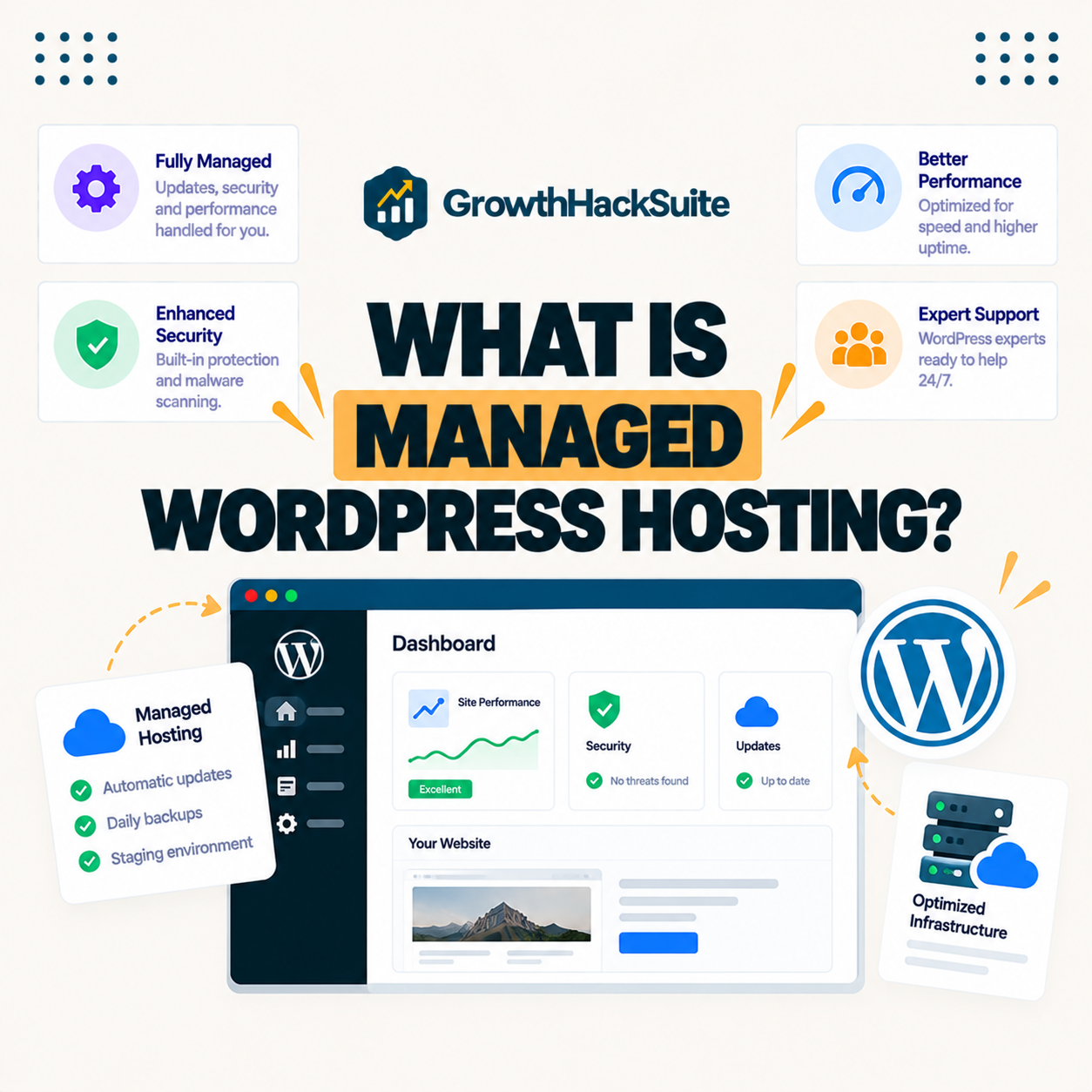
Managed WordPress hosting is hosting optimized specifically for WordPress, where the provider handles updates, caching, security and backups for you. It trades a higher price for less maintenance and better performance, letting site owners focus on content and business instead of server administration. This guide explains what it includes and whether a site actually needs it.
Last updated: August 2026. Written by the Growth Hack Suite editorial team, with details cross-checked against provider documentation. This page carries affiliate links to Kinsta.
What Is Managed WordPress Hosting?
Managed WordPress hosting is a hosting service tuned specifically for WordPress, where the provider handles server configuration, caching, security, updates and backups on your behalf. As a result you get faster performance and far less maintenance than on generic shared hosting built for any type of site.
“WordPress is a web content management system.”
— Wikipedia, WordPress
It wraps that content management system in WordPress-specific infrastructure and support, so the platform runs faster and safer than on hosting designed for no application in particular.
How Does It Work?
Managed WordPress hosting works by running a site on servers optimized for WordPress, with built-in caching, a firewall, automatic updates and daily backups. The host manages the technical layer, so the owner focuses only on content and design rather than server administration.
Verdict: A managed plan bundles caching, a CDN, daily backups, staging, free SSL, automatic updates, security and expert support into one plan, so the platform runs fast with little maintenance. The honest tradeoff is that it costs more than shared hosting and may restrict some plugins or server access. It is worth it once a site earns revenue and downtime would cost more than the plan.
In short, the host does the technical work in exchange for a higher price, which is why the value depends on how much a site’s uptime and speed are worth.
What a Managed Plan Includes
A managed plan typically includes server-level caching, a content delivery network, daily backups, staging environments, free SSL, automatic core updates, malware protection and expert WordPress support. It bundles the tools a professional site needs into one managed plan rather than a stack of separate services.
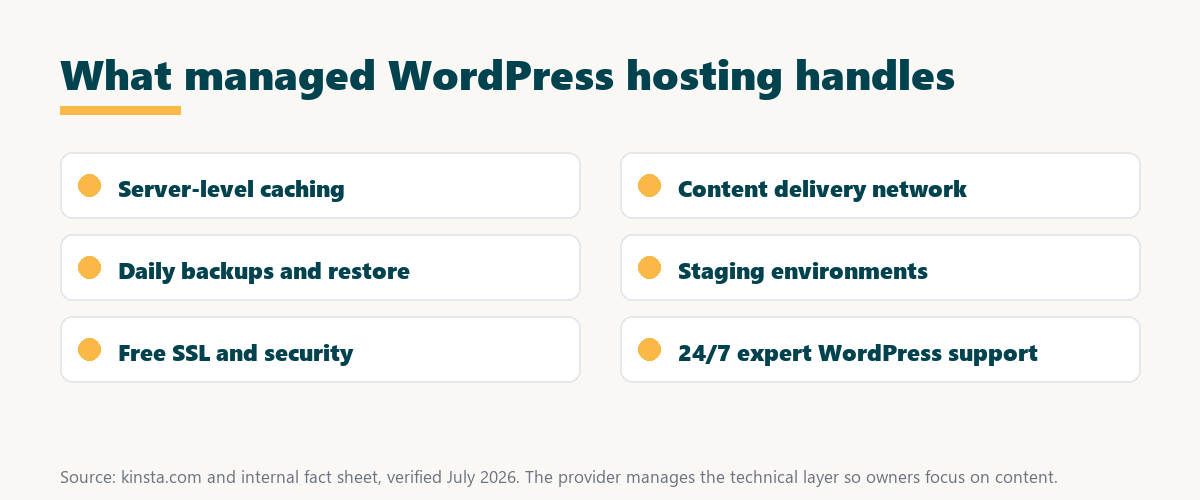
The honest point is that these are the same tools a technical owner could assemble alone, so the service sells convenience and reliability as much as raw features.
Managed WordPress Hosting vs Shared Hosting
Managed WordPress hosting differs from shared hosting by isolating resources and optimizing specifically for WordPress, so it delivers faster, more reliable performance and hands-off maintenance. Cheaper shared hosting packs many sites together on one server and leaves more of the technical work to the owner.
Source: provider documentation and kinsta.com/plans, verified August 2026. Managed plans suit revenue sites; shared plans suit hobby sites.
Comparing price, performance, isolation, maintenance and support shows why managed plans suit revenue sites while shared hosting suits low-stakes hobby projects.
See how Kinsta runs on Google Cloud
Try Kinsta →Built on Google Cloud, with a 30-day money-back guarantee.
Which Sites Need It Most?
Businesses, stores, agencies and growing blogs need it most, because these sitess lose revenue when pages are slow or go down. The managed features protect performance without requiring in-house technical staff to run and secure the servers.
- Revenue sites: Any site earning money loses sales during downtime, so reliability pays for itself quickly.
- Online stores: WooCommerce shops need isolated resources and caching to keep checkout fast under load.
- Agencies: Agencies managing many client sites benefit from staging, backups and one dashboard.
- Growing blogs: A blog gaining traffic needs scalable resources before shared hosting buckles.
- Non-technical owners: Owners without server skills gain expert support that replaces hiring a developer.
The honest takeaway is that the more a site’s income or reputation depends on it, the stronger the case for a managed plan.
The Main Benefits
The main benefits include faster load times, stronger security, automatic backups and expert support. Together these reduce downtime and free the owner from routine server tasks, so more time goes to growing the site rather than maintaining it.
“The first five seconds of page-load time have the highest impact on conversion rates.”
— HubSpot, page load time and conversion rates
Because those first seconds drive conversions, the speed it delivers is not a luxury but a direct protector of the revenue a site earns.
Downsides and Tradeoffs
The main downsides are a higher price than shared hosting and some restrictions on plugins or server access. These are tradeoffs that make sense once a site earns enough to justify the reliability and time savings the platform provides.
- Higher price: Managed plans cost more than shared hosting, so a zero-revenue hobby site may not need one yet.
- Plugin restrictions: Some hosts block caching or backup plugins that duplicate their own optimized tools.
- Limited server access: Deep server or root access is often restricted to keep the platform stable and secure.
- WordPress only: The optimization is for WordPress, so it does not host other applications or content systems.
- Overlap risk: Adding plugins that duplicate built-in caching can cause conflicts if not configured carefully.
The honest qualifier is that most restrictions exist to keep sites fast and secure, so they rarely hurt a typical WordPress site.
How to Choose a Managed Plan
Choose a managed plan by comparing infrastructure quality, caching, backups, support responsiveness and visit limits against your traffic. The goal is a plan that keeps your specific site fast without paying for capacity you will not use.
Source: provider documentation, verified August 2026. Weigh each feature against the traffic and stakes of your own site.
Listing caching, CDN, backups, staging, SSL, updates, security and support with why each matters helps a buyer judge which managed plan fits their site. Owners weighing platform commitment can also read our note on SaaS vendor lock-in.
How Kinsta Delivers This Service
Kinsta delivers managed WordPress hosting on Google Cloud Platform, bundling isolated resources, edge caching, daily backups, staging and 24/7 engineer support. Demanding sites therefore get premium performance with minimal maintenance and no server administration of their own.
Get managed WordPress hosting handled on Kinsta
Start With Kinsta →Free migration and a 30-day money-back guarantee.
Does It Suit Growing Sites?
Managed WordPress hosting suits growing sites especially well, because as traffic rises the isolated resources, caching and scalable plans absorb the load. Owners upgrade smoothly instead of hitting the slowdowns and outages that plague cheaper shared hosting under growth.
“A tool is only worth its premium when the hours or revenue it protects exceed the invoice.”
— Growth Hack Suite, on tool ROI
Applied to hosting, a managed plan earns its premium once the traffic it keeps online would cost more in lost sales than the plan costs to run.
Does It Improve Speed?
Yes, managed WordPress hosting improves speed through server-level caching, a CDN and infrastructure tuned for WordPress, which together load pages faster than typical shared hosting. Faster pages improve Core Web Vitals, which in turn support both search performance and conversions.
The honest qualifier is that a poorly built site can still be slow, so managed hosting raises the ceiling on speed but does not excuse bloated themes or heavy plugins.
Is It Worth the Cost?
Managed WordPress hosting is worth the cost when a site earns revenue or leads, because the speed, uptime and support protect that income. A premium host like Kinsta turns hosting from a recurring chore into a hands-off asset that quietly keeps the site fast and online.
The honest summary is that managed hosting is worth it in proportion to what a site’s uptime is worth, so a revenue site benefits far more than a zero-traffic hobby page.
Try managed WordPress hosting risk-free
Try Kinsta Risk-Free →Free migration and a 30-day money-back guarantee.
Managed WordPress Hosting: Frequently Asked Questions
The 12 most-asked questions about managed WordPress hosting.
What is managed WordPress hosting in simple terms?
Managed WordPress hosting is hosting built specifically for WordPress, where the provider handles caching, security, updates and backups for you, so you get better performance and less maintenance than on generic hosting.
How is managed WordPress hosting different from regular hosting?
It differs by optimizing servers specifically for WordPress and handling technical tasks like caching, updates and backups for you, whereas regular shared hosting is generic and leaves that maintenance in your hands.
Do I really need managed WordPress hosting?
You need managed WordPress hosting most when your site earns revenue, gets real traffic, or you lack time for server maintenance, since the managed features protect performance and save you technical work.
What is included in managed WordPress hosting?
Managed WordPress hosting usually includes server-level caching, a CDN, daily backups, staging, free SSL, automatic updates, malware protection and expert WordPress support bundled into one plan.
Is managed WordPress hosting more expensive?
Yes, managed WordPress hosting costs more than shared hosting, because the price includes optimized infrastructure, caching, backups and expert support that cheaper generic hosting charges extra for or omits.
Can beginners use managed WordPress hosting?
Yes, managed WordPress hosting is well suited to beginners, because the provider handles the technical work and offers support, letting a non-technical owner run a professional site with far less to learn.
Does managed WordPress hosting improve site speed?
Yes, managed WordPress hosting improves speed through server-level caching, a CDN and infrastructure tuned for WordPress, which together load pages faster than typical shared hosting.
Does managed hosting handle WordPress updates?
Yes, most managed WordPress hosts apply core updates automatically and provide staging to test theme and plugin updates safely, reducing the risk that an update breaks your live site.
Are backups included with managed WordPress hosting?
Yes, managed WordPress hosting typically includes automatic daily backups with easy one-click restore, and many hosts offer hourly or external backups as add-ons for busier sites.
Can I run WooCommerce on managed WordPress hosting?
Yes, managed WordPress hosting supports WooCommerce, and quality hosts isolate resources and add object caching so stores stay fast even during the dynamic, uncacheable checkout process.
What are the limitations of managed WordPress hosting?
Managed WordPress hosting can restrict certain plugins or low-level server access and costs more than shared hosting, tradeoffs made to keep the platform fast, secure and reliable.
Is managed WordPress hosting worth it for a small business?
Yes, managed WordPress hosting is worth it for a small business, because downtime or slow pages cost sales, and the reliability, security and support usually outweigh the higher monthly price.
About this guide
Written by the Growth Hack Suite editorial team, drawing on hands-on experience running WordPress sites on managed hosting. Details were cross-checked against provider documentation. This page carries affiliate links to Kinsta, so the position is stated plainly: managed WordPress hosting bundles caching, a CDN, daily backups, staging, SSL, updates, security and expert support, costs more than shared hosting, and is worth it once a site earns revenue that downtime would put at risk. Kinsta delivers this on Google Cloud Platform with isolated resources and 24/7 engineer support.