Table of Contents
Website migration is the broad process of making significant changes to a website’s hosting, platform, domain, or structure. It covers moving hosts, changing domains, redesigning, or switching platforms, and because migrations can affect performance and SEO, planning, testing, and proper redirects are essential to migrate safely without losing traffic or rankings. This guide explains the types of migration and how to do it safely.
Last updated: August 2026. Written by the Growth Hack Suite editorial team, with details cross-checked against provider documentation. This page carries affiliate links to Kinsta.
See how Kinsta handles host migrations on Google Cloud
Try Kinsta →Free expert host migration with testing, and a 30-day money-back guarantee.
What Is Website Migration?
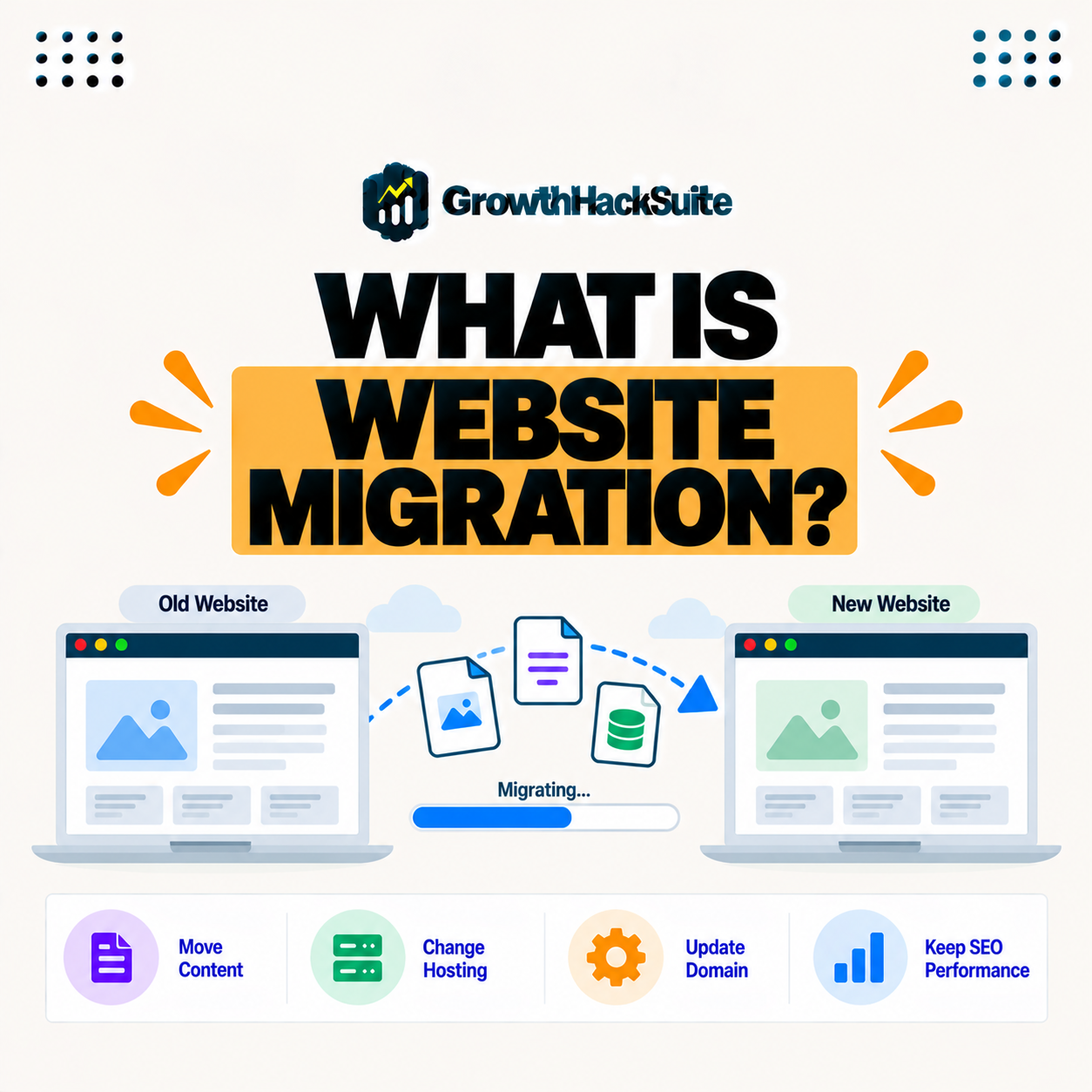
Website migration is the broad process of making significant changes to a website’s hosting, platform, domain, or structure, so it covers everything from moving to a new host to changing your domain, redesigning, or switching content platforms. It is a family of moves, not a single one.
“URL redirection is a technique giving a web page more than one address.”
— Wikipedia, URL redirection
Redirects like that are central to migration: when addresses change, they preserve links and rankings so a move does not cost you traffic.
What Are the Types of Website Migration?
Types of website migration include moving hosts, changing domains, switching platforms or a CMS, redesigning the site structure, and moving from HTTP to HTTPS, so each type changes a different aspect and carries its own considerations. Not all migrations are equally complex.
Five common types show how broad migration is:
- Host migration: Moving a site to new hosting while keeping the platform is usually the simplest type, since URLs stay the same.
- Domain migration: Changing the domain name alters every URL, so it needs careful redirects to keep links and rankings intact.
- Platform migration: Switching the CMS or system rebuilds the site, so content and URLs must be mapped carefully to the new platform.
- Redesign migration: Changing the site’s structure can move pages, so redirects preserve the paths visitors and search engines rely on.
- HTTPS migration: Moving from HTTP to HTTPS changes the protocol, so consistent redirects ensure the secure version is the canonical one.
Together these show the pattern: the more a migration changes URLs, the more redirects and planning it demands.
How Does Website Migration Work?
Website migration works by preparing the new environment, transferring or rebuilding the site, testing it thoroughly, setting up redirects where URLs change, and then switching over, so a planned sequence moves the site while preserving its content and links. Order and testing keep it safe.
The key sequence is prepare, transfer, test, redirect, then switch: skipping any step is where migrations go wrong.
Host Migration vs Platform Migration
Host migration moves a site to new hosting while keeping the platform, whereas platform migration changes the underlying system or CMS, so host migration is usually simpler while platform migration involves rebuilding and more careful data mapping. The gap in effort is large.
Source: general overview cross-checked with public migration documentation, verified August 2026.
Reading down the table, a host move carries the least SEO risk when URLs stay put, while domain and platform migrations demand the most careful redirect planning.
Why Website Migration Affects SEO
Website migration affects SEO when URLs, structure, or domains change, so without proper redirects and preserved content, a migration can lose rankings and traffic, which is why SEO planning is central to migrating safely. Search engines need to follow your content to its new address.
The honest point is that a host move rarely hurts SEO, but any change to URLs must be handled with redirects to keep rankings intact.
What Are the Risks of Website Migration?
The risks of website migration include downtime, broken links, lost rankings, missing content, and email or DNS issues, so a migration done without planning and testing can damage both user experience and search performance. Most risks trace back to skipped preparation.
“The first five seconds of page-load time have the highest impact on conversion rates.”
— HubSpot, page load time and conversion rates
A migration protects that experience when done well: keeping the site fast and available through the change means visitors never see the downtime or errors that a rushed move can cause.
How to Migrate a Website Safely
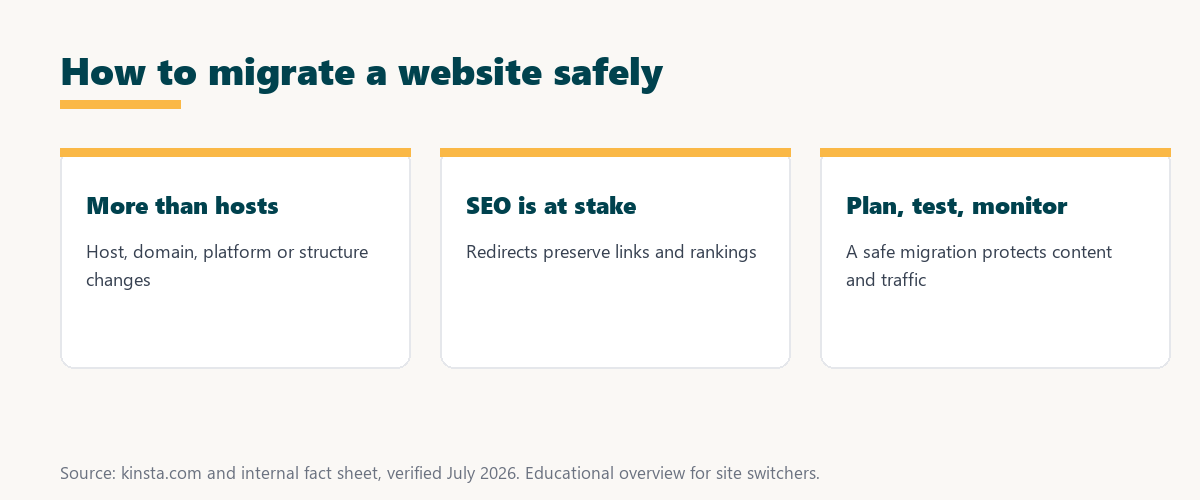
You migrate a website safely by planning, backing up, building and testing on the new environment, mapping and redirecting changed URLs, and monitoring after launch, so each step protects content, links, and rankings through the change. Safety is a process, not a single action.
The practical rule is to test everything before switching, and to redirect every changed URL, so nothing breaks when the new site goes live.
What Should Be on a Migration Checklist?
A migration checklist should cover backups, testing, redirects for changed URLs, updating internal links, checking analytics and search tools, and monitoring after launch, so nothing critical is missed during the transition. A checklist turns a risky move into a repeatable one.
Source: general overview cross-checked with public migration documentation, verified August 2026.
Reading the table together, backup, testing, redirects, and monitoring are the four pillars that keep a website migration safe from start to finish.
How Kinsta Helps With Host Migrations
Kinsta helps with host migrations by moving your site for free into a tested staging copy and guiding the DNS switch, so a change of host, one common type of migration, happens smoothly without downtime or lost content. It handles the type of migration most site owners face.
Get a free host migration on Kinsta’s Google Cloud platform
Start Free Migration →Free expert host migration and staged DNS.
Migrating Your Site Without Losing Traffic
You migrate your site without losing traffic by planning redirects, testing thoroughly, and switching over carefully, so for a host change, a managed migration like Kinsta’s handles the move while you focus on preserving SEO and structure. Traffic survives a careful migration.
The takeaway is that keeping traffic is about redirects and testing: handle those well, and a migration is invisible to your visitors and search engines. For anyone weighing a long hosting commitment, our note on SaaS vendor lock-in is worth a read.
Website Migration, Redirects, and DNS
Website migration relies on redirects and DNS, so when URLs change you use redirects to preserve links and rankings, and when hosts change you update DNS, which is why both are key parts of a safe migration. Redirects protect SEO; DNS points the domain to the new home.
“A tool is only worth its premium when the hours or revenue it protects exceed the invoice.”
— Growth Hack Suite, on tool ROI
Applied to migration, careful planning earns its value: the rankings, traffic, and revenue it protects far outweigh the effort of doing the move right.
Monitoring After a Website Migration
Monitoring after a website migration means watching analytics, search tools, and error reports for a few weeks, so you catch broken links, missing redirects, or ranking dips early and fix them before they cost traffic. The work is not over when the site goes live.
The honest summary is that the weeks after a migration matter as much as the switch: monitoring is how you confirm the move truly succeeded.
Try Kinsta risk-free with a free, tested host migration
Try Kinsta Risk-Free →Free expert migration and staged DNS, with a 30-day money-back guarantee.
Website Migration: Frequently Asked Questions
The 12 most-asked questions about website migration.
What is website migration in simple terms?
Website migration is the broad process of making significant changes to a site’s hosting, platform, domain, or structure, from moving hosts to changing your domain or CMS.
What are the types of website migration?
Types include moving hosts, changing domains, switching platforms or a CMS, redesigning structure, and moving to HTTPS, so each changes a different aspect of the site.
How does website migration work?
It works by preparing the new environment, transferring or rebuilding the site, testing, setting up redirects for changed URLs, and switching over in a planned sequence.
What is the difference between host and platform migration?
Host migration moves a site to new hosting while keeping the platform, while platform migration changes the underlying system, so host moves are usually simpler than platform changes.
Why does website migration affect SEO?
Migration affects SEO when URLs, structure, or domains change, so without proper redirects and preserved content, it can lose rankings and traffic, making SEO planning essential.
What are the risks of website migration?
Risks include downtime, broken links, lost rankings, missing content, and email or DNS issues, so migrating without planning and testing can damage experience and SEO.
How do I migrate a website safely?
You plan, back up, build and test on the new environment, redirect changed URLs, and monitor after launch, so each step protects content, links, and rankings.
What should be on a migration checklist?
A checklist should cover backups, testing, redirects, updating internal links, checking analytics and search tools, and monitoring after launch, so nothing critical is missed.
Do I need redirects for a website migration?
You need redirects whenever URLs change, so setting up proper redirects preserves links and rankings, which is essential for migrations that alter structure or domain.
Does changing hosts count as website migration?
Yes, changing hosts is a common type of website migration, and since it usually keeps the same URLs, it is simpler than a domain or platform migration when handled well.
How long does a website migration take?
A host migration can take a day or two, while platform or domain migrations take longer due to rebuilding and redirect planning, so timing depends on the migration type.
How does Kinsta help with website migrations?
Kinsta helps with host migrations by moving your site free into a tested staging copy and guiding the DNS switch, so changing hosts happens smoothly without downtime or lost content.
About this guide
Written by the Growth Hack Suite editorial team, drawing on hands-on experience running WordPress sites. Details were cross-checked against public migration documentation. This page carries affiliate links to Kinsta. The position is stated plainly: website migration covers host, domain, platform, redesign, and HTTPS changes, and safe migration depends on backups, testing, redirects, and monitoring. Kinsta handles host migrations for free with a tested staging copy and guided DNS switch.