Table of Contents
Kinsta for beginners is genuinely easy to use and genuinely premium-priced, and those two facts pull in different directions. The managed model means a beginner never touches a server, which is a real benefit, but the price is several times an entry host, so the honest question is whether a beginner is paying for simplicity they will use or performance they do not need yet.
Last updated: August 2026. Features, plans and add-ons were read from kinsta.com. This page carries affiliate links to Kinsta, and it is clear about which beginner-friendly conveniences are bundled and which cost extra.
Is Kinsta Good for Beginners?
Yes on ease and no on price for many beginners, because Kinsta handles the technical work behind a clean dashboard while charging a premium. A beginner who values a hands-off, well-supported experience and can afford it will find it easy; one who simply wants the cheapest way to start is better served by a budget host.
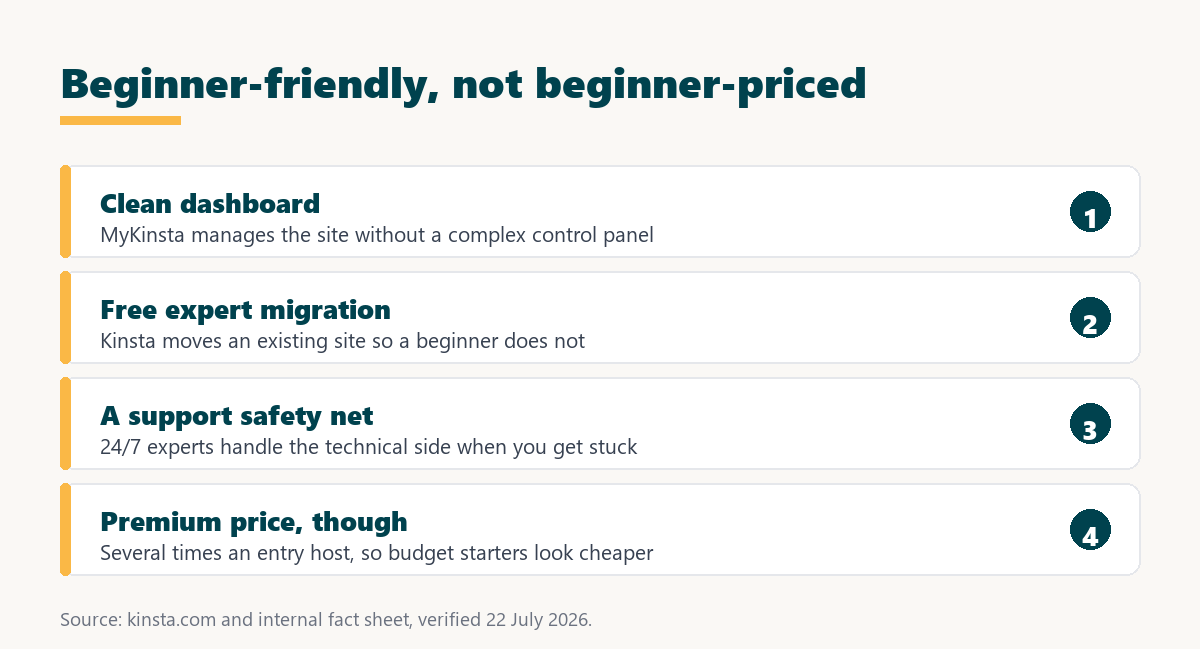
Verdict: Kinsta is beginner-friendly, not beginner-priced. The managed model, clean dashboard, free migration and expert support make it easy for someone new, but at 35 dollars and up it costs several times an entry host. It suits a beginner who values simplicity and support over the lowest price, and it is more than a first hobby site needs.
The distinction that matters is ease versus cost: Kinsta wins clearly on ease, and a beginner should decide whether that ease and the support behind it are worth paying a premium for at this stage.
“WordPress is a web content management system.”
: Wikipedia, WordPress
WordPress runs on almost any host, so a beginner is not choosing Kinsta for capability but for how much of the technical work is handled and how good the help is when something confuses them.
How Easy Is Kinsta to Use for a Beginner?
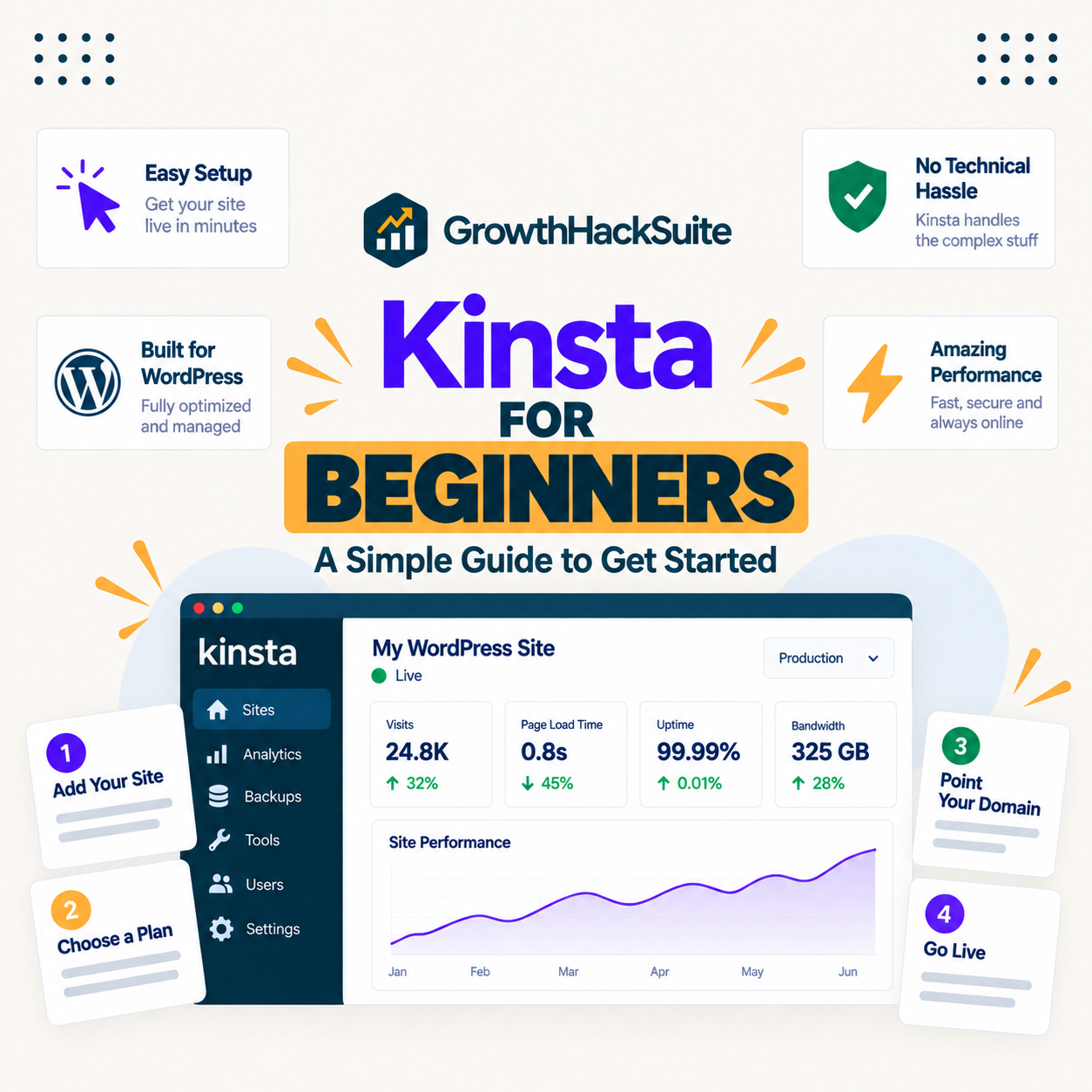
Very easy, because the MyKinsta dashboard presents sites, backups and staging in a clean interface while the platform handles the server underneath. A beginner manages a site without learning server administration, which is the core of what makes Kinsta approachable.
- A clean dashboard: MyKinsta shows sites, backups and staging in one interface, so a beginner finds tasks without hunting through a complex control panel.
- Free expert migration: Kinsta’s team moves an existing site, so a beginner does not perform a technical migration alone.
- One-click staging: A test copy of the site is a single click, letting a beginner try changes safely before they go live.
- No server administration: The platform handles updates, caching and server upkeep, so a beginner never uses a command line unless they want to.
- 24/7 expert support: Round-the-clock help means a stuck beginner asks a person rather than searching forums, which is a genuine part of the value.
The honest summary is that Kinsta removes almost all the technical friction a beginner fears, and the support is the safety net that makes the managed model worth its premium for someone who values it.
What Is Included and What Costs Extra?
Most of the everyday essentials are bundled, but a few conveniences a beginner might assume are free are actually add-ons. Knowing the difference avoids a surprise on the bill.
- Included: SSL and security: A free wildcard SSL certificate, a managed firewall and free malware removal come with every plan.
- Included: migration and staging: Free unlimited migrations and one-click staging are part of the plan, not extras.
- Included: daily backups: Automatic daily backups are standard, so a beginner has restore points without paying more.
- Extra: denser backups: Six-hourly or hourly backups are paid add-ons at 20 and 100 dollars per site, which a beginner rarely needs.
- Extra: automated plugin updates: Kinsta’s automated update service with visual testing is a 3-dollar per environment add-on, though WordPress core still updates itself for free.
For a beginner the practical point is that the base plan covers the essentials, and the tempting extras like automated plugin updates and denser backups are optional rather than assumed.
Why Would a Beginner Choose Kinsta?
Because they want a fast, secure site without learning server administration and value expert support when they get stuck. For a beginner whose time or confidence is worth more than the price difference, that hands-off experience justifies the premium.
“a B2B site that loads in 1 second has a conversion rate 3x higher than a site that loads in 5 seconds”
: HubSpot, page load time and conversion rates
That speed is a benefit a beginner gets without effort, though it is honestly a bigger deal once a site has traffic to convert. For a first site with few visitors, the speed is nice but the simplicity and support are the real reasons to choose Kinsta.
A hands-off site with a support safety net
See Kinsta Plans →Free expert migration and 24/7 support, with a 30-day money-back guarantee.
Is Kinsta Safe for a Beginner’s First Site?
Yes, and safety is one of its stronger beginner arguments, because daily backups, a managed firewall and one-click staging protect a newcomer from their own mistakes. A beginner who breaks something can restore a backup or test on staging first, so a first site is hard to lose.
- Daily backups: Automatic restore points mean a bad change or a wrong click is recoverable, which removes a beginner’s biggest fear of breaking the site.
- Staging before live: Testing a plugin or theme on a copy first stops a mistake from reaching visitors, a habit staging makes easy for a beginner.
- Managed security: A firewall, free SSL and malware removal protect a site a beginner would not know how to secure alone.
- Support to undo trouble: If a beginner cannot fix something, 24/7 support can, so a mistake is a question rather than a crisis.
- Isolation contains faults: Each site in its own container means a problem stays on one site rather than spreading, which matters as a beginner adds more.
For a beginner nervous about breaking a first site, that combination of backups, staging and support is a genuine safety net, and one of the clearest justifications for the managed premium.
A safety net for a nervous first-timer
View Kinsta Pricing →Daily backups, one-click staging and 24/7 support, so a first site is hard to lose.
What Can a Beginner Build on Kinsta?
Any WordPress site a beginner would start with, from a blog or portfolio to a small business site or a simple store. Kinsta hosts WordPress, so anything WordPress can do a beginner can build, with the platform handling the hosting side.
The one thing to know is that a non-WordPress project, such as a custom web application, is not what these plans host, since that lives on a different platform. For the WordPress sites a beginner actually builds, Kinsta covers the full range without the beginner managing any infrastructure.
How Does a Beginner Learn to Use Kinsta?
Mostly by using the dashboard and asking support, since MyKinsta is designed to be self-explanatory and help is a chat away. A beginner rarely needs a tutorial to manage a site, because the interface surfaces the common tasks and hides the technical ones.
For anyone who wants to go deeper, Kinsta publishes documentation and a knowledge base, and the optional developer tools are there when a beginner grows into them. The learning curve is gentle by design, which is the point of a managed host for someone new to hosting.
Which Kinsta Features Matter Most for Beginners?
The dashboard, free migration, managed maintenance and support, because those remove the four things a beginner most fears about hosting: a confusing panel, a scary move, technical upkeep and being stuck alone. The table maps each to why it matters.
Source: kinsta.com and kinsta.com/plans, verified August 2026. These features are included on every plan; automated plugin updates and denser backups are optional paid add-ons.
In plain terms, the features a beginner values most are all bundled, and the platform is designed so a newcomer manages a site through a friendly dashboard rather than a technical one.
What Are Kinsta’s Limits for Beginners?
Price first, plus a few gaps a beginner should know before signing up. None makes Kinsta hard to use, but together they explain why a budget-focused beginner might start elsewhere.
- Premium price: At 35 dollars and up, Kinsta is several times an entry shared host, which is the main reason a first-time, budget-conscious beginner might start cheaper.
- No email hosting: Kinsta does not host email, so a beginner wanting a branded mailbox needs a separate provider, which many budget hosts bundle.
- No free plan or trial: There is a money-back guarantee rather than a free tier, so a beginner commits to a paid plan to try it.
- Some conveniences cost extra: Automated plugin updates and denser backups are add-ons, so a beginner expecting everything free should read the plan first.
- Features aimed at growth: Staging, SSH and the API suit a site that scales, and a beginner may not use them for a while, which is capacity paid for early.
The pattern is that Kinsta is easy for a beginner and priced for a growing site, so a beginner who values the ease and support pays for it happily, and one focused purely on cost does not.
What Does Kinsta Cost for a Beginner?
From 35 dollars a month for a single site, less roughly two months on annual billing, which is the figure a beginner weighs against a cheaper starter host. The table uses Kinsta’s real plan structure.
Source: kinsta.com/plans, verified in August 2026. Annual billing is roughly two months free; an earlier layout draft labelling these Starter and Pro tiers with a 25,000-visit entry was inaccurate and is corrected here.
Put simply, a beginner compares the 35-dollar plan against a cheaper starter host and decides whether the ease and support are worth the difference at this early stage.
How Does Kinsta Compare to a Beginner-Friendly Budget Host?
Budget hosts are also beginner-friendly now, with simple dashboards and guided setup, so the difference is less about ease and more about depth of support and performance. Kinsta is cleaner and better supported; a budget host is cheaper and includes email.
The honest read is that a beginner is not choosing between easy and hard, but between a premium managed experience and a capable cheaper one. For someone who wants the best hand-holding and can afford it, Kinsta is worth it; for someone starting a first simple site on a budget, a beginner-friendly budget host is the sensible choice.
Premium simplicity for a beginner who values it
Compare Kinsta Tiers →A clean dashboard and expert support, with annual billing for roughly two months free.
When Should a Beginner Start Cheaper Instead?
When the budget is the priority and the first site is simple, because a cheaper host is also easy now and costs far less. Starting cheaper and moving to Kinsta later is a safe plan, since free migration makes the upgrade painless.
- A first hobby site: Before a site earns or matters commercially, a cheaper host covers it and keeps the early cost low.
- A tight budget: When money is limited, a starter host frees funds for a domain, a theme or learning resources.
- Wanting bundled email: A beginner who wants a branded mailbox included is better served by a budget host that bundles it.
- Just learning WordPress: While experimenting to learn, a low-cost or free-tier host removes the pressure of a premium bill.
- Unsure the project will last: When a project might not continue, starting cheap avoids committing premium money to an uncertain idea.
Naming these keeps the advice honest: Kinsta is easy and worth it for a beginner who values managed simplicity, and starting cheaper is the sensible path for one whose priority is cost or who is still finding their feet.
How Do You Get Started With Kinsta as a Beginner?
Pick a single-site plan, use free expert migration if moving an existing site, and manage everything from MyKinsta. If starting fresh, a new WordPress install takes a few clicks, and support is there for any step that confuses you.
A 30-day money-back guarantee lets a beginner try the real experience and refund if it does not suit them. The sensible approach is to test the dashboard and support on a real site within that window before deciding the premium is worth it.
“Tool spend is only defensible when the outcome it protects is measured, not assumed.”
: Growth Hack Suite, ROI on sales tools
For a beginner the outcome is time saved and frustration avoided, which is real but personal. Where a beginner values the ease and support enough to pay for them, Kinsta is worth it, and where cost is the priority, a beginner-friendly budget host is the honest starting point.
Kinsta for Beginners: Frequently Asked Questions
The 12 most-asked questions about using Kinsta as a beginner.
Is Kinsta good for beginners?
Yes on ease, since Kinsta handles the technical work behind a clean dashboard with expert support. On price it is premium, so it suits a beginner who values simplicity and can afford it, while a budget-focused beginner is better served by a cheaper host.
Is Kinsta hard to set up for a first-timer?
No. The MyKinsta dashboard is clean, a new WordPress install takes a few clicks, and free expert migration moves an existing site for you. Support is available for any step, so setup is one of Kinsta’s easiest parts for a beginner.
Do I need technical skills to use Kinsta?
No. The platform handles the server, updates and security, so a beginner manages content through the dashboard without a command line. Developer tools like SSH exist for those who want them but are never required for everyday use.
Is Kinsta too expensive for a beginner?
For a budget-focused beginner or a first hobby site, often yes, since it costs several times an entry host. It is worth the premium for a beginner who values managed simplicity and expert support enough to pay for them at this stage.
Are automatic updates included?
WordPress core updates itself for free, but Kinsta’s automated plugin update service with visual testing is a 3-dollar per environment add-on. A beginner is not required to buy it, and manual updates through the dashboard remain free.
Does Kinsta include email for a beginner?
No. Kinsta does not host email, so a beginner wanting a branded mailbox needs a separate provider. Many budget hosts bundle email, which is a point in their favour for a beginner who wants hosting and email together.
Can Kinsta move my existing site for me?
Yes, with free expert migration that copies the site into a tested staging copy before switching, so a beginner does not perform a technical move. That hands-off migration is one of the friendliest parts of starting with Kinsta.
Is there a free trial for beginners?
No free plan, but a 30-day money-back guarantee, which lets a beginner test the real experience and refund if it does not suit them. A beginner wanting a truly free start may prefer a host with a free tier.
Will my site be fast without any work?
The hosting side is fast out of the box with caching and a content delivery network, so a beginner gets good server speed without effort. A heavy theme or large images can still slow a page, and those remain the beginner’s to optimise.
Can I start cheaper and move to Kinsta later?
Yes, and it is a sensible plan. A beginner can start on a budget host and move to Kinsta once the site grows or earns, using free migration for a painless upgrade. There is no penalty for waiting until the premium is justified.
What happens if I get stuck?
You contact 24/7 support staffed by engineers, in eight languages, who handle the technical side rather than pointing you to a forum. For a beginner, that support safety net is a large part of what the premium pays for.
Is a budget host also easy for beginners now?
Yes, many budget hosts have simple dashboards and guided setup, so the difference is depth of support and performance rather than basic ease. A beginner chooses Kinsta for a premium managed experience, not because a budget host is hard to use.
About this guide
Written by the Growth Hack Suite editorial team. Kinsta’s features, plans and add-ons were read from kinsta.com. This page carries affiliate links to Kinsta, so the honesty owed to a beginner is stated throughout: Kinsta is genuinely easy to use, with a clean dashboard, free expert migration and 24/7 support, but it is premium-priced, so it fits a beginner who values managed simplicity and can afford it rather than one whose priority is the lowest cost.
Two conveniences a beginner might assume are free are paid add-ons, automated plugin updates at 3 dollars per environment and denser backups, though WordPress core updates and daily backups are included. It does not host email and has no free plan, only a money-back guarantee. No speed benchmark is used, because the beginner value is ease and support rather than a lab figure, and the plan-tier table corrects an earlier draft that used inaccurate tier names and a 25,000-visit entry.