Table of Contents
Brute force protection defends a WordPress site against attacks that try to guess login credentials by rapidly testing many username and password combinations. It works by limiting login attempts, blocking suspicious traffic, and adding barriers like two-factor authentication, so it stops one of the most common ways attackers break into WordPress sites. This guide explains how brute force attacks work and how brute force protection keeps the login page safe.
Last updated: August 2026. Written by the Growth Hack Suite editorial team, with details cross-checked against provider documentation. This is general security education, not formal security advice; consult a qualified professional for your situation. This page carries affiliate links to Kinsta.
See how Kinsta handles brute force protection on Google Cloud
Try Kinsta →Cloudflare firewall and two-factor login, with a 30-day money-back guarantee.
What Is Brute Force Protection?
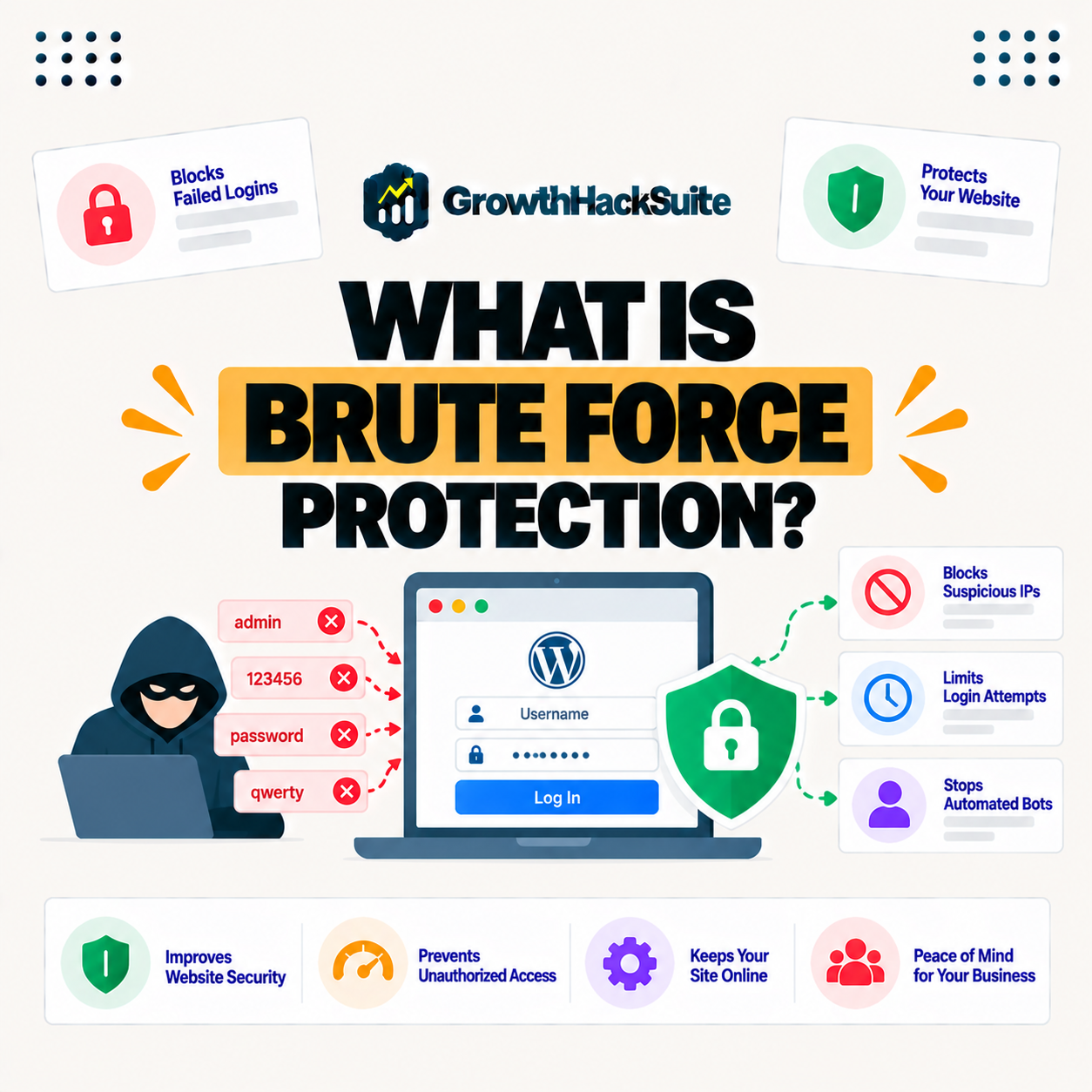
Brute force protection is a set of defenses that stop attackers from breaking into a site by rapidly trying many username and password combinations, so it blocks the automated guessing attacks that target the WordPress login page. It combines attempt limits, traffic blocking and extra login barriers into one layer of security.
“A brute-force attack consists of an attacker submitting many passwords or passphrases.”
— Wikipedia, Brute-force attack
In short, brute force protection is the defensive answer to that guessing: it stops the automated attempts before one of them lands on the right credentials.
How Does a Brute Force Attack Work?
A brute force attack works by using automated tools to submit many login attempts with different passwords until one succeeds, so attackers rely on speed and volume. These tools often target common usernames like admin, working through password lists to eventually guess weak or reused credentials.
The key point is that a brute force attack is patient and automated: it does not break encryption, it simply keeps guessing until a weak password gives way.
How Does Brute Force Protection Work?
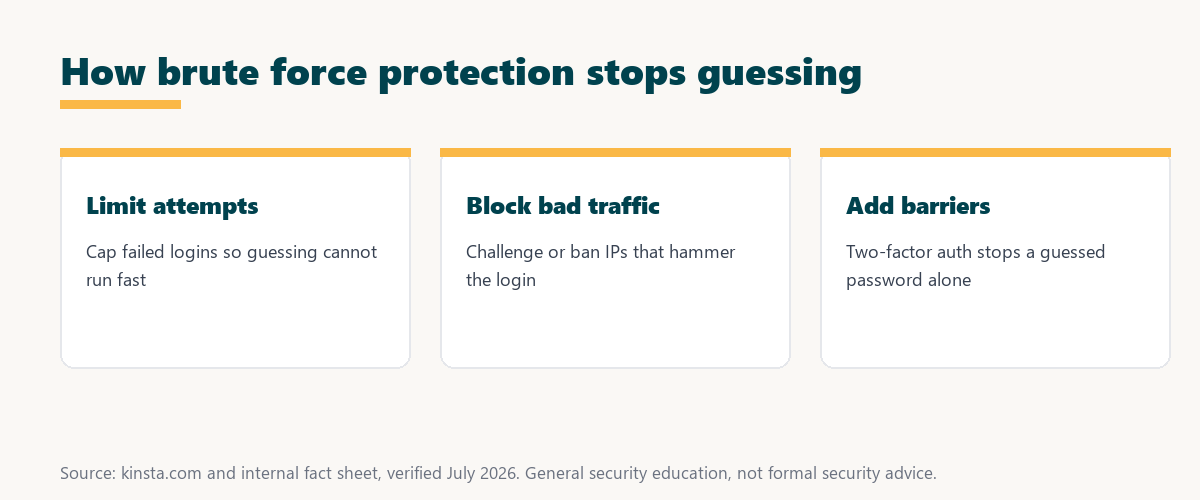
Brute force protection works by limiting the number of login attempts, blocking or challenging IPs that try too many, and adding barriers like CAPTCHAs and two-factor authentication, so automated guessing is stopped before it can succeed. Each layer removes one advantage the attacker relies on.
Four mechanisms do most of the defensive work against credential guessing:
- Attempt limits: Capping failed logins from an address removes the speed that automated guessing depends on, turning a fast attack into a slow, impractical one.
- IP blocking: Addresses that hammer the login get challenged or banned, so a single source cannot keep firing thousands of password attempts unchecked.
- CAPTCHA challenges: A human-verification step stops simple bots at the login form, filtering out much of the automated traffic before it reaches the password check.
- Two-factor authentication: A second factor means a guessed password alone never grants access, blocking the attack even when a credential is correct.
- Edge filtering: A firewall in front of the site can block known bad traffic before it ever reaches the login page, stopping many attempts at the network edge.
Layered together, these mechanisms make credential guessing slow, costly and unlikely to succeed, which is the whole aim of brute force protection.
Why WordPress Is a Common Target
WordPress is a common brute force target because of its popularity and predictable login URL, so automated tools constantly probe WordPress sites. With a standard login path and often a default admin username, WordPress makes login protection essential rather than optional for any site.
Source: general security overview cross-checked with provider documentation, verified August 2026. General security education, not formal advice.
Reading down the table shows the pattern: attempt limits remove speed, IP blocking removes volume, CAPTCHA removes automation, and two-factor authentication removes the value of a guessed password.
Brute Force Protection vs a Firewall
Brute force protection focuses specifically on login attempts, while a firewall filters a broader range of malicious traffic, so they complement each other. The firewall blocks many kinds of attack at the edge, and login protection guards the sign-in page against credential guessing in particular.
The practical takeaway is that the two are partners, not substitutes: a firewall widens the net, and brute force protection closes the specific gap at the login form.
Why Brute Force Protection Matters
Brute force protection matters because a successful login attack gives an attacker full control of a site, so stopping credential guessing is one of the most important defenses. Weak or reused passwords remain common, which keeps automated guessing a realistic threat for sites of every size.
“The first five seconds of page-load time have the highest impact on conversion rates.”
— HubSpot, page load time and conversion rates
The same logic applies to security: visitors reward a site that stays fast and available, and an account takeover that defaces or disrupts a site destroys that experience instantly, which is why guarding the login protects the business as well as the data.
Signs of a Brute Force Attack
Signs of a brute force attack include a spike in failed login attempts, unfamiliar IP addresses hitting the login page, sudden slowdowns, and lockout notices, so watching login logs reveals the pressure early. These patterns point to automated guessing rather than a forgetful user.
The practical signal is volume: a handful of failed logins is normal, but hundreds in a short window from odd addresses is a clear mark of an automated attack.
Best Practices to Stop Brute Force Attacks
Best practices to stop brute force attacks include strong unique passwords, two-factor authentication, limiting login attempts, avoiding the admin username, and using a firewall, so layering these makes credential guessing impractical. No single measure is enough alone, but together they close the common gaps.
Five defenses make brute force guessing impractical when layered together:
- Strong unique passwords: Long random credentials resist guessing and, when never reused, keep one leaked password from unlocking other accounts or sites.
- Two-factor authentication: A second verification step blocks access even when a password is guessed correctly, making it one of the strongest login defenses available.
- Login attempt limits: Capping failed tries per address removes the speed automated tools rely on, slowing an attack to the point of futility.
- A custom admin username: Replacing the default admin name denies attackers the predictable target their scripts assume, adding friction to every guessing run.
- A firewall with login rules: Edge filtering blocks known bad traffic before it reaches the login form, stopping much of the attack at the network boundary.
The honest summary is that no single measure is enough, but layering these five makes a brute force attack slow, costly and very unlikely to succeed.
How to Get Brute Force Protection
You get brute force protection through a security plugin, a firewall with login rules, or, most effectively, a host that blocks brute force traffic at the edge, so protection runs before attempts reach the login page. Each route works, but edge-level protection stops the most traffic earliest.
Source: general security overview cross-checked with provider documentation, verified August 2026. General security education, not formal advice.
Reading the table together, a plugin and two-factor authentication guard the site directly, while a firewall and host edge protection stop attempts earlier, so combining them covers the login from the edge to the final step.
How Kinsta Protects Against Brute Force
Kinsta protects against brute force attacks with edge-level rules and its Cloudflare firewall that detect and block repeated failed login attempts, plus two-factor authentication on MyKinsta, so credential-guessing traffic is stopped early. The protection runs on Google Cloud infrastructure in front of the site, before attempts reach WordPress.
Get brute force protection handled on Kinsta’s Google Cloud platform
Start Free Migration →Cloudflare firewall, DDoS protection and two-factor login, with free migration.
Securing Your WordPress Login
Securing a WordPress login means combining strong passwords and two-factor authentication with a host that blocks brute force traffic, so multiple barriers protect the sign-in page attackers target most. Each layer covers a different weakness, and together they make a successful guessing attack very unlikely.
“A tool is only worth its premium when the hours or revenue it protects exceed the invoice.”
— Growth Hack Suite, on tool ROI
Applied to security, brute force protection earns its place when the downtime, cleanup and lost trust it prevents outweigh the small effort of turning it on.
Brute Force Protection and Overall Security
Brute force protection is one layer alongside a firewall, updates and SSL, so while it guards logins, the other layers defend the rest of the site. Together they provide well-rounded protection, because no single defense covers every kind of attack a WordPress site can face.
The honest point is that login protection is necessary but not sufficient: it belongs in a stack with updates, SSL and a firewall for real security. Anyone weighing a long hosting commitment can read our note on SaaS vendor lock-in.
Try Kinsta risk-free with edge-level brute force protection
Try Kinsta Risk-Free →Cloudflare firewall, two-factor login and free migration, with a 30-day money-back guarantee.
Brute Force Protection: Frequently Asked Questions
The 12 most-asked questions about brute force protection for WordPress.
What is brute force protection in simple terms?
Brute force protection is a set of defenses that stop attackers from breaking into a site by rapidly trying many password combinations, blocking the automated guessing that targets logins.
How does a brute force attack work?
A brute force attack uses automated tools to submit many login attempts with different passwords until one works, relying on speed and volume, often against common usernames like admin.
How does brute force protection work?
Brute force protection limits login attempts, blocks IPs that try too many, and adds barriers like CAPTCHAs and two-factor authentication, so automated guessing is stopped before it succeeds.
Why is WordPress a common brute force target?
WordPress is a common target because of its popularity and predictable login URL, so automated tools constantly probe WordPress sites, making login protection essential.
What is the difference between brute force protection and a firewall?
Brute force protection focuses on login attempts, while a firewall filters broader malicious traffic, so they complement each other in guarding the site.
Why does brute force protection matter?
It matters because a successful login attack gives an attacker full control of a site, so stopping credential guessing is a critical defense, especially with weak passwords common.
How do I stop brute force attacks?
Stopping them takes strong unique passwords, two-factor authentication, limiting login attempts, avoiding the admin username, and using a firewall, layering these defenses together.
Does two-factor authentication stop brute force?
Two-factor authentication greatly reduces brute force risk, because even a guessed password fails without the second factor, so it is one of the strongest login defenses.
Should I change the default admin username?
Yes, avoiding the admin username helps, because attackers often target it, so a unique username makes credential guessing harder for automated tools.
Does a firewall block brute force attacks?
A firewall with login rules can block much brute force traffic at the edge, so combining it with attempt limits and two-factor authentication provides strong login protection.
How do I get brute force protection?
Getting it takes a security plugin, a firewall with login rules, or, most effectively, a host that blocks brute force traffic at the edge before attempts reach the login.
How does Kinsta protect against brute force?
Kinsta uses edge rules and its Cloudflare firewall to detect and block repeated failed logins, plus two-factor authentication on MyKinsta, stopping credential-guessing traffic early.
About this guide
Written by the Growth Hack Suite editorial team, drawing on hands-on experience running WordPress sites. Details were cross-checked against provider documentation. This is general security education, not formal security advice; consult a qualified professional for your situation. This page carries affiliate links to Kinsta. The position is stated plainly: brute force protection stops automated login guessing with attempt limits, traffic blocking and two-factor authentication. Kinsta handles it at the edge with its Cloudflare firewall and two-factor login on MyKinsta.