Table of Contents
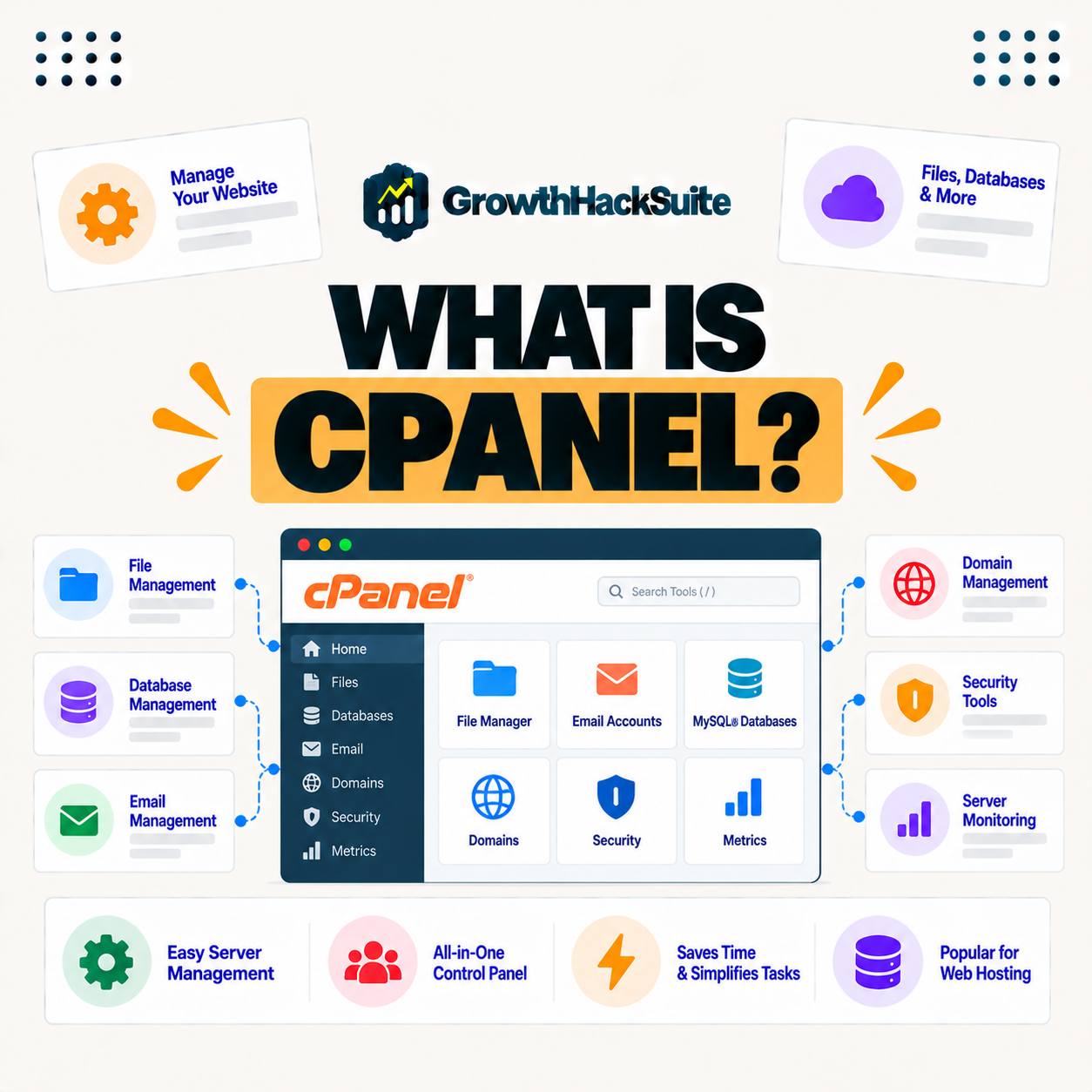
cPanel is a widely used web hosting control panel that gives you a graphical interface to manage your website, email, files, databases, and domains without using the command line. Many traditional hosts include it, but some managed hosts build their own dashboards instead, so you do not always need it to run a site. This guide explains what cPanel does and whether you need it.
Last updated: August 2026. Written by the Growth Hack Suite editorial team, with details cross-checked against provider documentation. This page carries affiliate links to Kinsta.
See how Kinsta manages sites without a control panel on Google Cloud
Try Kinsta →A custom WordPress dashboard, MyKinsta, with a 30-day money-back guarantee.
What Is cPanel?
cPanel is a widely used web hosting control panel that provides a graphical interface for managing your website, files, email, databases, and domains, so you can handle common hosting tasks through a dashboard instead of the command line. It is the classic way many hosts present hosting management.
“cPanel is a web hosting control panel software providing a graphical interface.”
— Wikipedia, cPanel
In short, it puts a visual, point-and-click layer over server management, which is why it became so widely known on traditional hosting.
What Does cPanel Do?
cPanel lets you manage files, create email accounts, set up databases, install applications, manage domains and subdomains, and view statistics, so it centralizes the everyday tasks of running a website on traditional hosting. It brings many separate jobs into one interface.
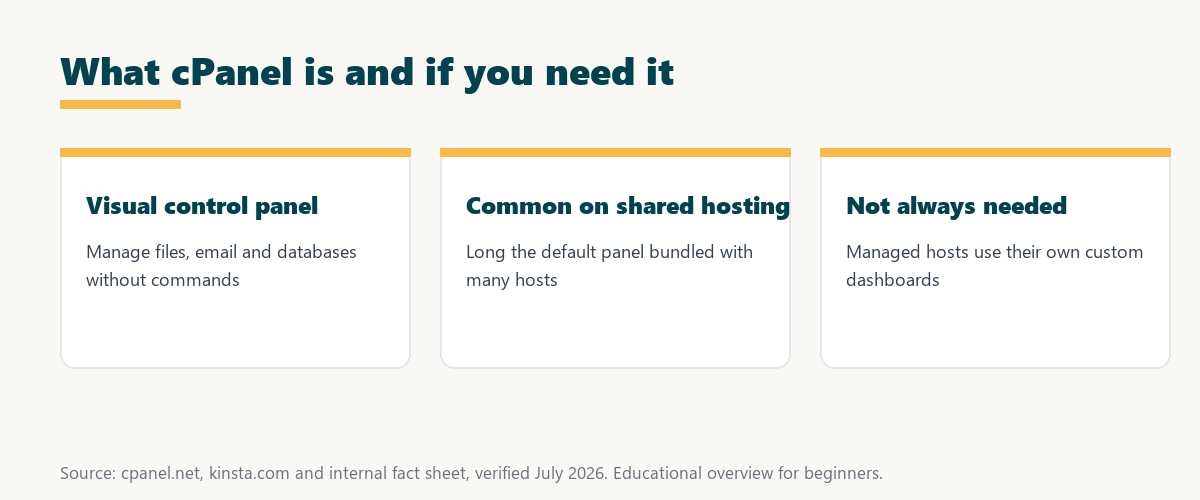
Five areas cover most of what it handles day to day:
- File management: A file manager uploads, edits and organizes site files, so basic changes happen without a separate transfer tool.
- Email accounts: Mailboxes and forwarders are created in the panel, so email tied to a domain is set up alongside the website.
- Databases: Databases and users are created and managed, so applications that need a database can be configured directly.
- Domains: Domains, subdomains and redirects are managed in one place, so the addresses pointing at a site are easy to control.
- Statistics: Traffic and resource stats are displayed, so a site owner can see basic usage without extra software.
Together these show the panel’s role: a single dashboard for the routine hosting tasks a traditional site needs.
Why Is This Panel So Common?
This control panel is common because it has long been the standard control panel bundled with shared and reseller hosting, so many hosts and users are familiar with it, which made it a default way to manage hosting accounts. Familiarity kept it in place across the industry.
The takeaway is that its popularity is largely historical: it became the default early, and defaults are hard to displace.
A Control Panel vs a Custom Hosting Dashboard
The classic panel is a general-purpose control panel, while some managed hosts build custom dashboards focused on their platform, so a custom dashboard can be cleaner and tailored to tasks like caching and staging that it does not emphasize. The two serve different hosting styles.
Source: general overview cross-checked with public hosting documentation, verified August 2026.
Reading down the table, the classic panel suits general-purpose shared hosting, while a custom dashboard fits managed WordPress by focusing on the tasks those users actually run.
Do You Actually Need cPanel?
You do not always need cPanel, because it is one way to manage hosting, so on managed hosts with their own dashboards you handle everything without it, while on traditional shared hosting it is often how you manage the account. It depends entirely on the host.
The honest point is that it is a tool, not a requirement: what matters is that your host gives you a clear way to manage your site.
When Is It Useful?
This panel is useful when you want a familiar, all-in-one interface on traditional hosting to manage email, files, and databases yourself, so it suits users who expect that standard control panel experience from their host. Familiarity is its biggest advantage.
“The first five seconds of page-load time have the highest impact on conversion rates.”
— HubSpot, page load time and conversion rates
Ease of management matters, but so does performance: a control panel is only part of the picture, and the host behind it is what keeps a site fast enough to hold those early seconds.
Downsides of cPanel
Downsides can include a cluttered interface, licensing costs passed to customers, and a focus on general hosting rather than optimized WordPress workflows, so some managed hosts replace it with a leaner, purpose-built dashboard. Its breadth can become noise for a focused site.
The practical point is that its many options are a strength for general hosting but a distraction when all you run is a WordPress site.
How to Manage Hosting Without a Traditional Panel
You manage hosting without a traditional panel by using a host’s custom dashboard, which handles sites, caching, backups, and staging, so its absence is not a limitation when the platform provides its own clear management interface. The tasks are the same; the interface differs.
Source: general overview cross-checked with public hosting documentation, verified August 2026.
Reading the table together, the panel manages files, email, databases and domains, and a good custom dashboard covers the same ground in a cleaner, WordPress-focused way.
How Kinsta Replaces the Traditional Panel With MyKinsta
Kinsta replaces the traditional panel with MyKinsta, a custom dashboard built for WordPress, so you manage sites, caching, staging, backups, DNS, and analytics through an interface focused on performance tasks rather than a generic control panel. The dashboard is shaped around WordPress work.
Manage WordPress in MyKinsta on Google Cloud
Start Free Migration →A purpose-built dashboard, with free migration.
Managing Your Site the Modern Way
You manage your site the modern way with a purpose-built dashboard like MyKinsta instead of a traditional panel, so common tasks such as clearing cache, launching staging, and running backups are one click, tailored to WordPress. The workflow is built around what you actually do.
The takeaway is that a focused dashboard trades the classic panel’s breadth for speed on the tasks that matter to a WordPress site. For anyone weighing a long hosting commitment, our note on SaaS vendor lock-in is worth a read.
Control Panel, Email, and Managed WordPress
The classic panel often bundles email hosting, while many managed WordPress hosts focus only on the website, so if your host does not use it, you typically pair your site with a dedicated email provider for mail. Email and hosting become separate, specialized services.
“A tool is only worth its premium when the hours or revenue it protects exceed the invoice.”
— Growth Hack Suite, on tool ROI
Applied to control panels, the point is fit over familiarity: the right dashboard is the one that saves you time on the tasks your site actually needs, whether that is the classic panel or a custom one.
Control Panel Alternatives to Know
Alternatives include other general control panels and the custom dashboards that managed hosts build, so if it is not a fit, there are options that range from similar all-purpose panels to lean, WordPress-focused interfaces. The right one depends on your hosting style.
The honest summary is that it is one choice among several: general panels suit all-purpose hosting, while custom dashboards suit managed, single-focus platforms.
Try Kinsta risk-free with a WordPress-focused dashboard
Try Kinsta Risk-Free →MyKinsta and free migration, with a 30-day money-back guarantee.
cPanel: Frequently Asked Questions
The 12 most-asked questions about cPanel.
What is cPanel in simple terms?
cPanel is a web hosting control panel that gives you a graphical interface to manage your website, files, email, databases, and domains without using the command line.
What does cPanel do?
cPanel lets you manage files, create email accounts, set up databases, install apps, manage domains, and view statistics, centralizing the everyday tasks of running a website.
Why is cPanel so common?
cPanel is common because it has long been the standard control panel bundled with shared and reseller hosting, so many hosts and users are familiar with it.
Do I need cPanel?
You do not always need cPanel, since it is one way to manage hosting, so managed hosts with their own dashboards let you handle everything without it.
What is the difference between cPanel and a custom dashboard?
cPanel is a general-purpose control panel, while some managed hosts build custom dashboards focused on their platform, offering a cleaner, task-tailored experience.
Is cPanel free?
cPanel is licensed software that hosts pay for and usually include in your plan, so you do not pay separately, though its cost is part of what traditional hosts charge.
What are the downsides of cPanel?
Downsides can include a cluttered interface, licensing costs, and a focus on general hosting rather than optimized WordPress workflows, so some hosts replace it.
Can I manage hosting without cPanel?
Yes, you manage hosting without cPanel using a host’s custom dashboard that handles sites, caching, backups, and staging, so its absence is not a limitation.
Does managed WordPress hosting use cPanel?
Many managed WordPress hosts do not use cPanel, instead building their own dashboards, so you manage everything through a purpose-built interface.
Does cPanel include email?
cPanel often bundles email hosting, so on traditional hosting you manage email there, while hosts without cPanel usually pair the site with a dedicated email provider.
Is cPanel good for beginners?
cPanel offers a familiar all-in-one interface, but its many options can feel cluttered, so a streamlined custom dashboard can be simpler for beginners on managed hosting.
What does Kinsta use instead of cPanel?
Kinsta uses MyKinsta, a custom dashboard built for WordPress, so you manage sites, caching, staging, backups, and DNS through a performance-focused interface instead of cPanel.
About this guide
Written by the Growth Hack Suite editorial team, drawing on hands-on experience running WordPress sites. Details were cross-checked against public hosting documentation. This page carries affiliate links to Kinsta. The position is stated plainly: cPanel is a general-purpose hosting control panel common on traditional hosting, but not required, since managed hosts use their own dashboards. Kinsta replaces cPanel with MyKinsta, a WordPress-focused control panel on Google Cloud.