Table of Contents
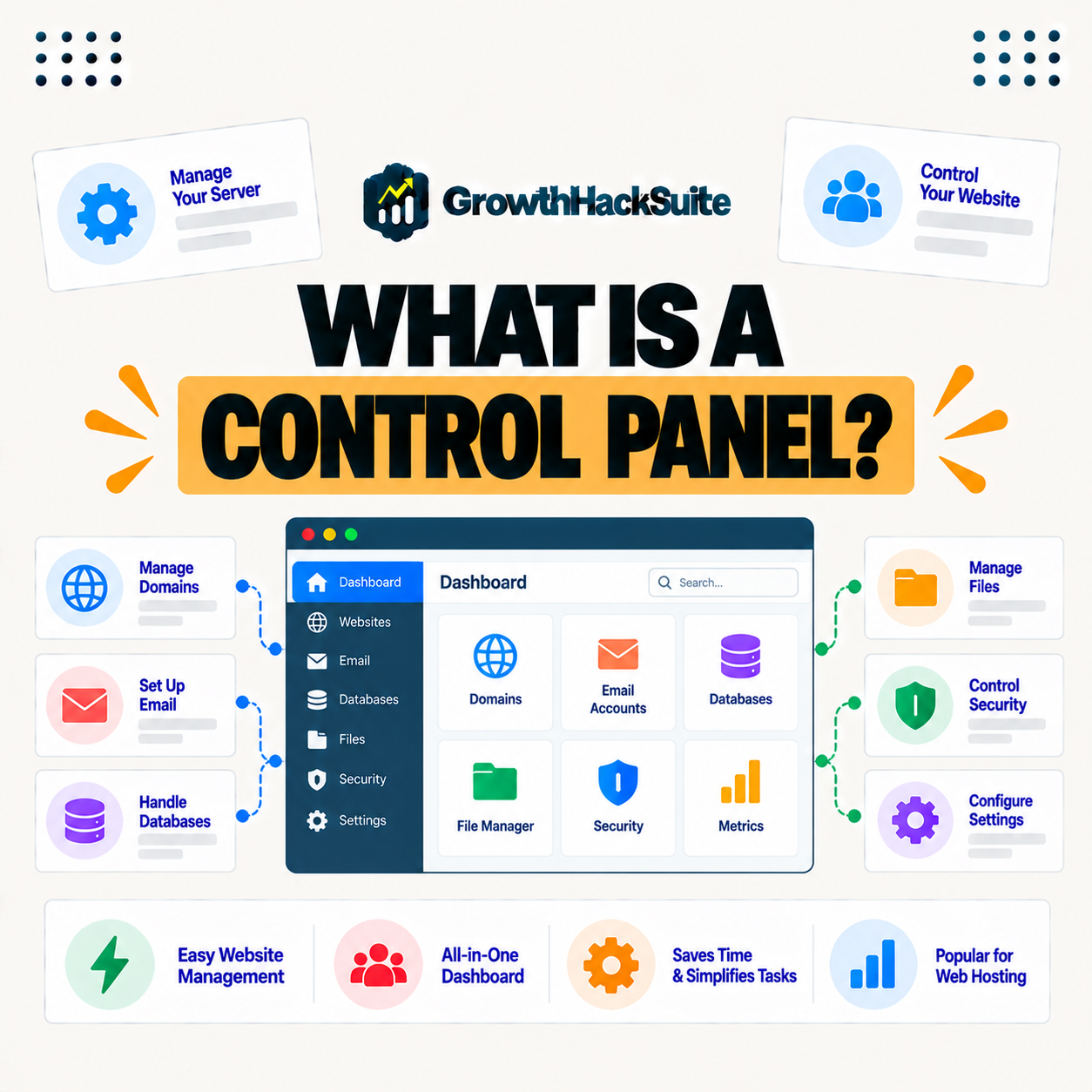
A hosting control panel is a web-based dashboard that lets you manage your website, files, databases, domains, and server settings without technical commands. Panels range from general tools like cPanel and Plesk to custom dashboards built by managed hosts, so they make running a site accessible without command-line knowledge. This guide explains what a control panel does and the common types.
Last updated: August 2026. Written by the Growth Hack Suite editorial team, with details cross-checked against provider documentation. This page carries affiliate links to Kinsta.
See how Kinsta’s dashboard works on Google Cloud
Try Kinsta →MyKinsta, a WordPress-focused dashboard, with a 30-day money-back guarantee.
What Is a Hosting Control Panel?
A hosting control panel is a web-based dashboard that lets you manage your website, files, databases, domains, and server settings through a visual interface, so you can run a site without typing technical commands or using the command line. It is how most people handle hosting day to day.
“A web hosting control panel is a web-based interface for managing hosting.”
— Wikipedia, Web hosting control panel
In short, it turns server management into point-and-click actions, which is what makes hosting usable for non-technical owners.
What Does a Control Panel Do?
A hosting control panel handles tasks like managing files, creating databases and email accounts, installing software, configuring domains, and viewing statistics, so it centralizes the operations needed to run and maintain a website. It brings scattered server jobs into one place.
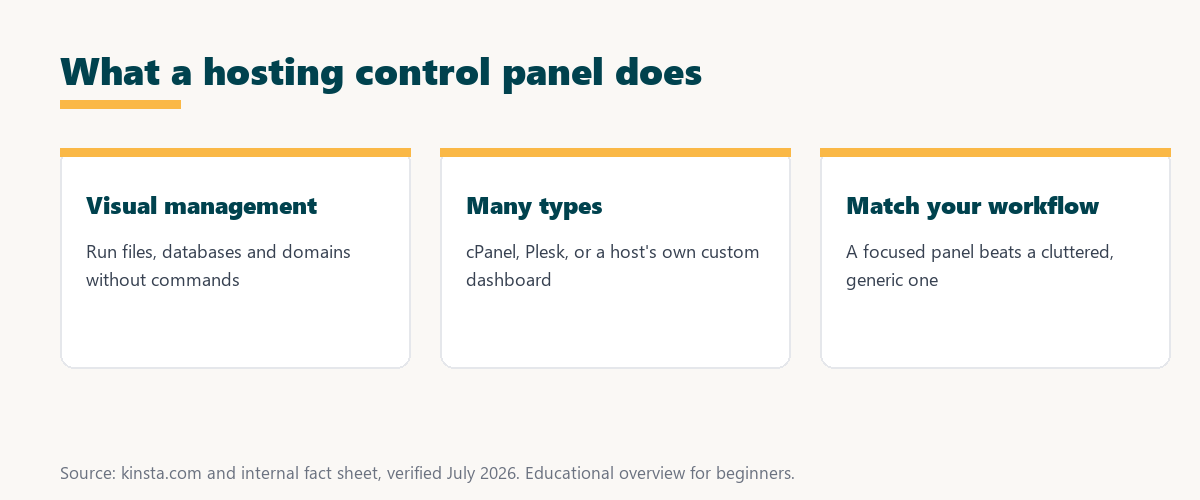
Five areas cover most of what the panel handles for a site:
- File management: A file manager uploads, edits and organizes site files, so routine changes happen without a separate transfer tool.
- Databases: Databases and their users are created and managed, so applications that store data can be configured directly.
- Email accounts: Mailboxes and forwarders are set up where the panel supports it, so domain email is managed alongside the site.
- Domains: Domains, subdomains and redirects are configured in one place, so the addresses pointing at a site stay easy to control.
- Statistics: Traffic and resource usage are displayed, so a site owner can monitor a site without installing extra software.
Together these show the panel’s role: a single dashboard for the everyday tasks of running a website.
Why Do You Need a Control Panel?
You need a control panel because it makes hosting accessible, so instead of managing a server through commands, you use a friendly interface to handle the everyday tasks of running your website. It lowers the technical barrier to owning a site.
The honest point is that a dashboard like this is what stands between a raw server and a site anyone can manage: without it, hosting would demand command-line skills.
Common Types of Panels
Common panels include cPanel and Plesk on traditional hosting, custom panels from managed hosts, and open-source options, so they range from general-purpose tools to dashboards tailored to a specific platform like WordPress. The type shapes how a site is managed.
Source: general overview cross-checked with public hosting documentation, verified August 2026.
Reading down the table, general panels like cPanel and Plesk suit all-purpose hosting, while custom and WordPress-focused panels tailor the experience to a platform.
General vs Custom Panels
General panels like cPanel serve any hosting use, while custom panels built by managed hosts focus on their platform, so a custom panel can streamline tasks like caching, staging, and backups that a general panel treats as afterthoughts. Focus is the main difference.
The takeaway is that a general panel does a bit of everything, while a custom panel does a few things exceptionally well for one platform.
What Makes a Good Panel?
A good panel is clear, fast, and focused on the tasks you actually perform, so it presents common actions like managing sites, cache, backups, and analytics simply rather than burying them in a cluttered, generic interface. Clarity matters more than sheer feature count.
“The first five seconds of page-load time have the highest impact on conversion rates.”
— HubSpot, page load time and conversion rates
A simple dashboard supports that speed indirectly: when clearing cache or launching a fix is one click, a site owner can keep the site fast and healthy without wrestling a cluttered dashboard.
Panels and WordPress
For WordPress, a panel tailored to it can surface caching, staging, and site management directly, so a WordPress-focused dashboard is often easier to use than a general panel that treats WordPress as just another application. The interface matches the actual work.
The practical point is that a WordPress-focused panel puts the tasks a WordPress owner runs most, cache, staging and backups, front and center.
How to Choose Hosting by Its Panel
Choose hosting partly by its panel, favoring a clean, task-focused interface that makes managing your site easy, so the dashboard you use daily should match how you actually work rather than overwhelm you with options. The panel is part of the product.
Source: general overview cross-checked with public hosting documentation, verified August 2026.
Reading the table together, a general panel wins on breadth while a custom panel wins on WordPress fit, so the better choice depends on what you run.
How MyKinsta Works as a Dashboard
MyKinsta is Kinsta’s custom dashboard built for WordPress, so it lets you manage sites, caching, staging, backups, DNS, analytics, and users through a clean interface focused on the tasks WordPress owners actually need. The dashboard is shaped around WordPress work.
Manage WordPress in MyKinsta on Google Cloud
Start Free Migration →A WordPress-focused control panel, with free migration.
Managing Your Hosting Through a Modern Panel
You manage your hosting through a modern panel like MyKinsta that presents common tasks clearly, so clearing cache, launching staging, and running backups take a click, making site management approachable even for non-technical owners. The interface does the heavy lifting.
The takeaway is that a modern panel turns once-technical chores into simple clicks, which is what makes a site manageable for owners of any skill level. For anyone weighing a long hosting commitment, our note on SaaS vendor lock-in is worth a read.
Panels vs the Command Line
A panel offers a visual alternative to the command line, so while developers may use SSH for advanced tasks, the panel handles most management visually, letting non-technical users run a site without commands. Both approaches can coexist on the same host.
“A tool is only worth its premium when the hours or revenue it protects exceed the invoice.”
— Growth Hack Suite, on tool ROI
Applied to panels, the value is time saved: a clear dashboard that turns technical tasks into quick clicks is worth far more than the raw power of a command line most owners never use.
How Panels Have Evolved
Panels have evolved from broad, feature-heavy tools toward leaner, task-focused dashboards, so modern panels increasingly present only what a given platform needs rather than every possible hosting option. The trend is toward clarity and specialization.
The honest summary is that panels are getting simpler on purpose: as hosting specializes, the best panels show fewer, clearer options tuned to one job.
Try Kinsta risk-free with a clean, focused control panel
Try Kinsta Risk-Free →MyKinsta and free migration, with a 30-day money-back guarantee.
Hosting Control Panels: Frequently Asked Questions
The 12 most-asked questions about hosting control panels.
What is a hosting control panel in simple terms?
A hosting control panel is a web-based dashboard that lets you manage your website, files, databases, domains, and server settings visually, without typing technical commands.
What does a control panel do?
A control panel handles tasks like managing files, creating databases and email, installing software, configuring domains, and viewing statistics, centralizing website operations.
Why do I need a control panel?
You need a control panel because it makes hosting accessible, so instead of managing a server through commands, you use a friendly interface for everyday website tasks.
What are common types of control panels?
Common control panels include cPanel and Plesk on traditional hosting, custom panels from managed hosts, and open-source options, ranging from general tools to platform-tailored dashboards.
What is the difference between general and custom control panels?
General panels like cPanel serve any hosting, while custom panels from managed hosts focus on their platform, streamlining tasks like caching, staging, and backups.
What makes a good control panel?
A good control panel is clear, fast, and focused on the tasks you perform, presenting actions like site, cache, backup, and analytics management simply rather than cluttered.
Is cPanel a control panel?
Yes, cPanel is one of the most common hosting control panels, providing a general-purpose interface, while managed hosts often build their own custom control panels instead.
Do I need a control panel for WordPress?
A control panel tailored to WordPress makes managing caching, staging, and sites easier, so a WordPress-focused dashboard is often simpler than a general panel for running a site.
Can I manage hosting without a control panel?
You can manage a server through the command line, but a control panel makes it accessible to non-technical users, so most hosting provides one for everyday tasks.
What is the difference between a control panel and the command line?
A control panel offers a visual interface, while the command line uses typed commands, so panels handle most management visually while developers may use the command line for advanced tasks.
How do I choose hosting by its control panel?
Favor hosting with a clean, task-focused control panel that matches how you work, so the dashboard you use daily makes managing your site easy rather than overwhelming.
What control panel does Kinsta use?
Kinsta uses MyKinsta, a custom control panel built for WordPress, letting you manage sites, caching, staging, backups, DNS, and analytics through a clean, focused interface.
About this guide
Written by the Growth Hack Suite editorial team, drawing on hands-on experience running WordPress sites. Details were cross-checked against public hosting documentation. This page carries affiliate links to Kinsta. The position is stated plainly: a hosting control panel is a visual dashboard for managing a site and server, ranging from general tools like cPanel to WordPress-focused custom panels. Kinsta uses MyKinsta, its own control panel built for WordPress on Google Cloud.