Table of Contents
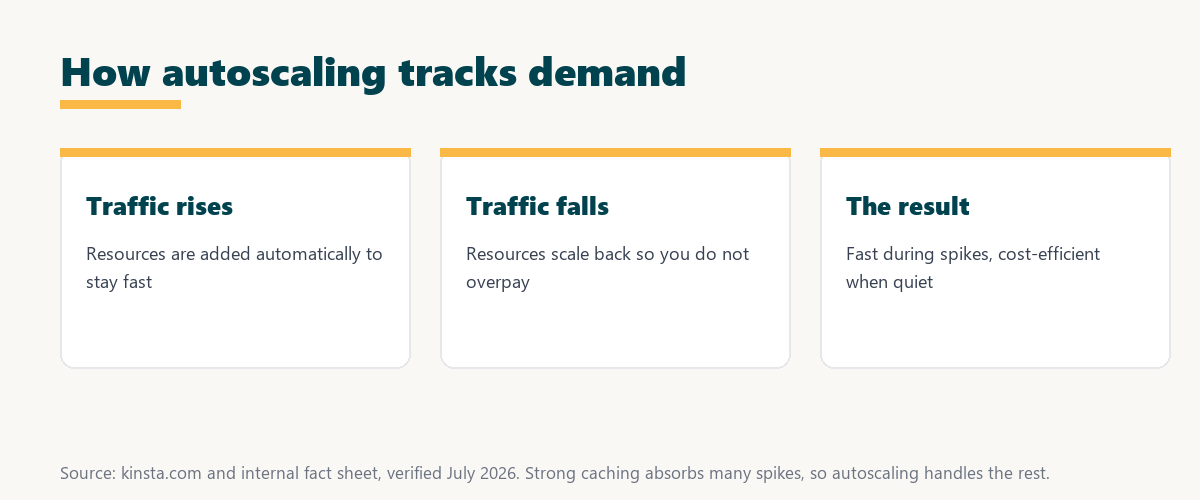
Autoscaling is a cloud capability that automatically adds or removes server resources in response to traffic and load. It keeps a site fast during spikes and saves money during quiet periods by matching capacity to demand, making it valuable for sites with variable or unpredictable traffic that would otherwise slow down or overpay. This guide explains how it works and when you need it.
Last updated: August 2026. Written by the Growth Hack Suite editorial team, with details cross-checked against provider documentation. This page carries affiliate links to Kinsta.
What Is Autoscaling?
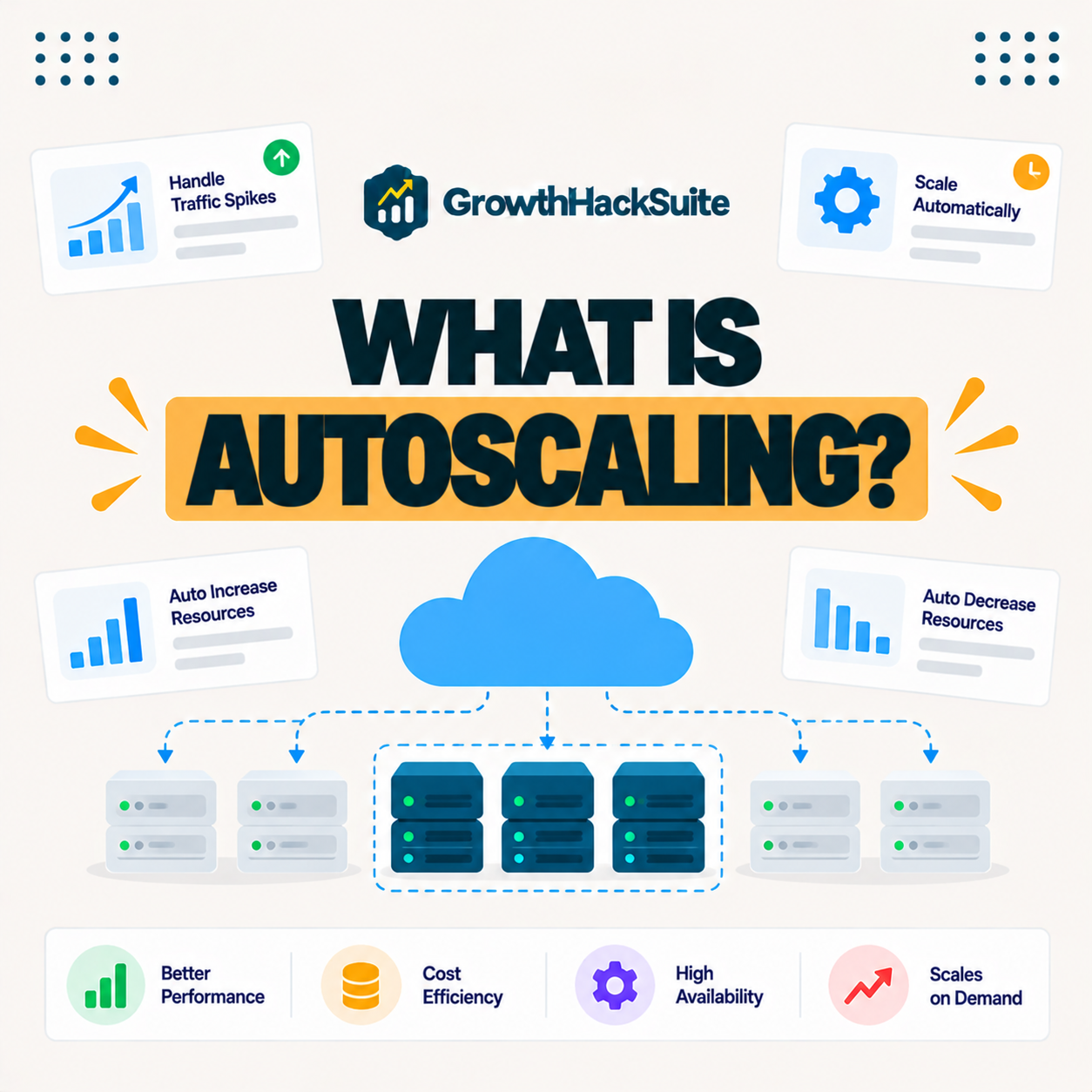
Autoscaling is a cloud capability that automatically increases or decreases server resources such as computing power in response to real-time traffic and load. A site gets more capacity during spikes and uses less during quiet periods, all without manual intervention from the owner.
“Autoscaling is a method in cloud computing that dynamically adjusts computational resources.”
— Wikipedia, Autoscaling
Because capacity follows demand automatically, this approach removes the guesswork of provisioning, so a site neither slows under a spike nor pays for idle resources when traffic is low.
How Does Autoscaling Work?
Autoscaling works by monitoring metrics like CPU use or request volume and, when they cross set thresholds, adding or removing server instances or resources automatically. Capacity therefore tracks demand, and the site stays responsive as traffic changes throughout the day.
Verdict: Autoscaling automatically matches server capacity to traffic, so a site stays fast during a spike and cheaper when quiet. It is most valuable for sites with variable or unpredictable traffic, and less so for steady sites on well-provisioned hosting. The honest nuance for WordPress: strong caching absorbs most spike traffic without extra servers, so a fast host with good caching handles many surges without full instance scaling.
In short, it is capacity that follows demand, and for WordPress it pairs closely with caching, which handles much of the spike before scaling is even needed.
Why Automatic Scaling Matters for Traffic Spikes
Automatic scaling matters because sudden traffic from a campaign, sale or viral moment can overwhelm fixed capacity. Automatically adding resources keeps the site fast and online during the spike, and scaling back afterward avoids paying for capacity the site no longer needs.
The honest point is that spikes are exactly when fixed hosting fails, so the value of scaling shows up precisely in the moments that matter most.
Autoscaling vs Manual Scaling
Autoscaling differs from manual scaling by responding automatically and instantly to load, whereas manual scaling requires you to predict demand and change resources yourself. Automatic scaling therefore handles unexpected spikes that manual planning would miss, since no one has to be watching.
Source: provider documentation, verified August 2026. Automatic scaling reacts instantly; manual scaling depends on prediction.
Comparing response speed, effort and spike handling shows the automatic option wins on unexpected surges, while manual scaling relies on predicting demand correctly in advance.
See how Kinsta absorbs traffic spikes
Try Kinsta →Edge caching and scalable resources, with a 30-day money-back guarantee.
Vertical vs Horizontal Scaling
Vertical scaling adds more power to an existing server, while horizontal scaling adds more server instances to share the load. Horizontal scaling suits high-traffic distributed workloads, and vertical scaling suits simpler single-server growth where one machine just needs more capacity.
The honest point is that horizontal scaling is more resilient because it spreads load, while vertical scaling is simpler but bounded by one server’s maximum size.
Main Benefits for Variable Traffic
The main benefits of automatic scaling include consistent performance during spikes, cost efficiency by matching resources to demand, and less manual capacity planning. Together these make it valuable for sites with variable or unpredictable traffic patterns that fixed hosting struggles to serve.
- Consistent performance: Adding capacity during a spike keeps pages fast when traffic surges suddenly.
- Cost efficiency: Scaling back in quiet periods avoids paying for peak capacity all the time.
- Less planning: Automatic scaling removes the need to predict demand and provision manually.
- Spike resilience: Unexpected viral or campaign traffic is absorbed without a crash.
- Growth support: Capacity expands as a site grows without a disruptive migration.
“The first five seconds of page-load time have the highest impact on conversion rates.”
— HubSpot, page load time and conversion rates
Because a spike is when a site is most likely to slow and lose those early seconds, automatic scaling protects conversions exactly when the most visitors are watching.
Does Every Site Need Autoscaling?
Not every site needs autoscaling, since a steady-traffic site on well-provisioned hosting may never require it. Sites with big campaigns, seasonal peaks or viral potential benefit most from capacity that adjusts automatically, so the need depends on how variable the traffic is.
The honest point is that it solves a variability problem so a predictable small site gains little while a spiky one gains a lot.
How to Get Automatic Scaling for Your Site
You get automatic scaling through cloud platforms and application hosting that support it, or through managed hosting that isolates resources and lets you scale plans. Match the approach to whether you run a custom application, which can use true instance scaling, or a WordPress site that scales through caching and plan size.
Source: provider documentation, verified August 2026. WordPress usually scales via caching and plan size.
Contrasting adding power versus adding instances, and the role of caching, shows how each approach fits a site, from a single-server app to a cached WordPress store. Owners weighing platform commitment can also read our note on SaaS vendor lock-in.
How Kinsta Handles Traffic Scaling
Kinsta isolates each WordPress site on Google Cloud with edge caching that absorbs spikes, and its application hosting supports adjustable processes. Sites therefore handle surges through caching and scalable resources rather than crashing under fixed limits, which suits the way WordPress traffic behaves.
“A tool is only worth its premium when the hours or revenue it protects exceed the invoice.”
— Growth Hack Suite, on tool ROI
Applied to spikes, a scalable plan earns its premium when the sales it saves during a surge exceed the cost of the capacity that keeps the site online.
How Caching and Scaling Work Together
Caching and scaling work together to handle load, because caching serves most spike traffic from cache without extra servers, while autoscaling adds capacity for the dynamic requests that remain. Combining them handles surges efficiently and cost-effectively, since the two cover different parts of the load.
Get spike-ready hosting handled on Kinsta
Start With Kinsta →Free migration and a 30-day money-back guarantee.
Does Caching Reduce the Need for Autoscaling?
Yes, strong caching reduces the need for autoscaling by serving many spike requests from cache without extra server work. Cached content absorbs surges that would otherwise demand more resources, so a well-cached WordPress site handles most spikes before any scaling is required.
The honest qualifier is that caching cannot serve dynamic, uncacheable requests like checkout, so a busy store still benefits from scalable resources alongside caching.
Preparing Your Site for Traffic Surges
You prepare your site for traffic surges with scalable cloud hosting, strong caching that serves spikes from cache, and a plan sized with headroom. Together these keep the site fast when a campaign or viral moment brings a sudden rush of visitors, rather than letting it buckle.
The honest summary is that surge readiness is mostly caching plus scalable hosting with headroom, so preparation matters more than reacting once the spike arrives.
Prepare for your next traffic surge risk-free
Try Kinsta Risk-Free →Edge caching, scalable resources and free migration, with a 30-day money-back guarantee.
Frequently Asked Questions Before You Scale
The 12 most-asked questions about autoscaling.
What is autoscaling in simple terms?
Autoscaling automatically adds or removes server resources as your traffic changes, so your site gets more capacity during spikes and uses less when quiet, without you adjusting anything manually.
How does autoscaling work?
Autoscaling works by monitoring metrics like CPU use or request volume and automatically adding or removing resources when they cross thresholds, so capacity tracks demand in real time.
Why is autoscaling useful?
Autoscaling is useful because sudden traffic from a sale, campaign or viral moment can overwhelm fixed capacity, so it keeps the site fast during spikes and saves money by scaling back afterward.
What is the difference between autoscaling and manual scaling?
Autoscaling responds automatically and instantly to load, while manual scaling requires you to predict demand and change resources yourself, so autoscaling handles unexpected spikes manual planning misses.
What is vertical versus horizontal autoscaling?
Vertical autoscaling adds more power to one server, while horizontal autoscaling adds more server instances to share load, so horizontal suits distributed high-traffic workloads and vertical suits single-server growth.
Does my website need autoscaling?
Not every site needs autoscaling; a steady-traffic site on solid hosting may never require it, while sites with big campaigns, seasonal peaks or viral potential benefit most.
Does autoscaling save money?
Yes, autoscaling can save money by matching resources to demand, so you pay for extra capacity only during spikes rather than provisioning for peak load all the time.
Can WordPress sites use autoscaling?
WordPress sites benefit from scalable hosting and caching that absorb spikes, and while classic WordPress hosting scales by plan and cache, custom apps can use true instance autoscaling.
Does caching reduce the need for autoscaling?
Yes, strong caching reduces the need for autoscaling by serving many spike requests from cache without extra server work, so cached content absorbs surges that would otherwise demand more resources.
Is autoscaling the same as cloud hosting?
No, autoscaling is a capability often available on cloud hosting, but cloud hosting is the broader model of running across a server network, which may or may not include automatic scaling.
How do I prepare for a traffic surge?
You prepare with scalable cloud hosting, strong caching that serves spikes from cache, and a plan with headroom, so your site stays fast when a campaign or viral moment hits.
How does Kinsta handle traffic spikes?
Kinsta isolates each site on Google Cloud with edge caching that absorbs spikes, and its application hosting supports adjustable processes, so sites handle surges rather than crashing under fixed limits.
About this guide
Written by the Growth Hack Suite editorial team, drawing on hands-on experience running sites through traffic surges. Details were cross-checked against provider documentation. This page carries affiliate links to Kinsta, so the position is stated plainly: autoscaling matches server capacity to traffic automatically, it is most valuable for variable or spiky sites, and for WordPress strong caching absorbs most spikes before scaling is even needed. Kinsta handles surges with edge caching and scalable resources on Google Cloud rather than fixed limits.