Email Marketing focuses on tools and strategies to create, automate, and optimize emails that drive engagement and revenue. Explore best-practice workflows, automation templates, deliverability tips, and the top platforms for building a scalable email engine that supports business growth.
Email outreach ROI is the revenue a cold email program generates compared with what it costs to run: sourced revenue minus total cost, divided by cost. Because tool fees are low and a booked meeting can be worth thousands, well-run B2B outreach often returns many times its spend.
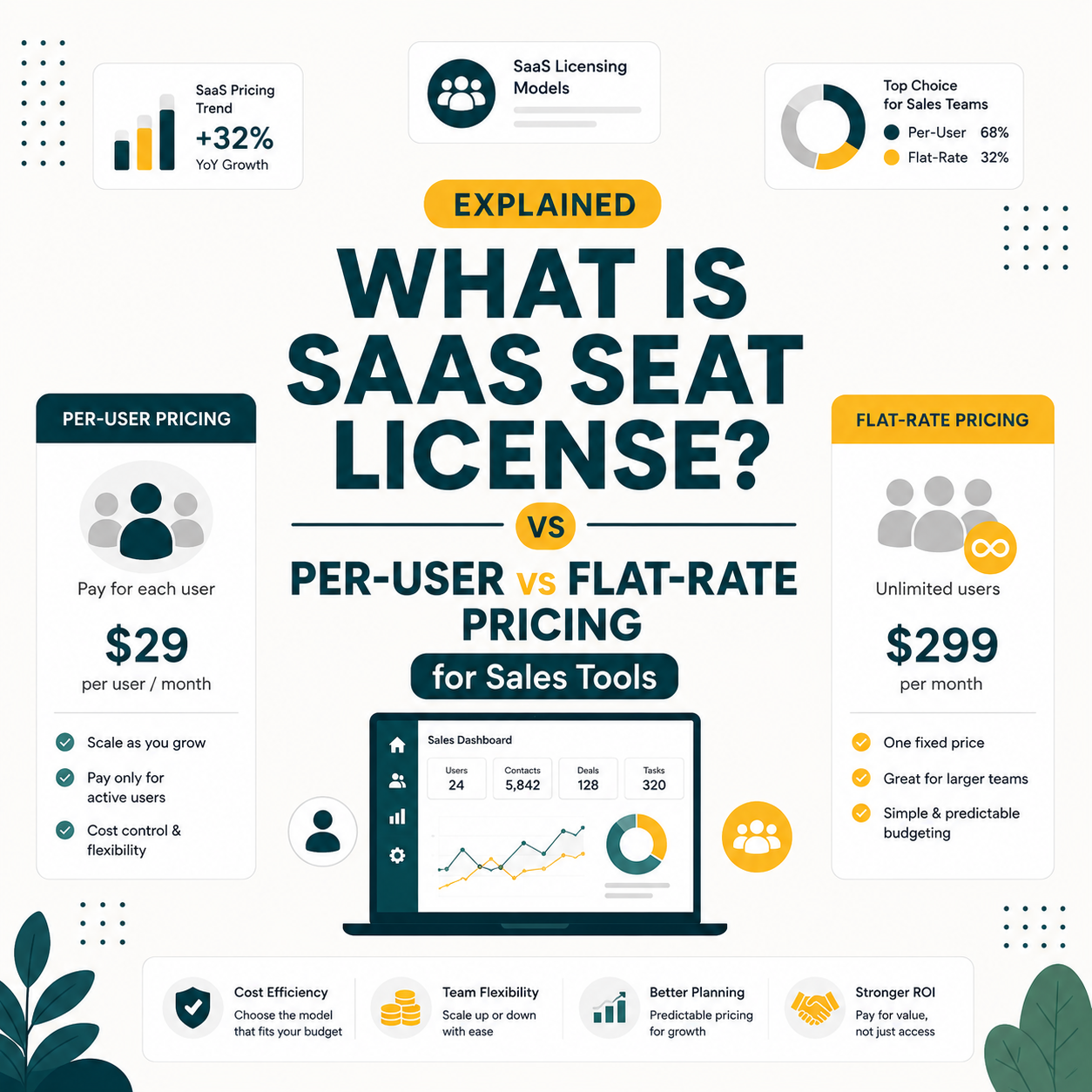
A SaaS seat license grants software access to a defined number of named users, billing per seat added. B2B sales tools charge $25 to $200 per user per month under this model. Credit-based tools like Hunter.io offer a flat-rate alternative: unlimited users share a monthly credit pool, cutting per-SDR cost up to 75 percent on teams of three or more.
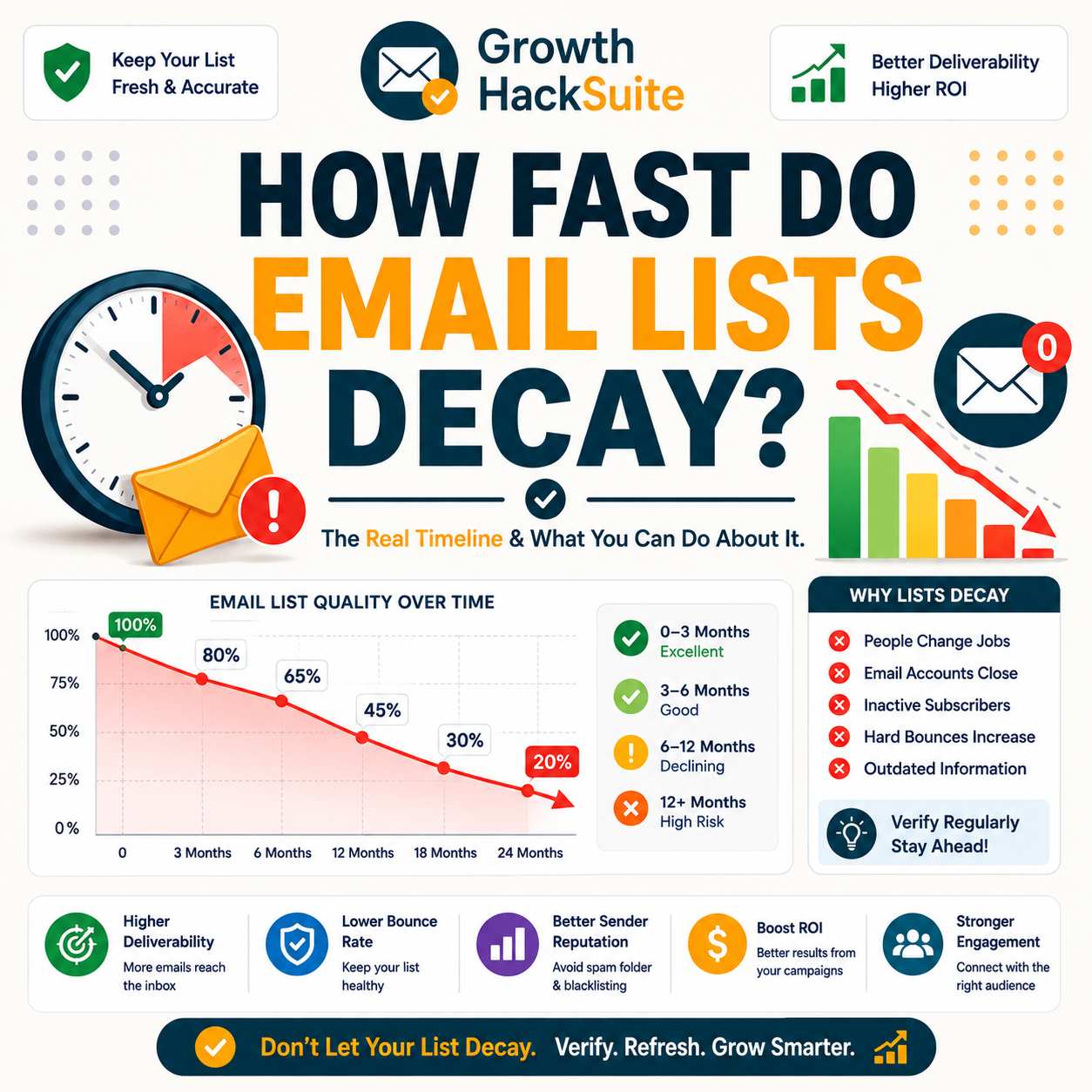
How fast do email lists decay? Industry data puts B2B list rot at roughly 22.5% per year, with decay rates by list age and role plus how verification keeps a list current.
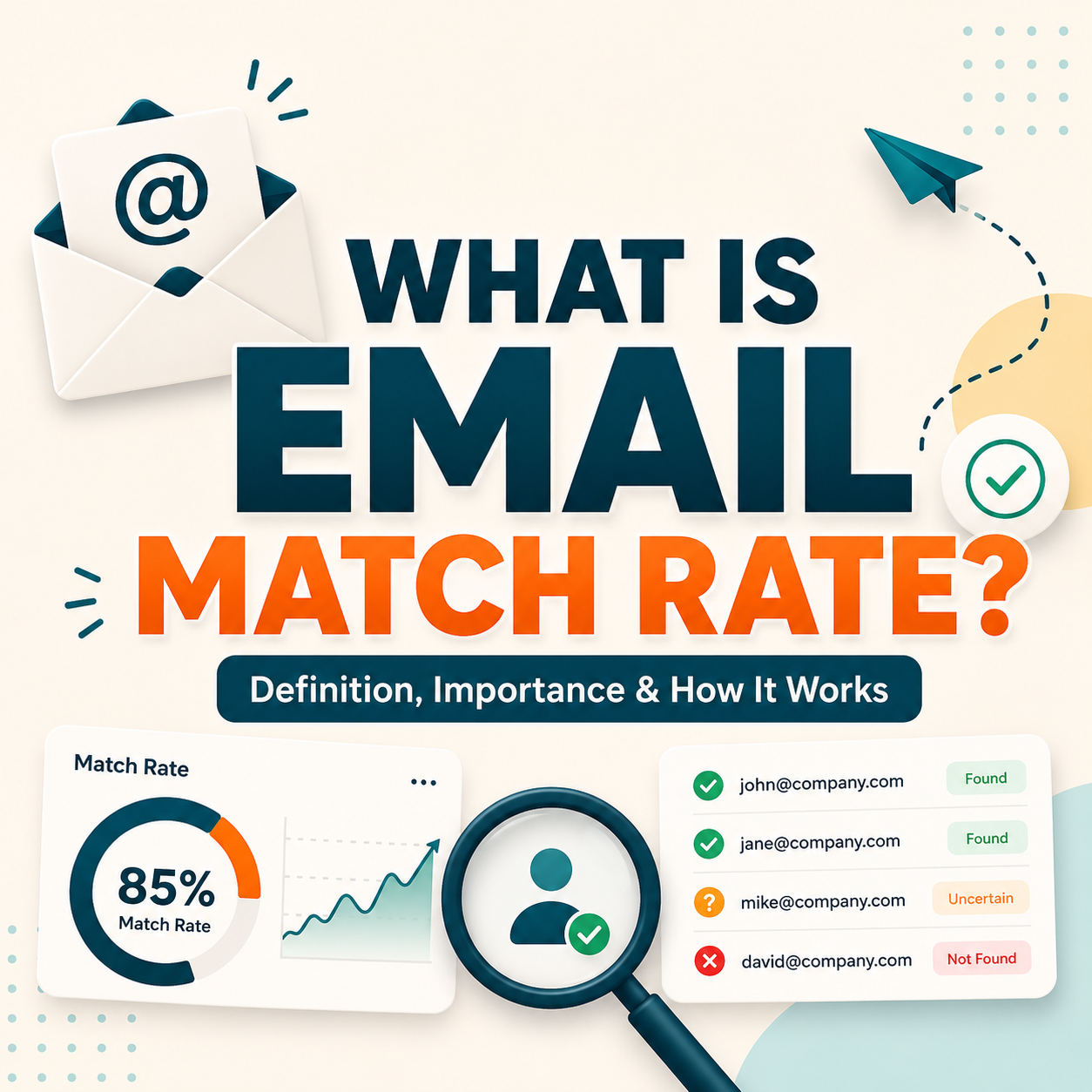
Email match rate is the percentage of contacts an email finder resolves to a usable address. Hunter reached about 91 percent and Apollo about 84 percent on the same clean B2B list in internal testing. Match rate, not database size, sets how many prospects a campaign can actually reach.
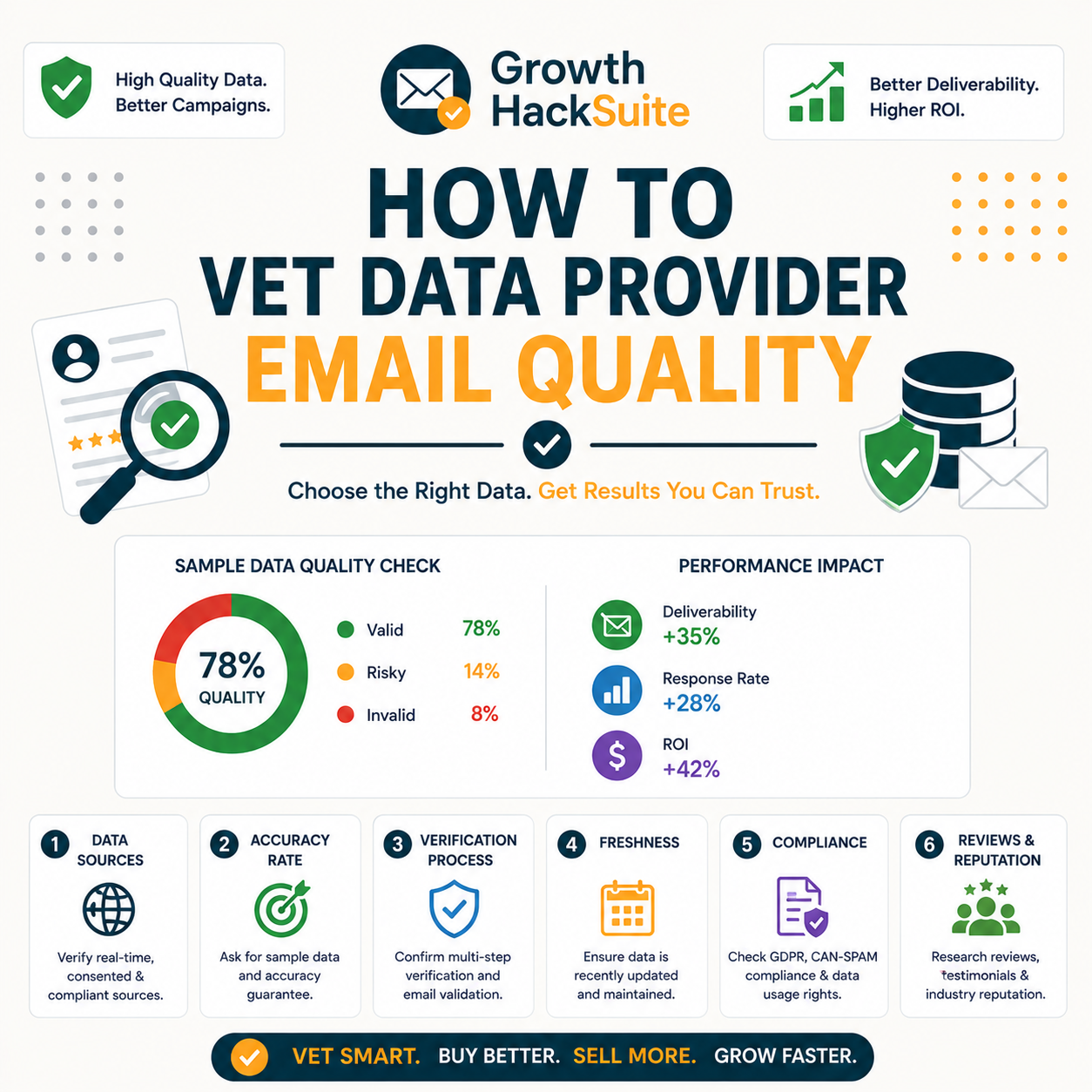
Vet data provider email quality before you buy: request a free sample, verify it independently, read the invalid and catch-all rates, and spot the red flags.
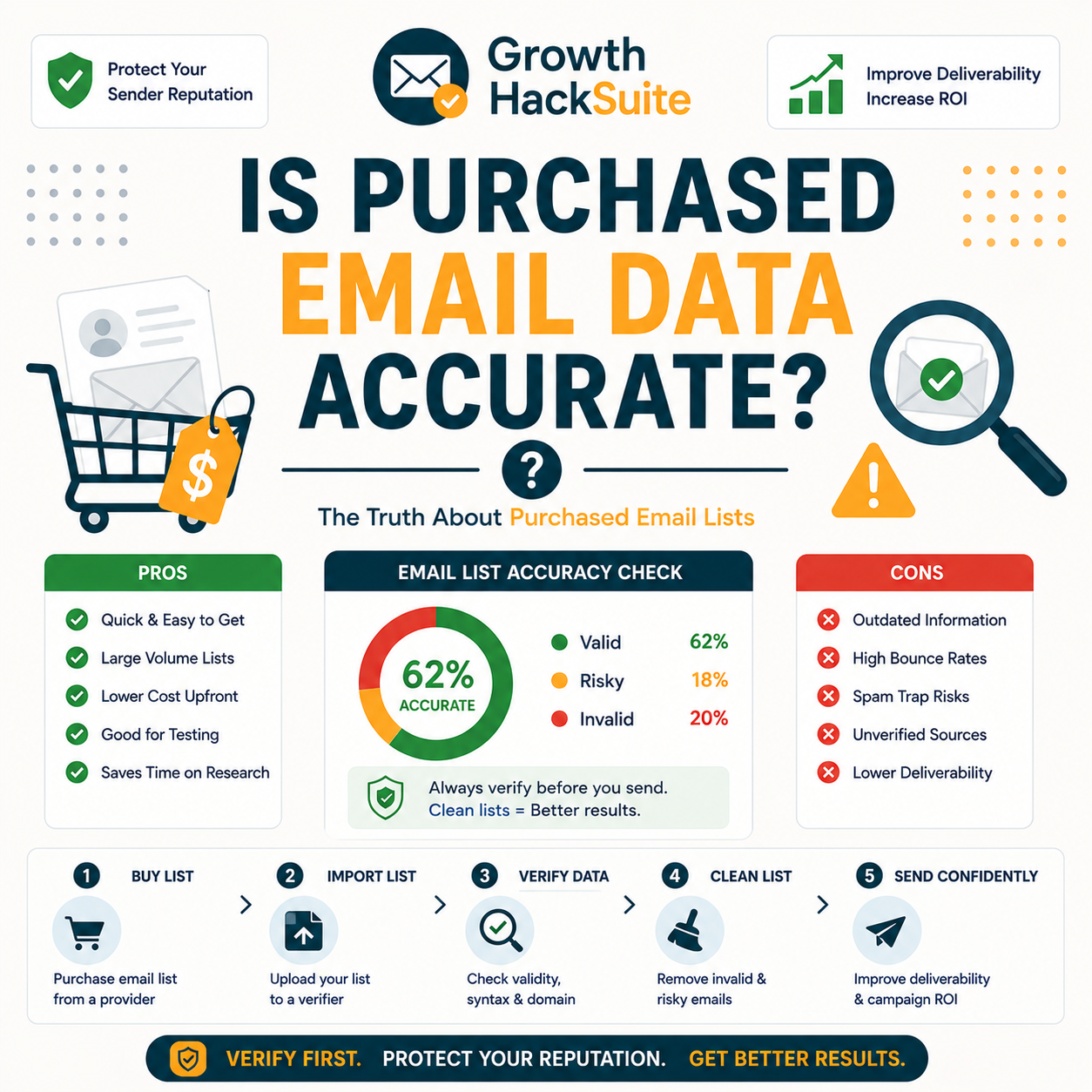
Is purchased email data accurate? See how accurate bought B2B lists really are, why they decay, and how to check invalid rates before you send. Numbers inside.
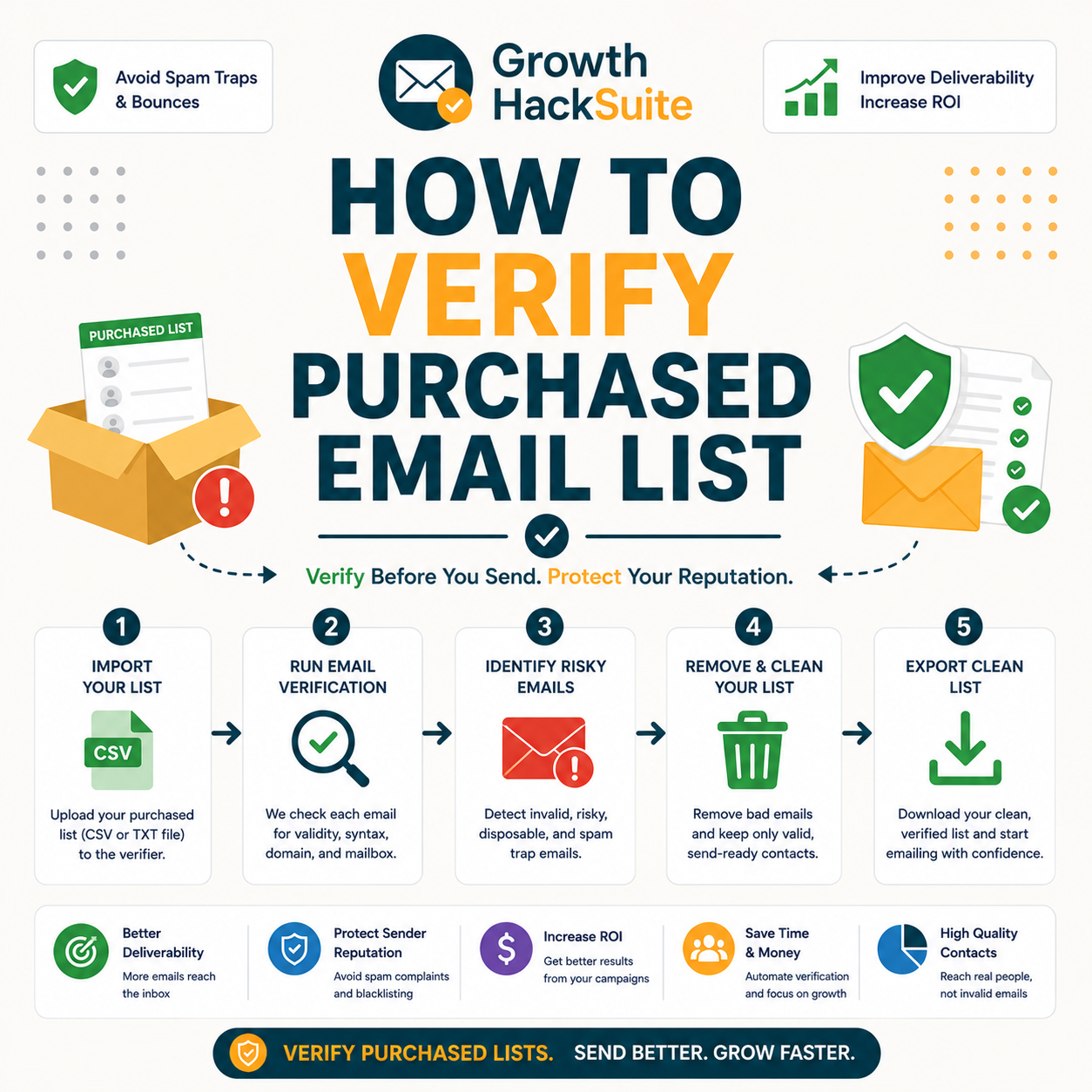
How to verify purchased email list data before sending: remove invalids and spam traps, segment catch-alls, and avoid the legal risk. Full guide below.
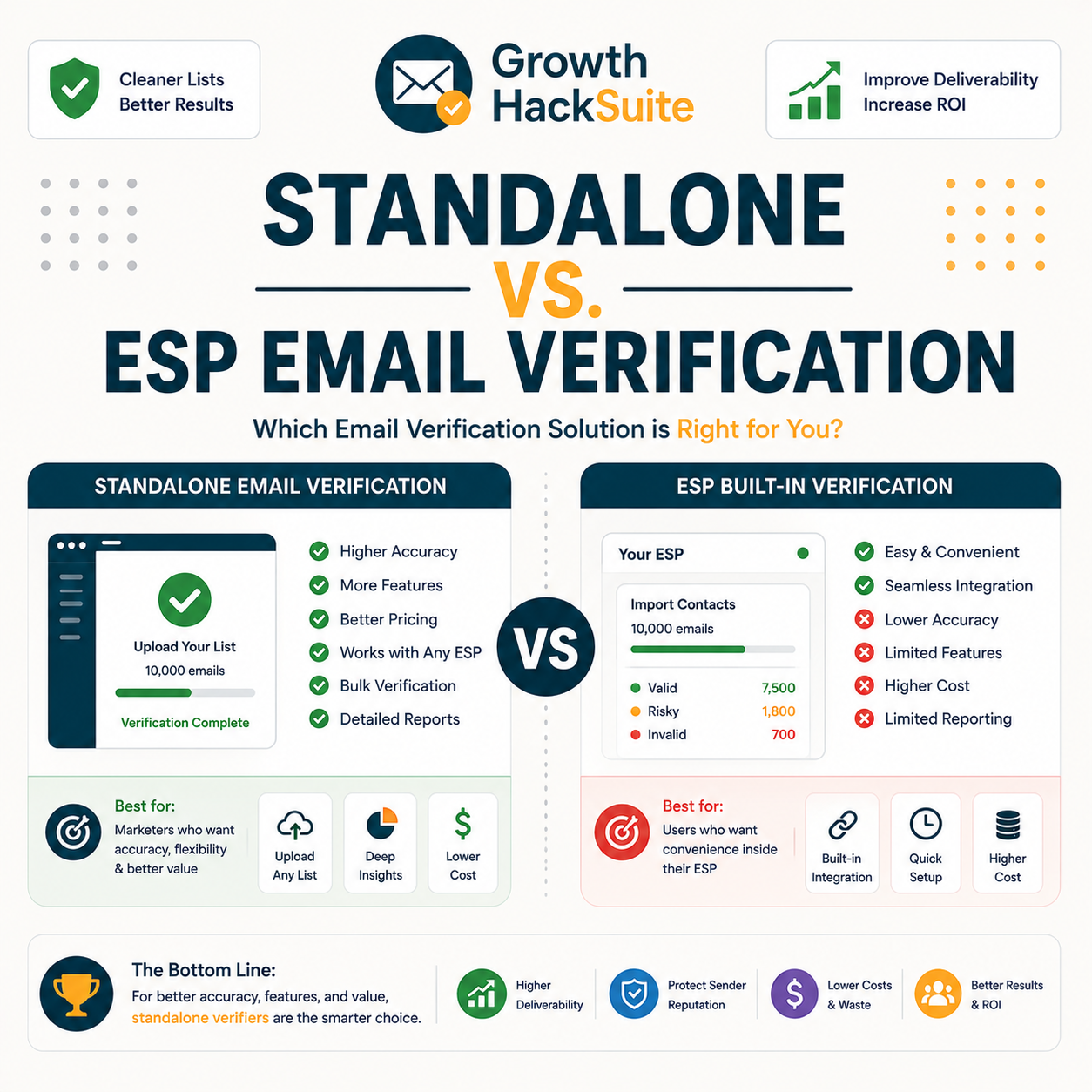
Standalone vs ESP email verification compared: what built-in checks catch, what a dedicated verifier adds, and exactly when you need one. Breakdown included.
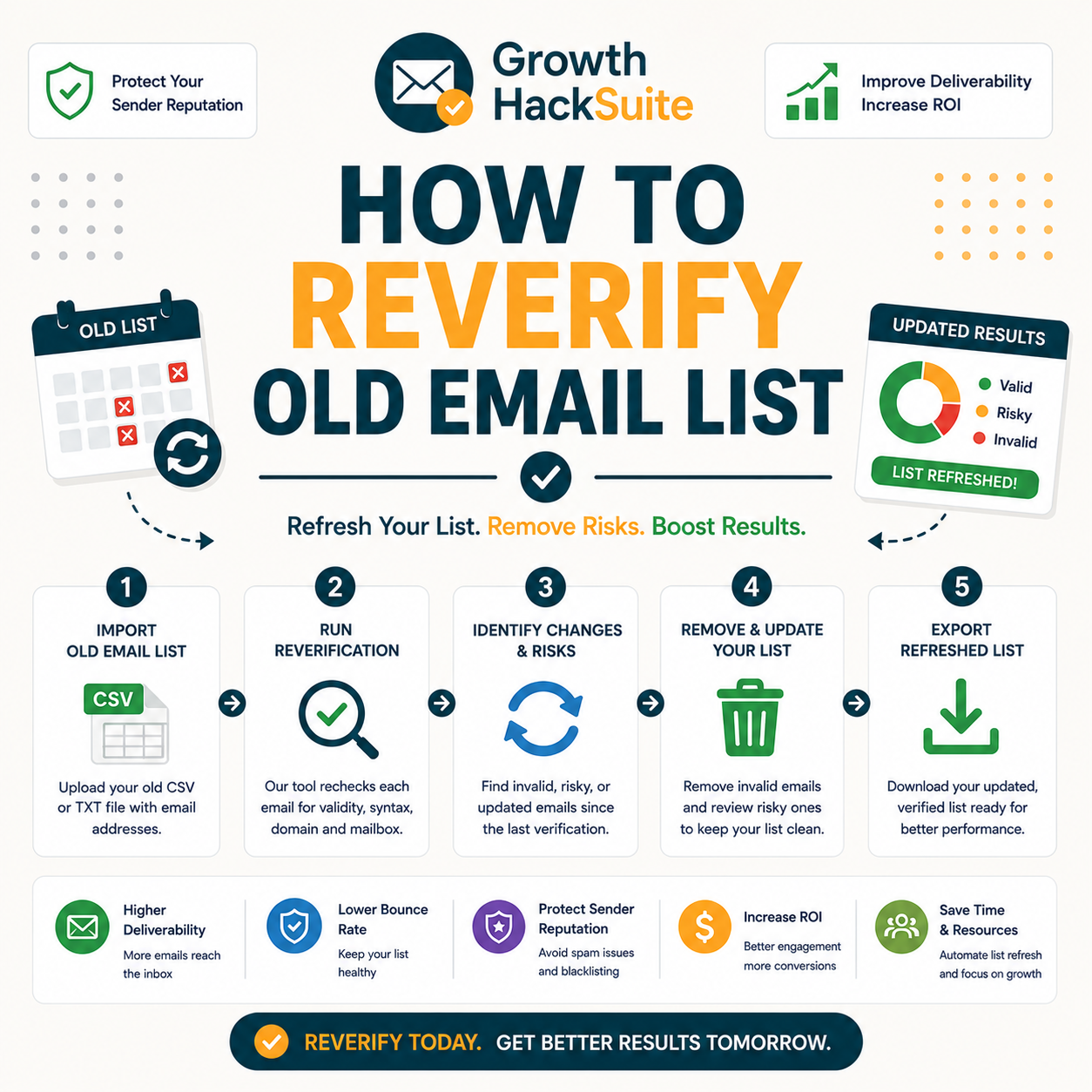
How to reverify old email list data before re-engaging: export it, verify fresh, remove newly-invalid addresses, send only to deliverables. Full guide below.
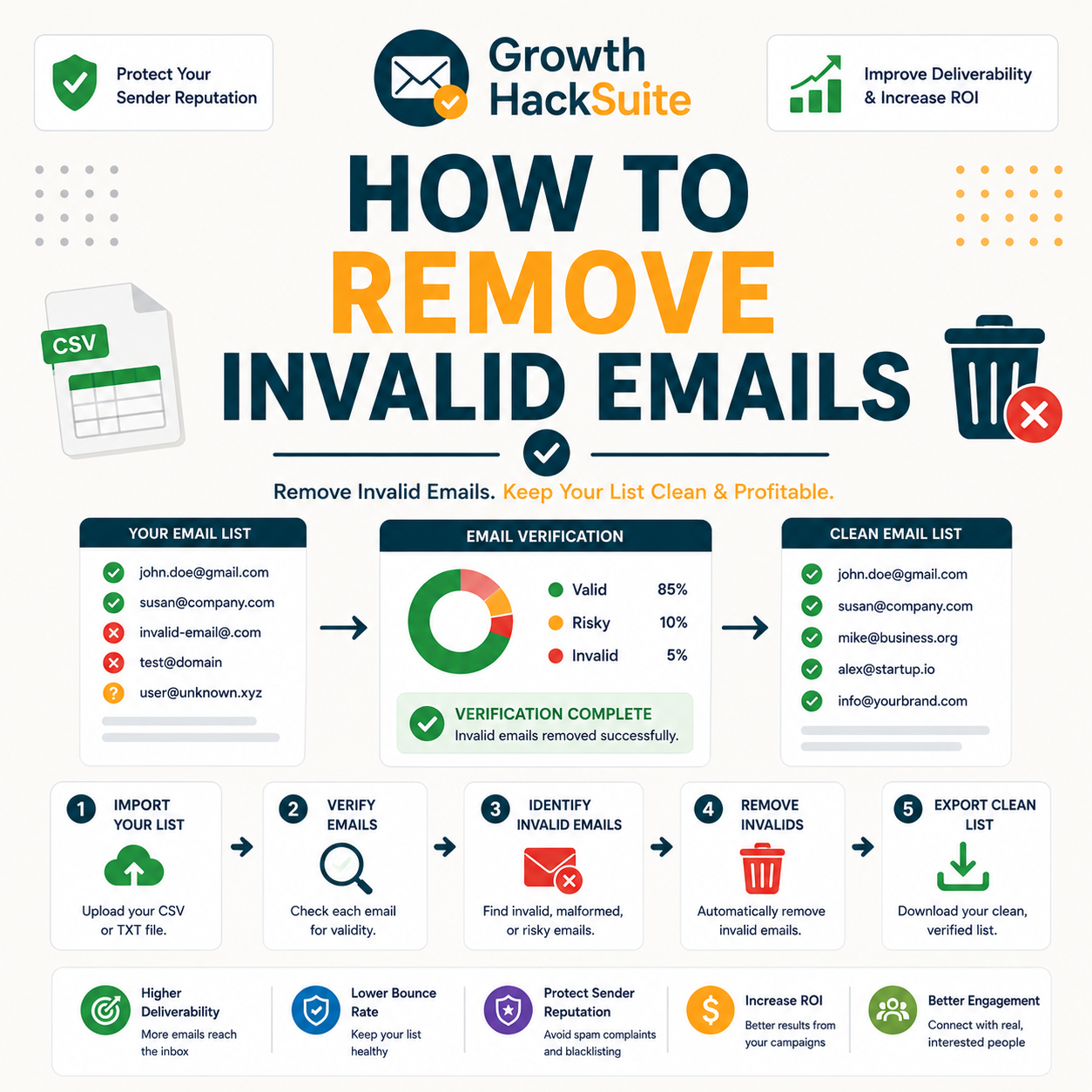
How to remove invalid emails from your list without starting over: verify, filter the invalid status, bulk-remove, and keep catch-alls. Full guide below.