Managed WordPress hosting reviews, comparisons, pricing and migration guides.
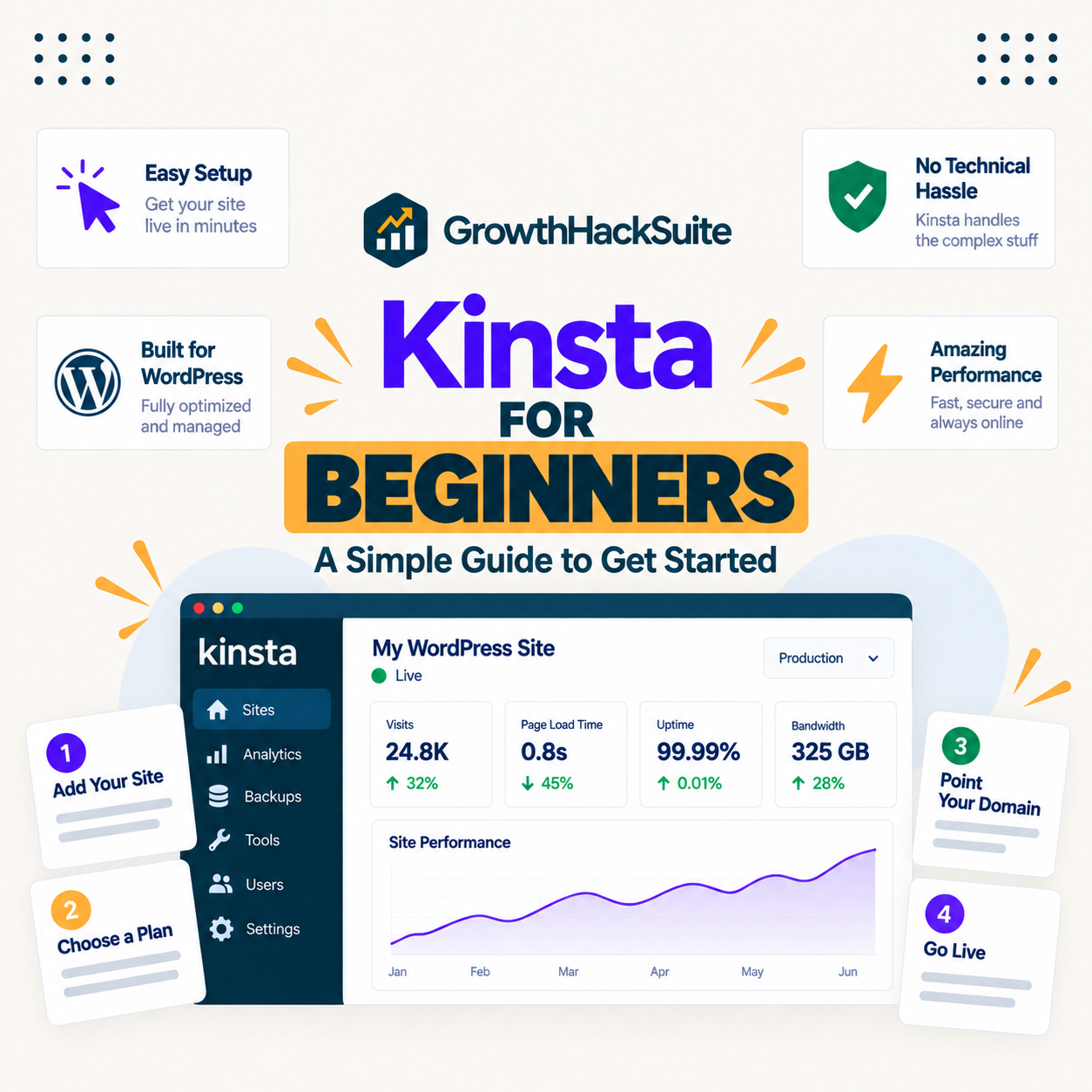
Kinsta for beginners is genuinely easy to use and genuinely premium-priced, and those two facts pull in different directions. The managed model means a beginner never touches a server, which is a real benefit, but the price is several times an entry host, so the honest question is whether a beginner is paying for simplicity they will use or performance they do not need yet.
Kinsta for nonprofits is a strong fit for a lean team with no IT staff and a poor one for a tight budget with no real reliability need. Its managed model suits an organisation that cannot spare people to run a server, but the only standing saving in its pricing is annual billing, so any nonprofit or open-source rate is something to ask Kinsta about rather than assume.
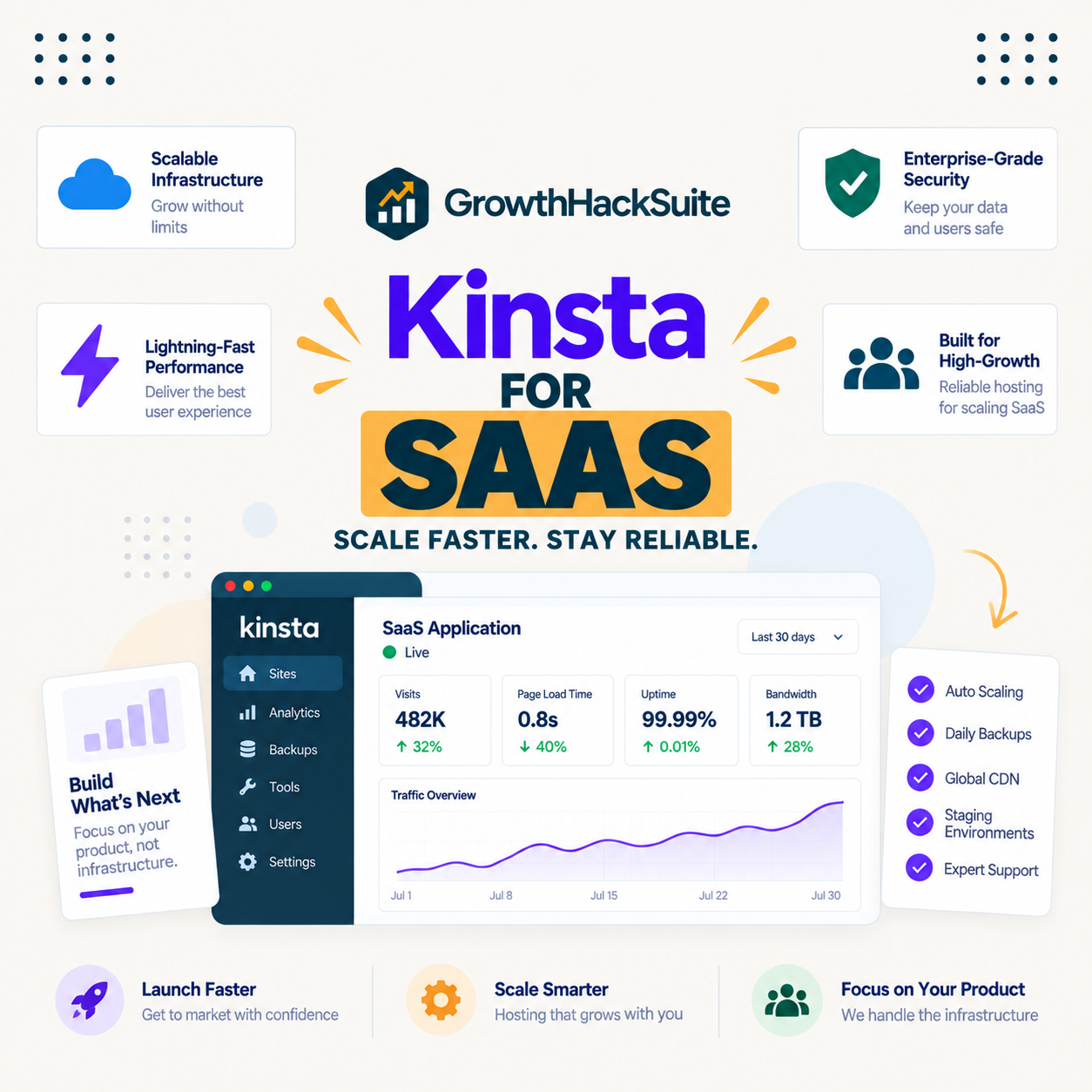
Kinsta for SaaS is worth understanding precisely, because the common assumption is wrong: Kinsta hosts a SaaS company's WordPress properties, its marketing site, documentation and blog, but not the application or database themselves. Those moved to Kinsta's separate Sevalla brand, so a SaaS team choosing Kinsta is choosing where its content layer lives, not where its product runs.
Kinsta for bloggers is worth the premium once a blog earns real income and usually overkill before it does, which is the honest answer most guides avoid. The deciding question is not whether Kinsta is fast, it is whether a blog makes enough from ads or affiliates that faster pages and reliable uptime protect money worth protecting.
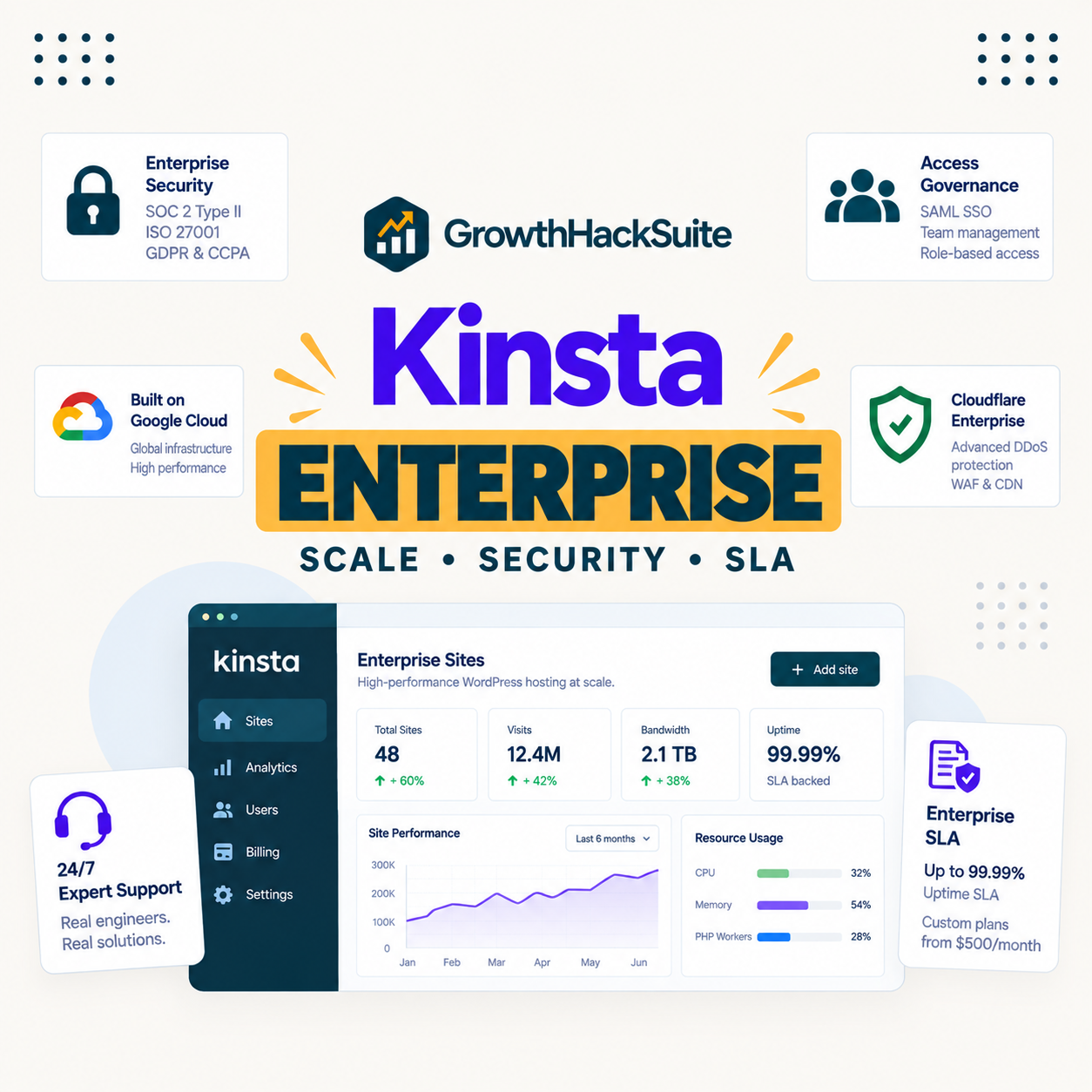
Kinsta for enterprise stands on one genuinely strong foundation, published compliance certifications, and asks one honest question in return: what exactly does its uptime SLA guarantee? For an enterprise buyer, SOC 2 Type II and ISO 27001 answer the security review, while the SLA wording and the quote-only pricing are the details worth reading closely before signing.
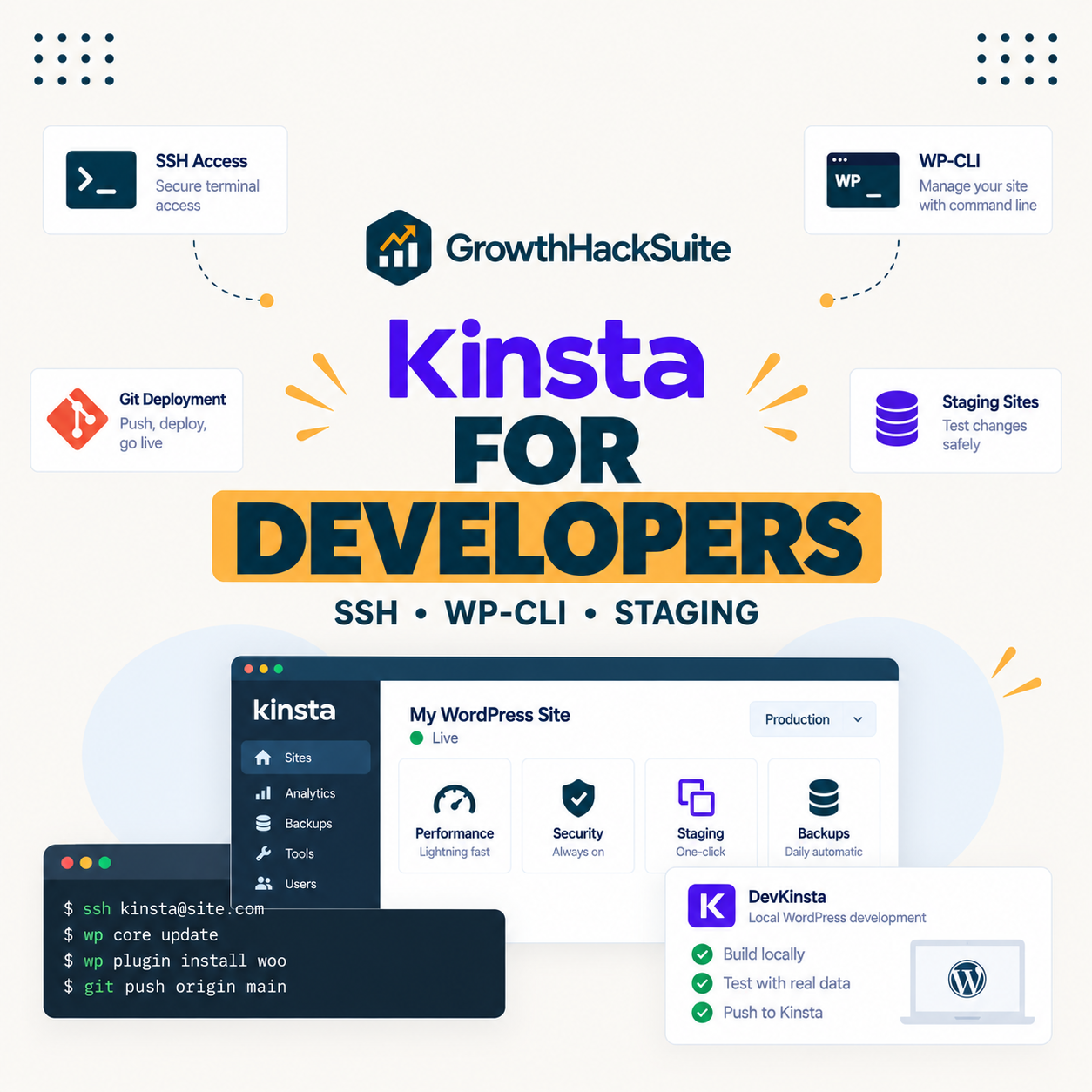
Kinsta for developers gives a genuine command-line workflow on a managed platform, which is exactly what most WordPress developers want and exactly what a developer wanting raw server control does not. The distinction matters, because Kinsta provides developer tools without developer-level access to the underlying server, and knowing which one you need decides whether it fits.
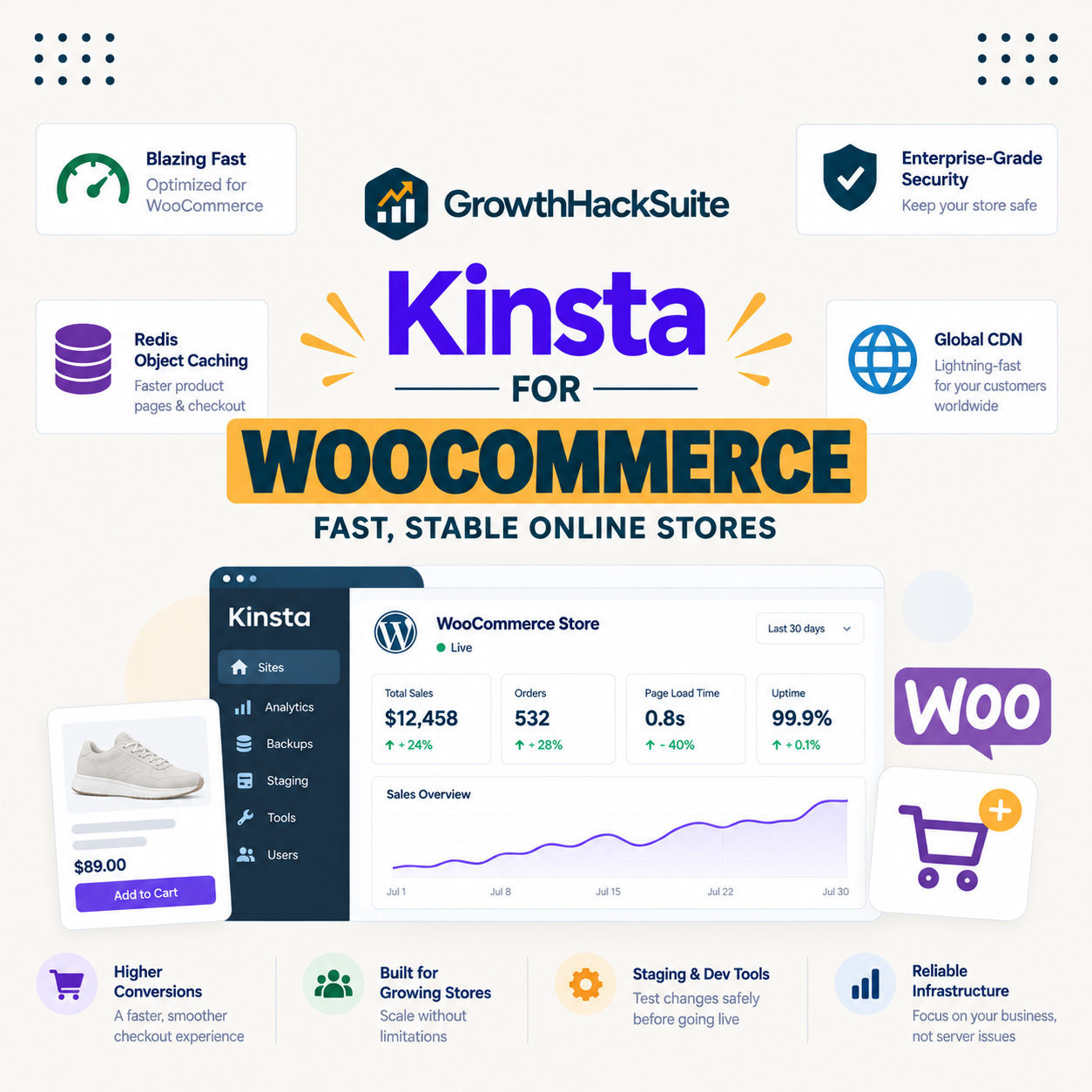
Kinsta for WooCommerce is a strong choice for a store that earns real revenue, with one cost every guide should state up front: the object caching a busy checkout needs most is a paid add-on, not part of the base plan. This guide covers what Kinsta genuinely does well for a store, what the complete cost looks like with that add-on, and when a cheaper host is the better call.
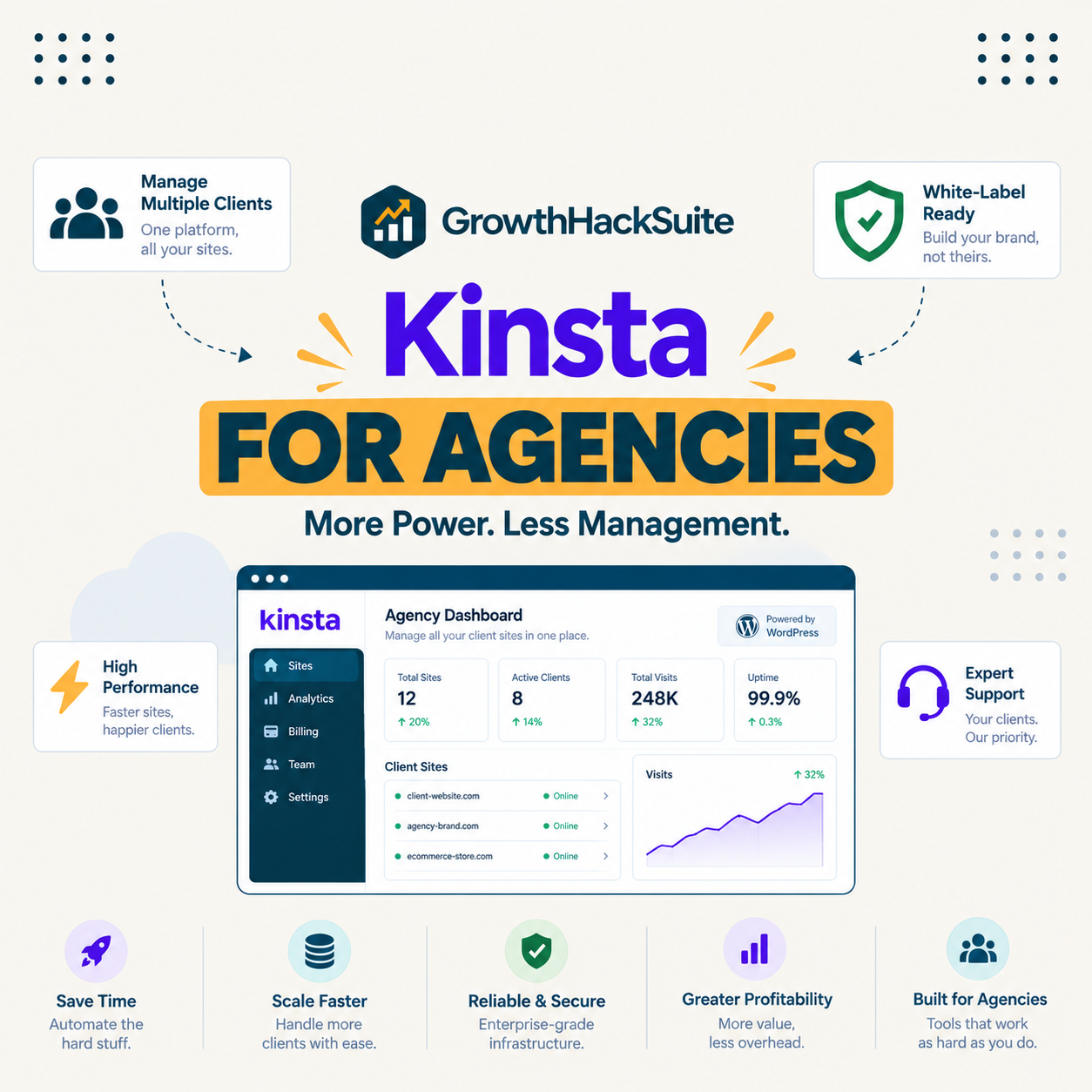
Kinsta for agencies is a strong fit when client sites earn revenue and a poor one when a portfolio is mostly tiny brochure sites, and the difference comes down to its per-install pricing. This guide covers what Kinsta genuinely does well for agencies, its dedicated Agency plans, and the specific point at which a per-server host becomes the cheaper choice.
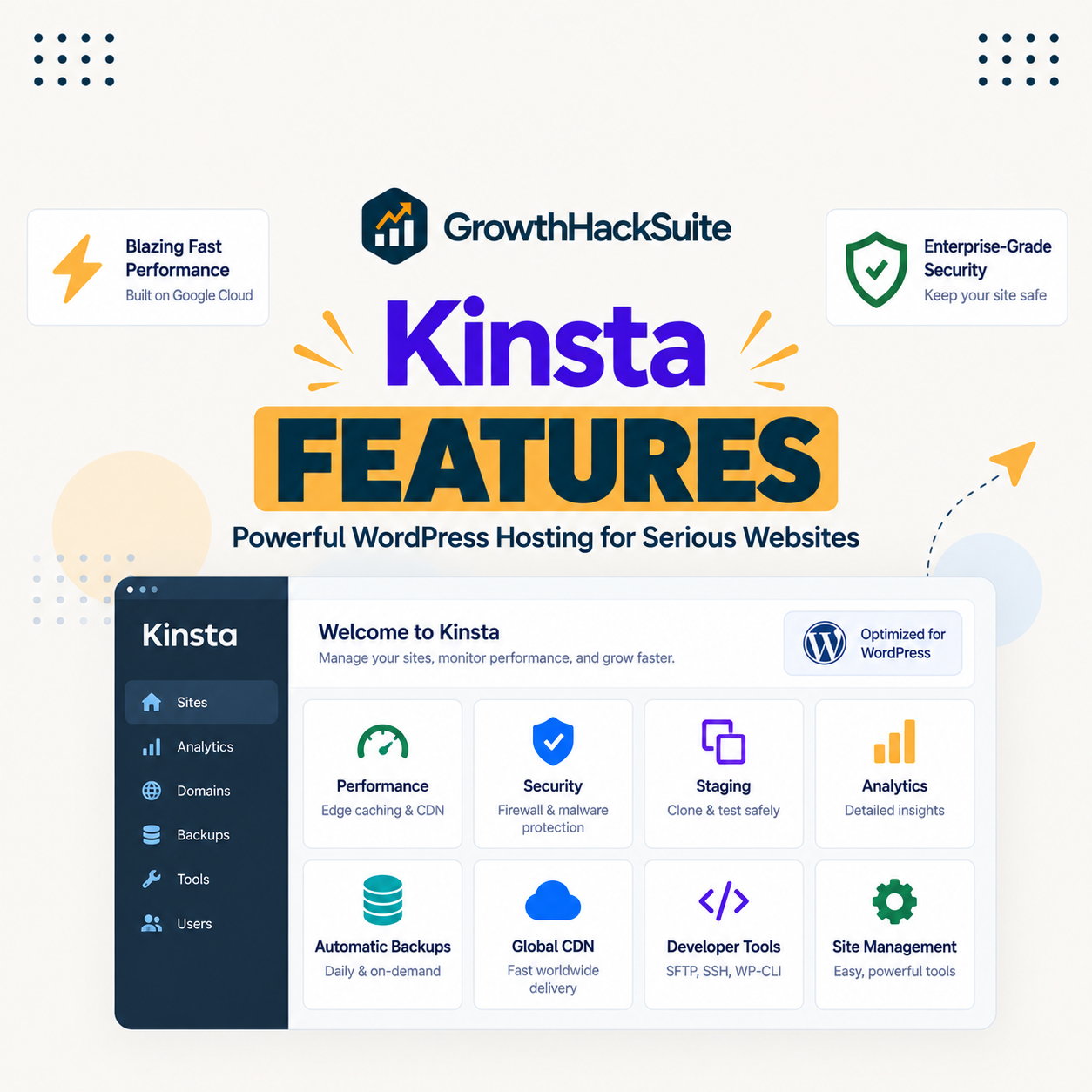
Kinsta bundles compute-optimised Google Cloud servers, a Cloudflare CDN, edge caching, staging, daily backups, a firewall, free SSL and migrations, APM and DevKinsta into every plan. This guide gives an honest overview of what is included, how the features work together, what is not included, and what they cost.
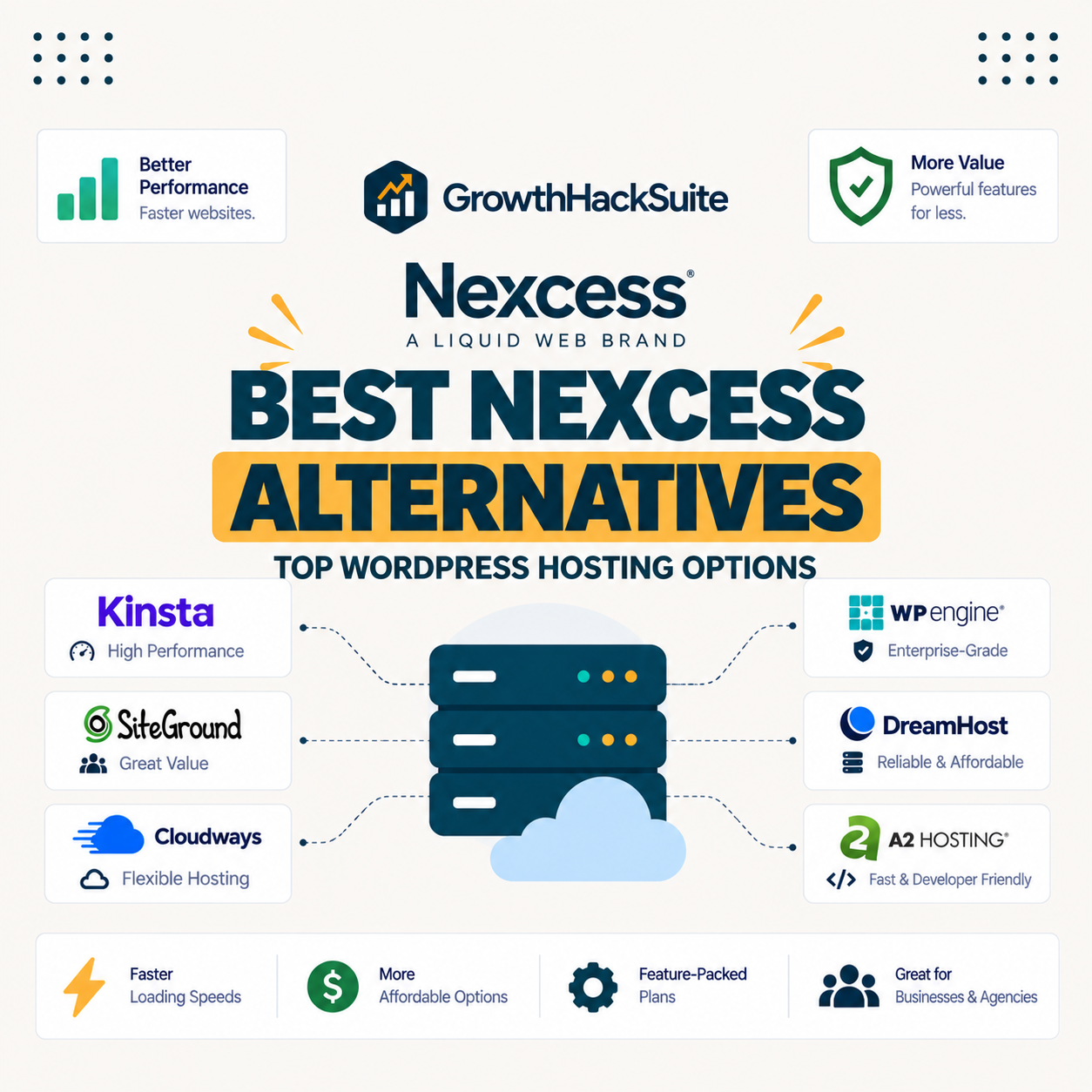
The best Nexcess alternatives have to preserve the two things Nexcess quietly does better than most managed hosts: unlimited visits and published PHP worker counts. Many hosts marketed as upgrades quietly remove one or both, so the comparison that actually helps is which alternative keeps that transparency and value rather than which one simply arrives with a shinier dashboard attached.