Managed WordPress hosting reviews, comparisons, pricing and migration guides.
Managed WordPress hosting is hosting optimized specifically for WordPress, where the provider handles updates, caching, security and backups for you, trading a higher price for less maintenance and better performance.
Green hosting is web hosting that runs on renewable energy or offsets its carbon footprint through verified credits, cutting a website emissions while delivering the same performance as standard hosting.
Setting up WooCommerce on Kinsta means installing WordPress and WooCommerce, optionally adding Redis object caching, and configuring payments on premium servers built for stores.
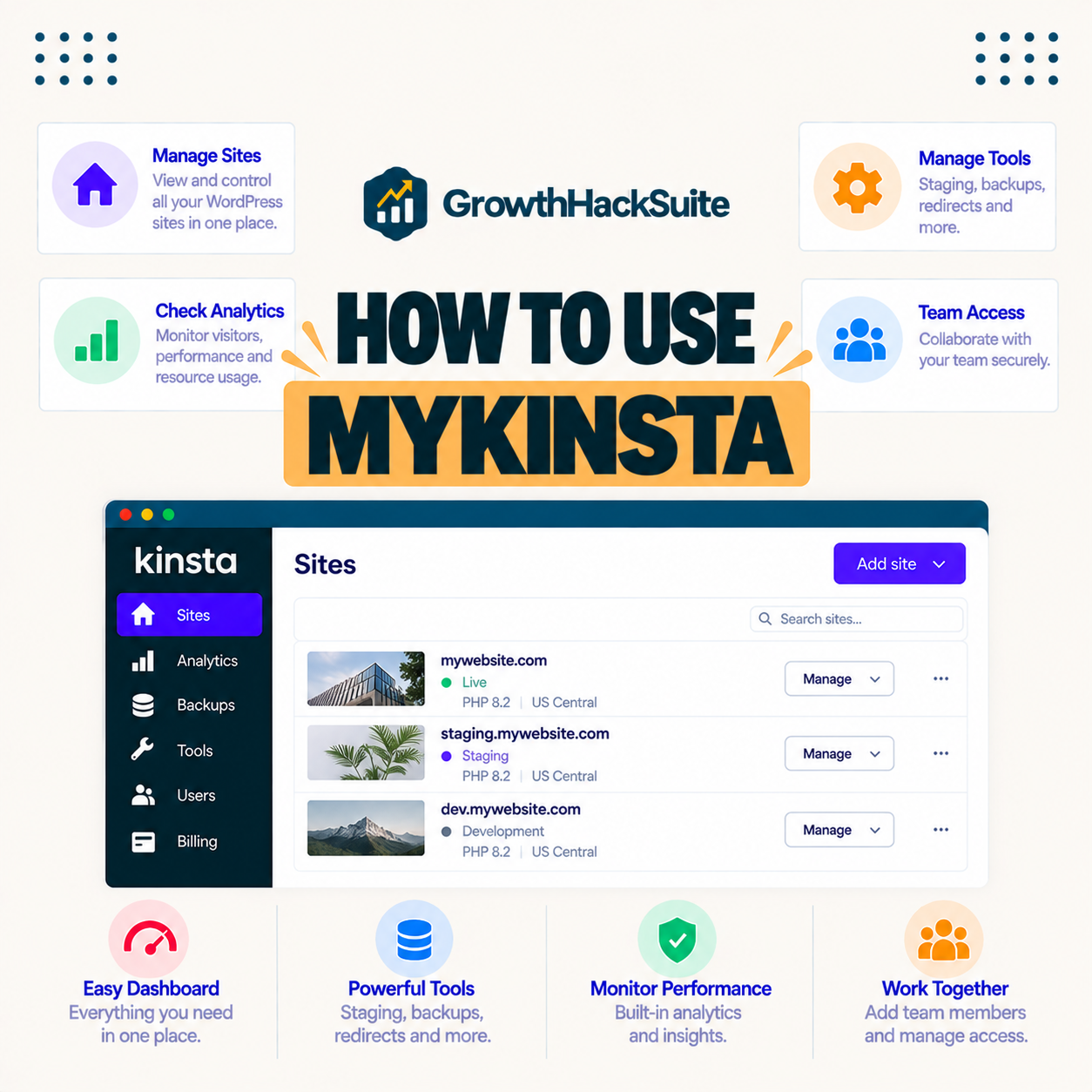
MyKinsta is Kinsta control panel for managing sites, staging, backups, caching, analytics, users and billing in one clean interface, included free on every plan.
You can cancel Kinsta or downgrade your plan any time in MyKinsta, and first-time customers can get a full refund within 30 days. This guide shows how to cancel, downgrade, and move your site without losing data.
A genuine Kinsta coupon rarely exists, but you can still save real money on Kinsta through annual billing for two months free, free expert migration, and right-sizing the plan.
Kinsta Cloudflare is built in: Kinsta includes a free enterprise Cloudflare integration for its CDN, edge caching, firewall and DDoS protection, enabled automatically, so most sites do not set up Cloudflare manually.
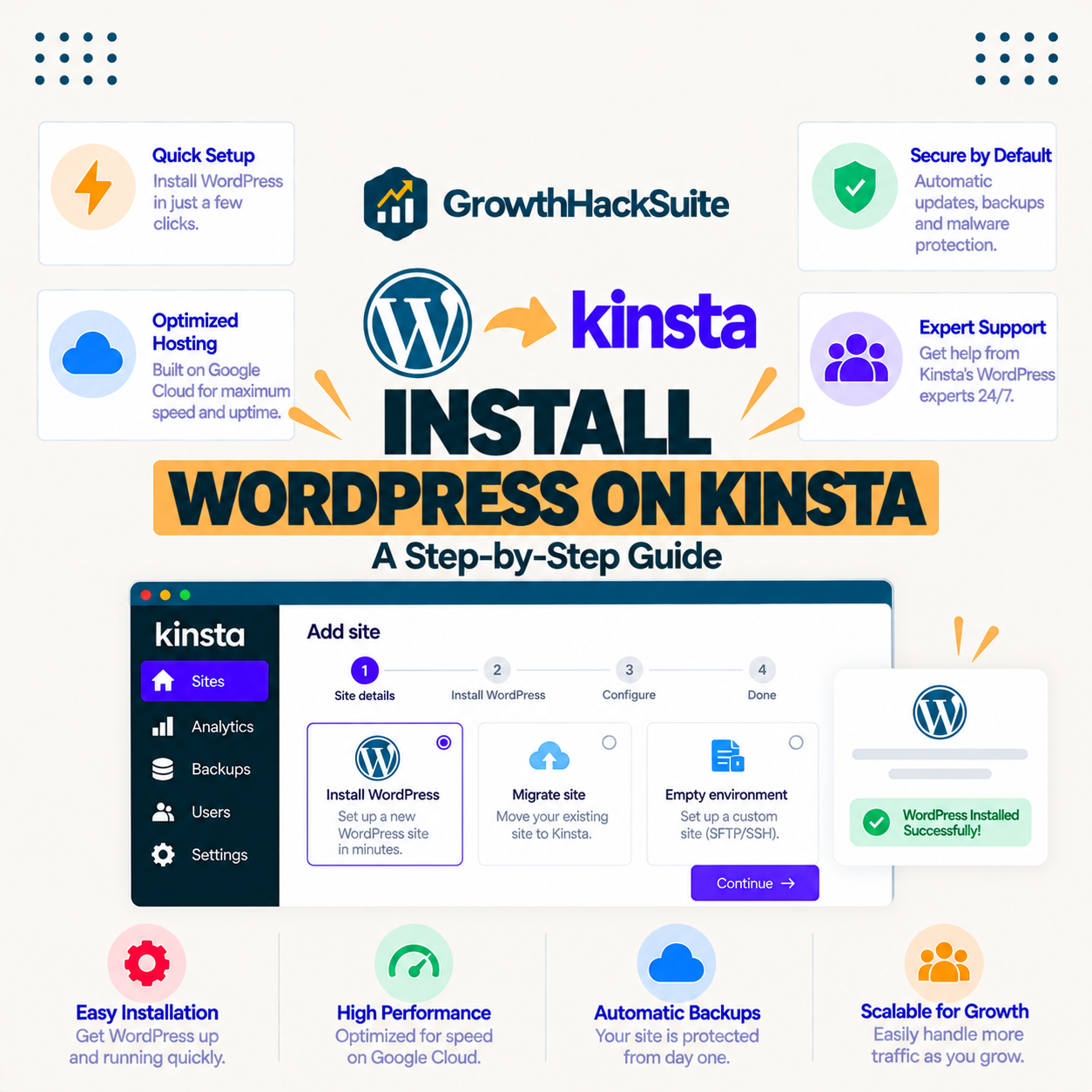
To install WordPress on Kinsta, add a new site in MyKinsta in a few clicks, and Kinsta provisions a fresh, optimized WordPress install on Google Cloud with caching and SSL ready. This guide shows how to install WordPress on Kinsta step by step, choose settings, connect a domain, and go live fast.
Kinsta staging lets you create a one-click copy of your live site to test plugin updates, code and design changes safely, then push them live. Included on every plan. This guide shows how to set up Kinsta staging, test on it, push changes, and pair it with the free DevKinsta tool.
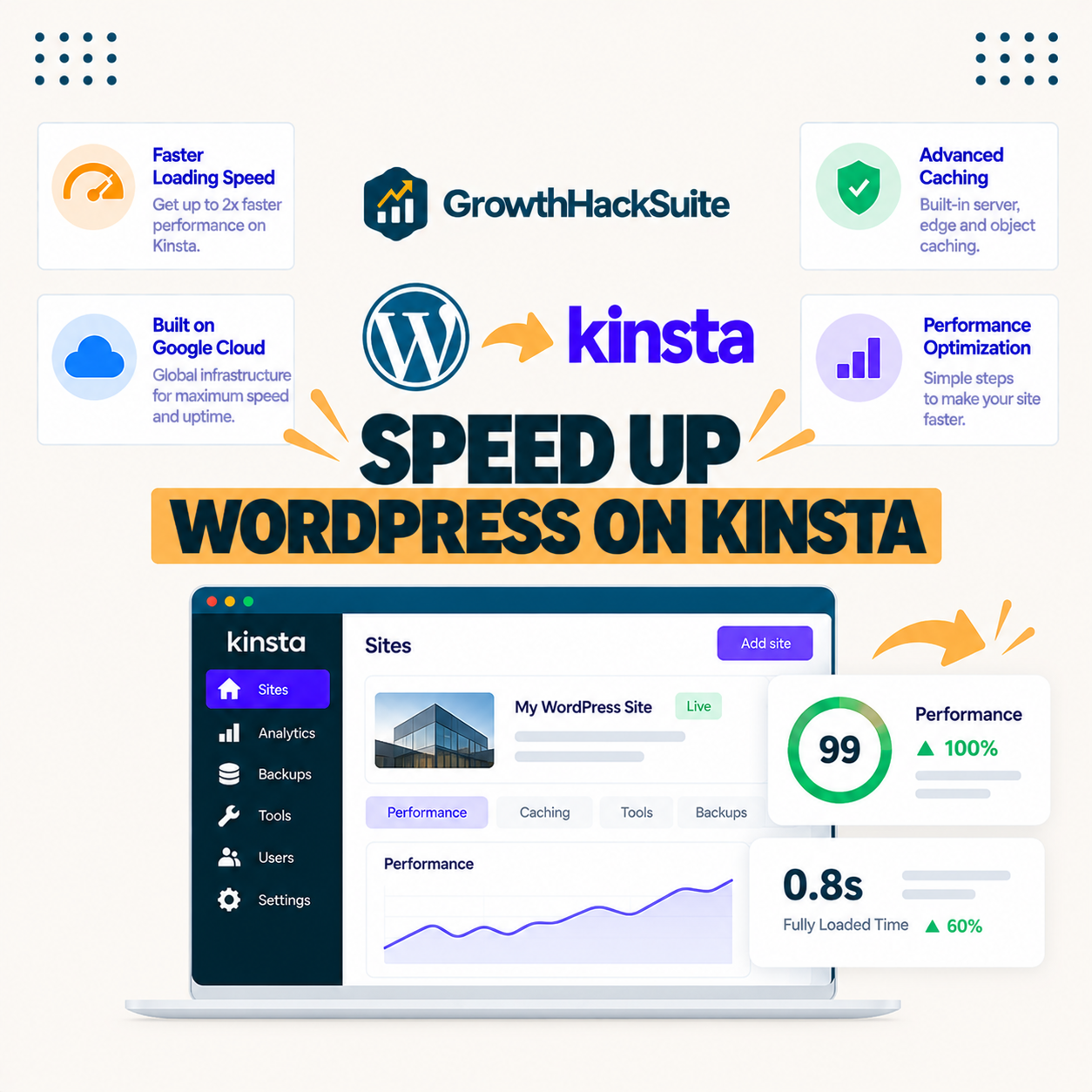
To speed up WordPress on Kinsta, enable full-page and edge caching, lean on the included Cloudflare CDN, optimize images, and add Redis object caching for dynamic sites. Kinsta already runs WordPress fast on premium Google Cloud servers, so these steps polish the content side and hit strong Core Web Vitals.