Table of Contents
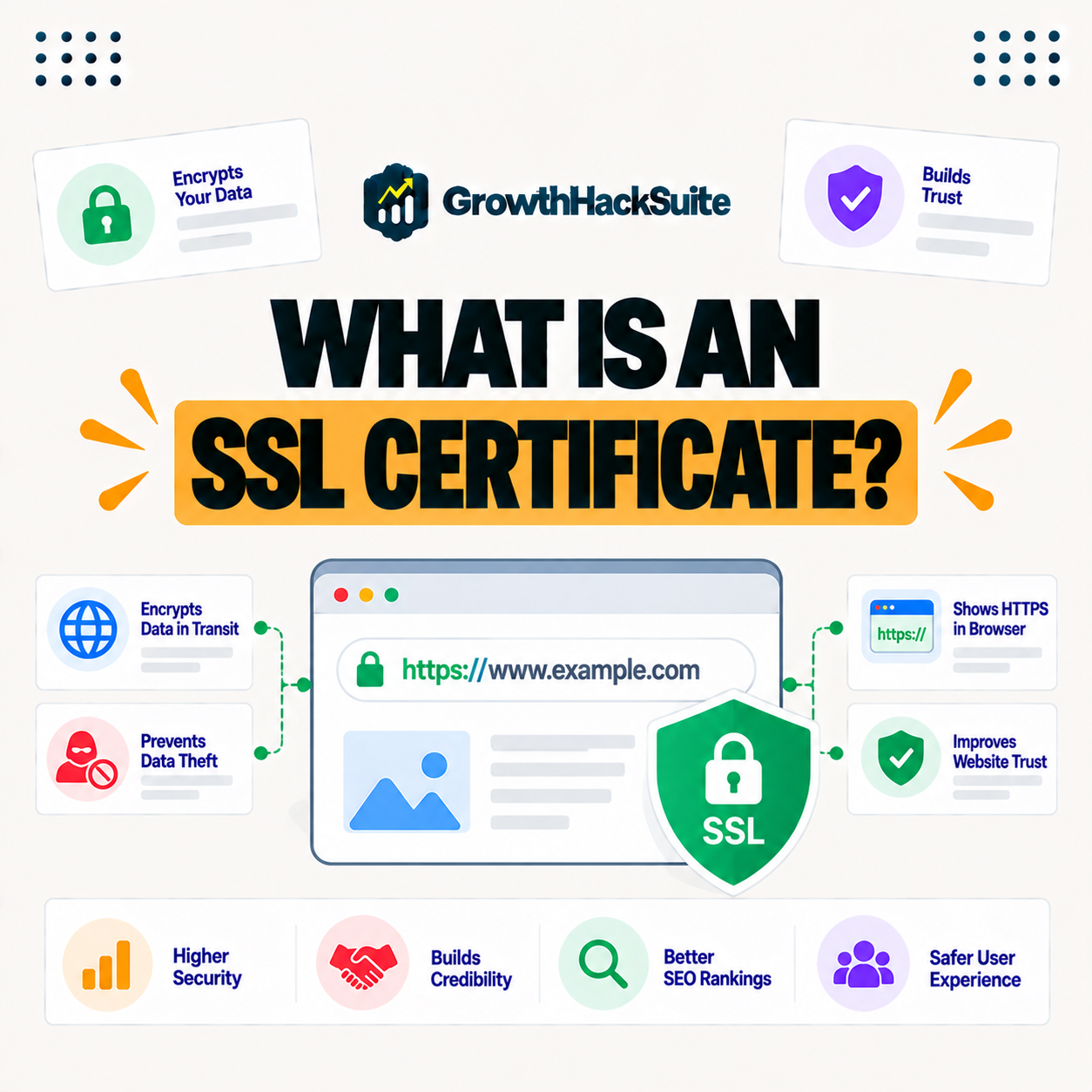
An SSL certificate is a digital certificate that encrypts the connection between your website and visitors, enabling the secure HTTPS protocol and the padlock in the browser. It protects data like passwords and payments in transit, builds visitor trust and is a lightweight SEO signal, making SSL essential for every modern website. This guide explains how it works and how to get one free.
Last updated: August 2026. Written by the Growth Hack Suite editorial team, with details cross-checked against provider documentation. This is general security education, not formal security advice, and this page carries affiliate links to Kinsta.
What Is an SSL Certificate?
An SSL certificate is a digital certificate that encrypts the connection between a website and its visitors, enabling the secure web protocol. Data exchanged with the site is protected and the browser shows the padlock indicating a secure connection, so visitors can see the site is encrypted.
“Transport Layer Security is a cryptographic protocol designed to provide communications security.”
— Wikipedia, Transport Layer Security
This certificate is what lets a site use that security, proving its identity and enabling the encrypted connection browsers now expect.
How Does an SSL Certificate Work?
An SSL certificate works by using encryption keys to establish a secure, encrypted link between the browser and server. Information like passwords and payment details is scrambled in transit and cannot be read by anyone intercepting the connection, so sensitive data stays private between visitor and site.
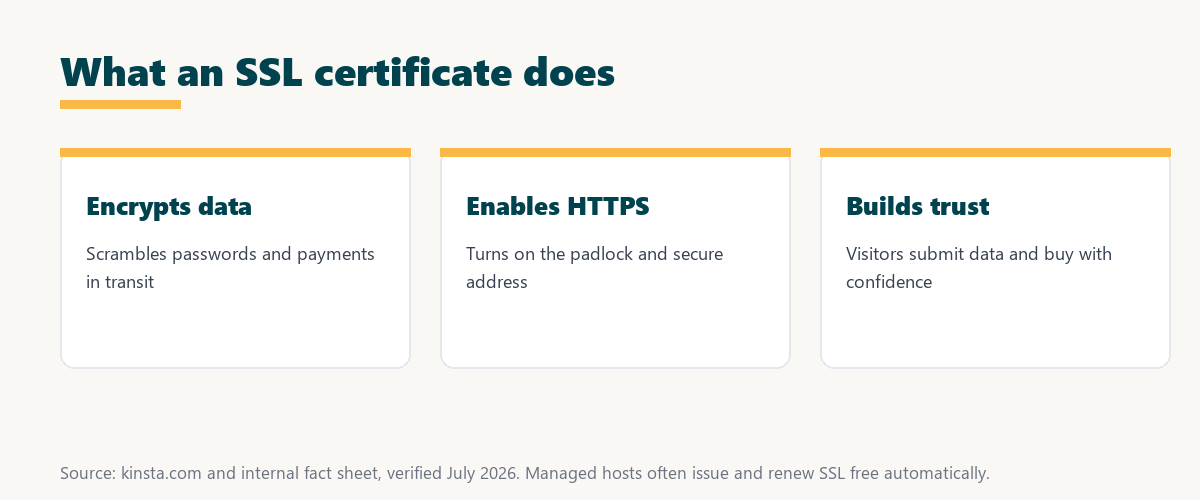
The key idea is encryption in transit: the certificate scrambles data so only the browser and server can read it, blocking eavesdroppers.
What Is the Difference Between SSL and TLS?
SSL and TLS are closely related, since TLS is the modern successor to the older SSL protocol. While people still say SSL, today’s certificates actually use TLS to secure connections, so the name stuck even though the underlying technology has moved on.
The practical point is that SSL is the common name, but the security it provides comes from TLS underneath.
What Does HTTPS Mean?
HTTPS is the secure version of HTTP, indicated by the padlock and a secure address prefix. A site with a valid certificate serves pages over the secure version, meaning the connection is encrypted rather than sent in plain text, so browsers treat it as secure.
See how Kinsta provides SSL for free
Try Kinsta →SSL at no cost and forced secure connections, with a 30-day money-back guarantee.
Types of SSL Certificates
Types of SSL certificates include domain validated, organization validated and extended validation, plus wildcard certificates for subdomains. The type affects how much identity verification is done, though all provide the same encryption, so the choice is about the level of trust displayed, not the strength of security.
Source: provider documentation, verified August 2026. All types encrypt equally; validation and scope differ.
Listing DV, OV, EV and wildcard with their validation level shows the difference is identity checking and scope, while the encryption itself is the same across all types.
Why Your Website Needs SSL
Your website needs SSL because it protects visitor data, builds trust through the padlock, is required for taking payments securely and is a lightweight ranking signal. Browsers now warn visitors away from sites without it, so SSL has moved from optional to expected for every site.
“The first five seconds of page-load time have the highest impact on conversion rates.”
— HubSpot, page load time and conversion rates
Just as speed shapes those early seconds, a visible padlock reassures visitors immediately, so trust and speed together protect the start of every visit.
What Happens Without SSL?
Without SSL, browsers mark your site as not secure, data is sent unencrypted and visitors lose trust. An unsecured site risks warnings, lost conversions and exposure of any information users submit, so the absence of SSL actively drives visitors away.
The honest point is that a “not secure” label is visible to every visitor, so going without SSL costs trust before anyone reads a word.
How to Get an SSL Certificate
You get an SSL certificate from a certificate authority or, most easily, free through your host or services like Let’s Encrypt. Many managed hosts issue and renew SSL automatically without you buying one separately, so for most sites the simplest route is a host that includes it.
Source: provider documentation, verified August 2026. SSL affects security, trust and SEO together.
Comparing encryption, browser labeling, trust and SEO shows a site with SSL is secure and trusted, while one without is flagged and loses visitors. Anyone weighing a long hosting commitment can read our note on SaaS vendor lock-in.
How Kinsta Provides SSL for Free
Kinsta provides free SSL certificates through its Cloudflare integration and supports forcing secure connections, so your site is encrypted by default with certificates issued and renewed automatically at no extra cost. You do not buy or manually renew SSL, since the platform keeps it current for you.
Get SSL for free, issued and renewed automatically
Start With Kinsta →Free migration and a 30-day money-back guarantee.
Securing Your Site With Encrypted Connections
You secure your site with encrypted connections by installing a certificate and forcing all traffic to use it. With a managed host that issues SSL automatically at no cost, enabling encryption takes little effort, so the whole site moves to secure connections without manual certificate work on your part.
“A tool is only worth its premium when the hours or revenue it protects exceed the invoice.”
— Growth Hack Suite, on tool ROI
Applied to SSL, the value is clear when a host includes it free, since the trust and protection come at no extra cost above the plan.
SSL, Trust, and Conversions
SSL affects trust and conversions because visitors are more likely to submit information and complete purchases on a site showing the padlock. Encryption is not only a security measure but also supports the credibility that drives sales, so SSL protects both data and revenue.
The practical takeaway is that the padlock is a visible trust signal, so SSL quietly supports conversions as well as security.
Choosing a Host With SSL Included
You choose a host with SSL included by favoring managed hosting that issues and renews certificates automatically and can force secure connections. That combination keeps your site encrypted and trusted without you buying or managing certificates, so security is on by default as your site grows.
The honest summary is that SSL should be free, automatic and always on, which a good managed host delivers without any effort from you.
Try Kinsta risk-free with SSL included
Try Kinsta Risk-Free →Free SSL and migration, with a 30-day money-back guarantee.
SSL Certificate: Frequently Asked Questions
The 12 most-asked questions about SSL certificates.
What is an SSL certificate in simple terms?
An SSL certificate encrypts the connection between your website and visitors and enables HTTPS, so data like passwords and payments is protected and the browser shows a padlock.
How does an SSL certificate work?
An SSL certificate works by using encryption keys to create a secure link between browser and server, so information in transit is scrambled and cannot be read by anyone intercepting it.
What is the difference between SSL and TLS?
TLS is the modern successor to the older SSL protocol, so while people still say SSL certificate, today’s certificates actually use TLS to secure the connection.
What does HTTPS mean?
HTTPS is the secure version of HTTP, shown by the padlock and an https address, so a site with a valid SSL certificate serves encrypted pages rather than plain text.
Why does my website need SSL?
Your website needs SSL to protect visitor data, build trust through the padlock, take payments securely and support SEO, since browsers warn visitors away from sites without it.
What happens without an SSL certificate?
Without SSL, browsers mark your site as not secure, data is sent unencrypted, and visitors lose trust, risking warnings, lost conversions and exposed information.
Is an SSL certificate free?
SSL certificates can be free through services like Let’s Encrypt or your host, so many managed hosts issue and renew SSL automatically without you buying one separately.
What are the types of SSL certificates?
Types include domain validated, organization validated and extended validation, plus wildcard certificates for subdomains, differing in identity verification but providing the same encryption.
Does SSL help SEO?
Yes, HTTPS is a lightweight ranking signal, and SSL also improves trust and reduces bounce from browser warnings, so it supports both direct and behavioral SEO factors.
How do I get an SSL certificate?
You get SSL from a certificate authority or, most easily, free through your host or Let’s Encrypt, so many managed hosts issue and renew it automatically for you.
Do I need SSL if I do not sell anything?
Yes, even without payments you need SSL, because browsers flag non-HTTPS sites as not secure and encryption protects any data visitors submit, such as contact forms.
Does Kinsta provide free SSL?
Yes, Kinsta provides free SSL through its Cloudflare integration and supports forcing HTTPS, so your site is encrypted by default with certificates renewed automatically.
About this guide
Written by the Growth Hack Suite editorial team, drawing on hands-on experience running WordPress sites. Details were cross-checked against provider documentation. This is general security education, not formal security advice, and this page carries affiliate links to Kinsta. The position is stated plainly: an SSL certificate encrypts data and enables secure connections, every site needs one for trust and SEO, and it should be free and automatic. Kinsta provides SSL for free through its Cloudflare integration with forced secure connections and automatic renewal.