Table of Contents
Website downtime is any period when your site is unavailable to visitors, whether from server problems, traffic spikes, failed updates, or attacks. Downtime costs lost sales, leads, and trust, and can harm SEO, so understanding its causes and choosing reliable hosting with monitoring helps you minimize how often and how long your site is offline. This guide explains what causes downtime and how to reduce it.
Last updated: August 2026. Written by the Growth Hack Suite editorial team, with details cross-checked against provider documentation. This page carries affiliate links to Kinsta.
See how Kinsta keeps sites online on Google Cloud
Try Kinsta →Redundant infrastructure and monitoring, with a 30-day money-back guarantee.
What Is Website Downtime?
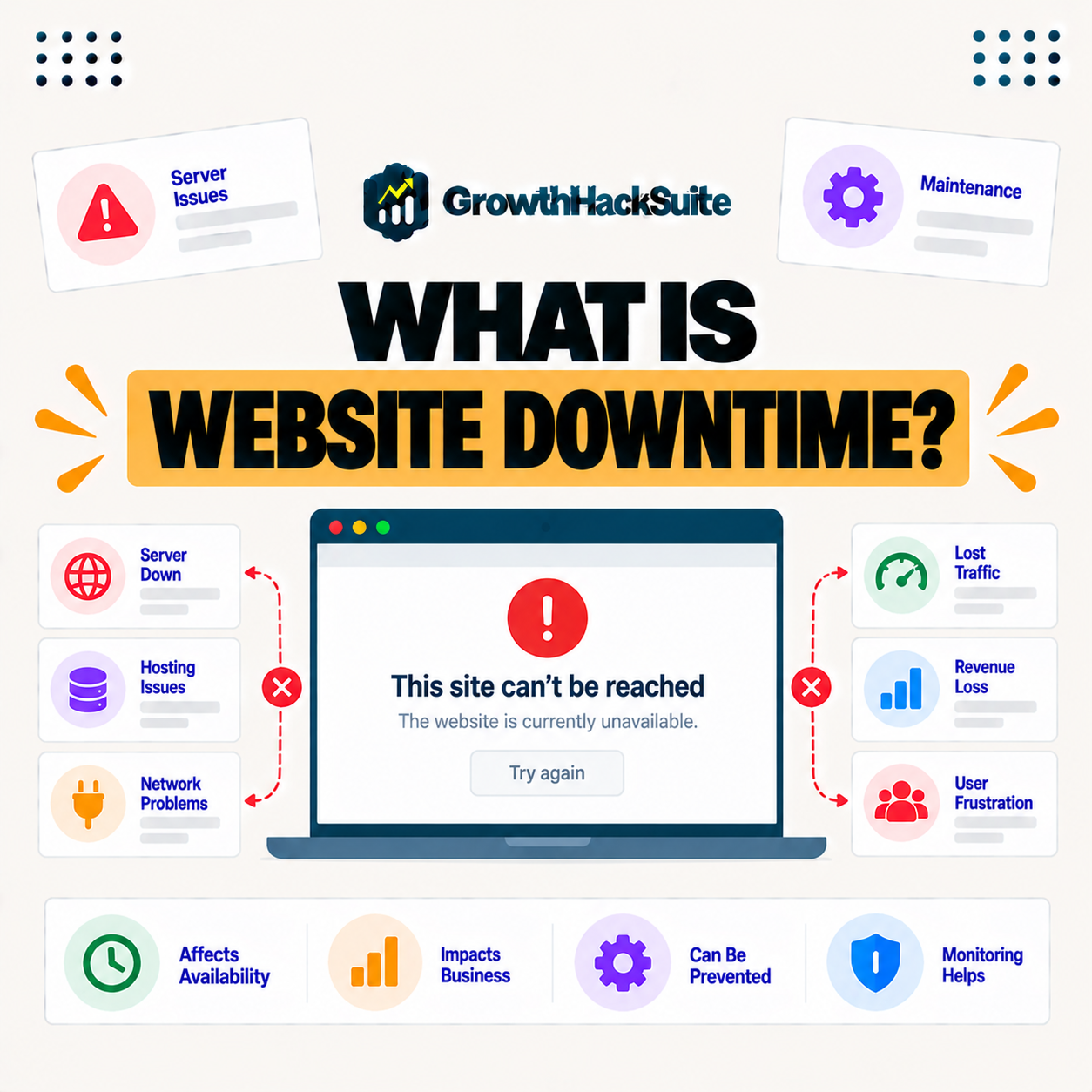
Website downtime is any period when your site is unavailable or not functioning for visitors, so instead of loading your pages, people encounter errors or a site that will not respond, which interrupts every visit during the outage. It is the opposite of uptime.
“Downtime refers to periods when a system is unavailable or offline.”
— Wikipedia, Downtime
For a website, that unavailable period means lost visits: every person who arrives during downtime sees an error instead of your content.
What Causes Website Downtime?
Website downtime is caused by server overloads, traffic spikes beyond capacity, failed updates, expired domains or SSL, security attacks, and host outages, so most downtime traces back to infrastructure, configuration, or attack-related problems. Knowing the causes is the first step to preventing them.
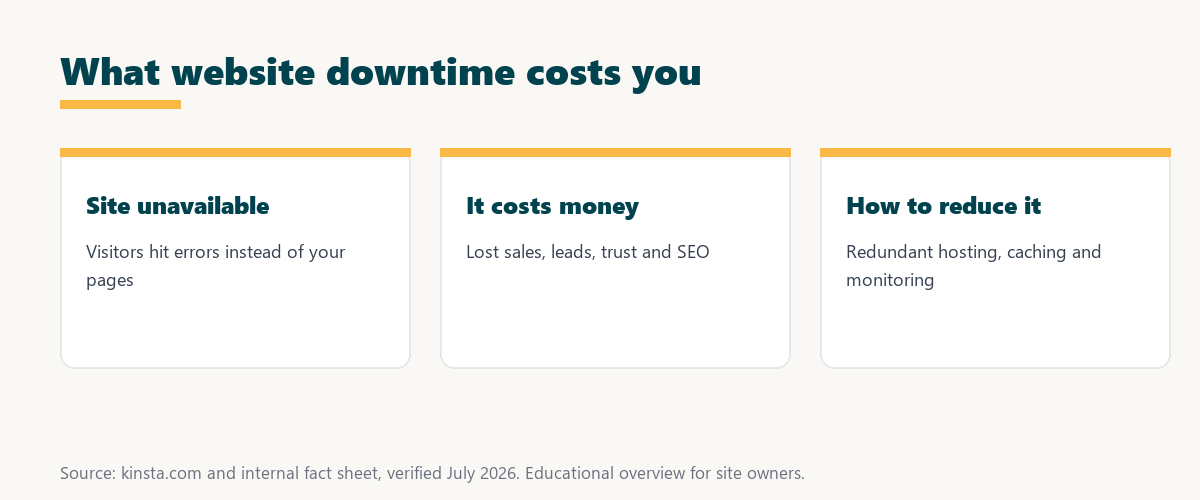
Five causes account for most website downtime:
- Server overload: A server pushed past its resources slows or fails, so an underpowered or oversold host is a frequent source of outages.
- Traffic spikes: A surge beyond capacity can overwhelm a site, so campaigns or viral moments take down hosting that cannot scale.
- Failed updates: A broken plugin, theme, or core update can crash a site, so untested changes are a common cause of self-inflicted downtime.
- Expired domain or SSL: A lapsed domain or certificate makes a site unreachable or untrusted, so missed renewals cause avoidable outages.
- Security attacks: Attacks like DDoS or a compromise can knock a site offline, so weak protection turns an attempt into real downtime.
Together these show that most downtime is preventable: strong hosting, testing, renewals, and security address the leading causes.
How Is Downtime Measured?
Downtime is measured as the time a site is unavailable, often expressed against uptime as a percentage, so monitoring tools track outages and total them to show how much availability a site loses over a period. The measurement turns scattered outages into a clear figure.
The takeaway is that downtime is the flip side of uptime: a 99.9 percent uptime figure is really a statement about how little downtime a site had.
What Does Downtime Cost a Business?
Downtime costs a business lost sales and leads during the outage, plus longer-term damage to trust and reputation, so even short outages on a revenue site can be expensive, and frequent downtime drives visitors to competitors. The bill is bigger than the outage itself.
Source: general overview cross-checked with public reliability documentation, verified August 2026.
Reading down the table, each common cause has a clear prevention, from scalable hosting for spikes to staging for updates and renewals for certificates.
Does Downtime Affect SEO?
Downtime can affect SEO because search crawlers that repeatedly find a site down may crawl it less, and outages harm user experience, so persistent downtime risks both rankings and the trust that keeps visitors returning. Brief, rare outages matter far less than frequent ones.
The honest point is that occasional short downtime rarely hurts SEO, but a pattern of outages can erode both rankings and reputation over time.
How to Reduce Website Downtime
You reduce downtime with reliable hosting on redundant infrastructure, strong caching and scalability for spikes, security to block attacks, and keeping software and certificates current, so you address the main causes before they take the site offline. Prevention beats recovery every time.
“The first five seconds of page-load time have the highest impact on conversion rates.”
— HubSpot, page load time and conversion rates
Downtime is the extreme end of a slow experience: if a delayed page loses conversions, an unavailable one loses them all, which is why reducing downtime protects revenue directly.
Why Monitoring Matters for Downtime
Monitoring matters because it detects outages immediately, so you learn about downtime and can respond before customers complain, and pairing host monitoring with an external service gives independent, timely alerts. You cannot fix an outage you do not know about.
The practical point is that monitoring turns downtime from a customer complaint into an alert you act on first, shortening every outage.
How to Choose a Host That Minimizes Downtime
Choose a host that minimizes downtime by favoring redundant infrastructure, a strong uptime SLA, isolation, and monitoring, since these reduce both how often outages happen and how quickly they are detected and resolved. The host is the biggest lever on downtime.
Source: general overview cross-checked with public reliability documentation, verified August 2026.
Reading the table together, downtime costs stack up across sales, leads, reputation, and SEO, which is why a reliable host is worth prioritizing.
How Kinsta Minimizes Downtime
Kinsta minimizes downtime with Google Cloud’s redundant infrastructure, isolated containers, edge caching that absorbs spikes, active monitoring, and a 99.9 percent uptime SLA, so sites stay available through the events that take weaker hosts offline. Reliability is built into the platform.
Minimize downtime on Kinsta’s Google Cloud platform
Start Free Migration →Redundant infrastructure and a 99.9 percent uptime SLA, with free migration.
Keeping Your Site Online and Available
You keep your site online by hosting on reliable, redundant infrastructure with monitoring and scalability, so with a host like Kinsta, the common causes of downtime are absorbed and outages are caught and addressed quickly. Availability is the sum of prevention and fast response.
The takeaway is that staying online is mostly about the host: strong infrastructure prevents most outages, and monitoring shortens the rest. For anyone weighing a long hosting commitment, our note on SaaS vendor lock-in is worth a read.
Responding When Your Site Goes Down
When your site goes down, you respond by confirming the outage, checking host status, domain, and SSL, and contacting support, so a fast, methodical response limits how long visitors are affected and how much the outage costs. A clear checklist beats panic.
“A tool is only worth its premium when the hours or revenue it protects exceed the invoice.”
— Growth Hack Suite, on tool ROI
Applied to downtime, reliable hosting earns its cost in outages avoided: for a revenue site, the sales protected by staying online far exceed the hosting premium.
Downtime and Uptime: The Difference
Downtime and uptime are two sides of the same measure, so uptime is the share of time a site is available while downtime is the share it is not, and a host’s uptime percentage directly implies how much downtime it permits. Understanding both helps you read a hosting promise.
The honest summary is that every uptime figure hides a downtime figure: a 99.9 percent guarantee still allows several hours of downtime a year.
Try Kinsta risk-free and keep your site online
Try Kinsta Risk-Free →Redundant hosting, monitoring and free migration, with a 30-day money-back guarantee.
Website Downtime: Frequently Asked Questions
The 12 most-asked questions about website downtime.
What is website downtime in simple terms?
Website downtime is any period when your site is unavailable to visitors, so instead of your pages, people encounter errors or a site that will not respond during the outage.
What causes website downtime?
Downtime is caused by server overloads, traffic spikes, failed updates, expired domains or SSL, security attacks, and host outages, so most traces back to infrastructure or configuration.
What does downtime cost a business?
Downtime costs lost sales and leads during the outage, plus longer-term damage to trust and reputation, so even short outages on a revenue site can be expensive.
Does downtime affect SEO?
Yes, downtime can affect SEO because crawlers that repeatedly find a site down may crawl it less, and outages harm user experience, risking rankings and returning visitors.
How is downtime measured?
Downtime is measured as the time a site is unavailable, often against uptime as a percentage, so monitoring tools track outages and total them over a period.
How do I reduce website downtime?
You reduce downtime with reliable hosting on redundant infrastructure, caching and scalability for spikes, security, and keeping software and certificates current.
Why does downtime monitoring matter?
Monitoring detects outages immediately, so you learn about downtime and respond before customers complain, and an external monitor adds independent, timely alerts.
How much downtime is acceptable?
Less is always better, and a 99.9 percent uptime target still allows several hours a year, so revenue sites aim higher, since every outage carries a cost.
Can hosting cause downtime?
Yes, weak or oversold hosting is a common cause of downtime, so reliable hosting on redundant infrastructure with isolation and monitoring reduces outages significantly.
What should I do when my site goes down?
You confirm the outage, check host status, domain, and SSL, and contact support, so a fast, methodical response limits how long visitors are affected.
Does a CDN help during downtime?
A CDN can keep cached pages available to visitors during brief origin issues, so it smooths over short interruptions for anonymous traffic, though it does not fix a full outage.
How does Kinsta minimize downtime?
Kinsta uses Google Cloud’s redundant infrastructure, isolation, edge caching, monitoring, and a 99.9 percent uptime SLA, so sites stay available through events that take weaker hosts offline.
About this guide
Written by the Growth Hack Suite editorial team, drawing on hands-on experience running WordPress sites. Details were cross-checked against public reliability documentation. This page carries affiliate links to Kinsta. The position is stated plainly: website downtime is any period a site is unavailable, and it costs lost sales, leads, trust, and SEO, so reliable hosting and monitoring reduce it. Kinsta minimizes downtime on Google Cloud with redundancy, isolation, caching, monitoring, and a 99.9 percent uptime SLA.