Table of Contents
WordPress hosting is web hosting configured and optimized to run WordPress sites well, ranging from cheap shared plans to premium managed hosting. It tunes the server, caching and security for WordPress specifically, so sites load faster and need less maintenance than on generic hosting. This guide explains the types and which kind your site needs.
Last updated: August 2026. Written by the Growth Hack Suite editorial team, with details cross-checked against provider documentation. This page carries affiliate links to Kinsta.
What Is WordPress Hosting?
WordPress hosting is web hosting configured and optimized to run WordPress sites well, tuning the server, caching and security specifically for WordPress. As a result, sites load faster and require less maintenance than they would on generic hosting built for any type of application.
“WordPress is a web content management system.”
— Wikipedia, WordPress
Because WordPress powers a large share of the web, hosts build environments tuned for it, which is what turns generic hosting into a WordPress-tuned service.
How Does It Differ From Regular Hosting?
It differs from regular hosting by optimizing the environment for WordPress, often adding WordPress-specific caching, automatic updates and support. Regular hosting is generic and leaves WordPress tuning and maintenance up to you, so the difference is how much the host does for the platform.
Verdict: It is hosting tuned for WordPress, and it comes in three main forms: cheap shared plans, hands-off managed plans, and scalable cloud options. Shared is fine for a hobby site, while a business site, store or growing blog benefits from managed hosting that handles caching, security, updates and backups. The honest rule is to match the type to what the site earns and how much upkeep you want to avoid.
In short, the label covers a range from budget to premium, so the useful question is which type fits a given site rather than whether to use a tuned host at all.
How a WordPress-Tuned Server Works
A WordPress-tuned host works by running your WordPress site on servers pre-configured for it, with the right PHP version, caching and security in place. The software performs well out of the box and you spend less time on technical setup, since the host has already tuned the environment.
The honest point is that WordPress can run on almost any host, but a tuned environment removes the manual optimization a generic server would demand.
Types of WordPress Hosting Explained
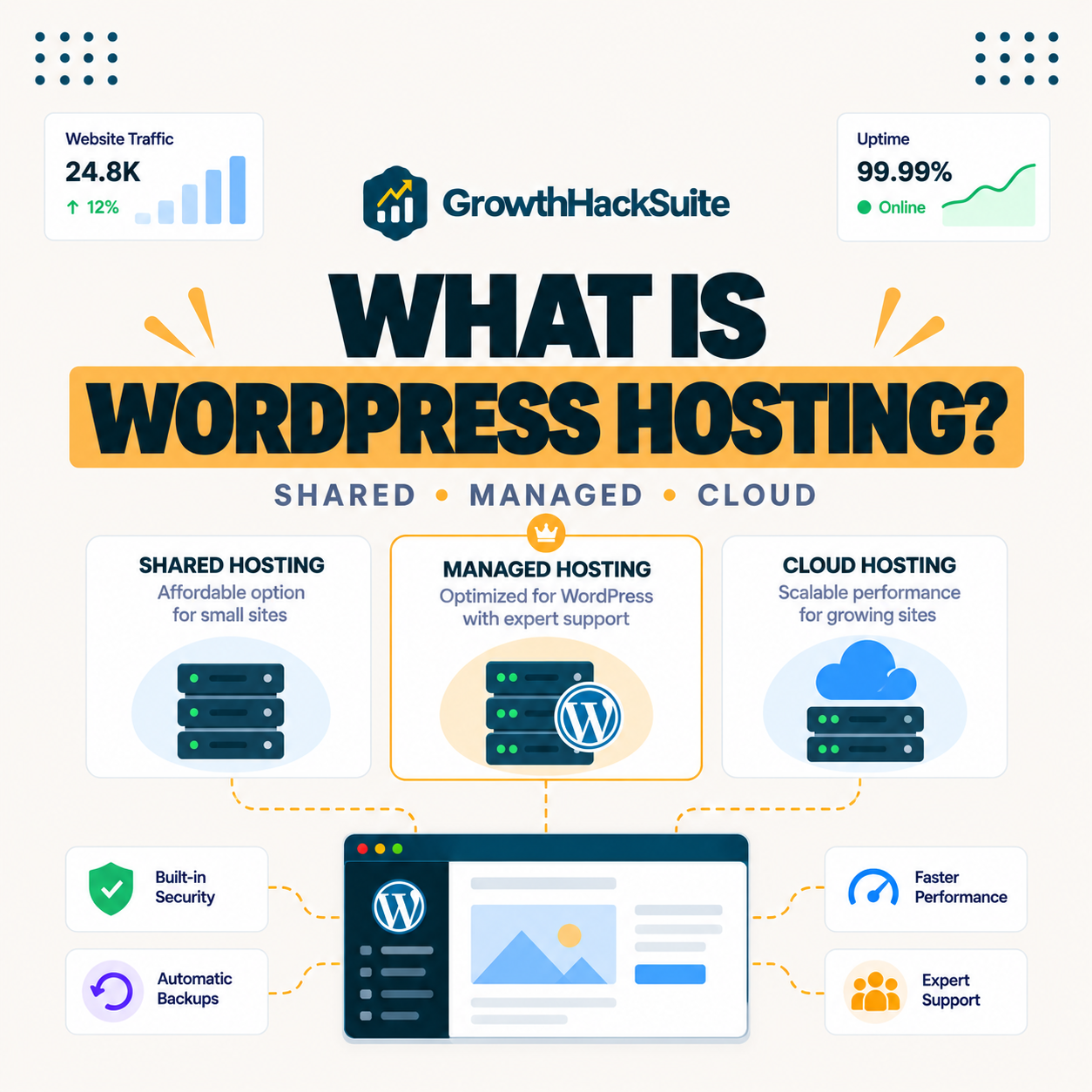
Types of WordPress hosting include shared plans for budgets, managed plans for hands-off performance, and cloud-based options. They differ in how much the host optimizes, maintains and isolates your site, which is what separates a cheap plan from a premium one.
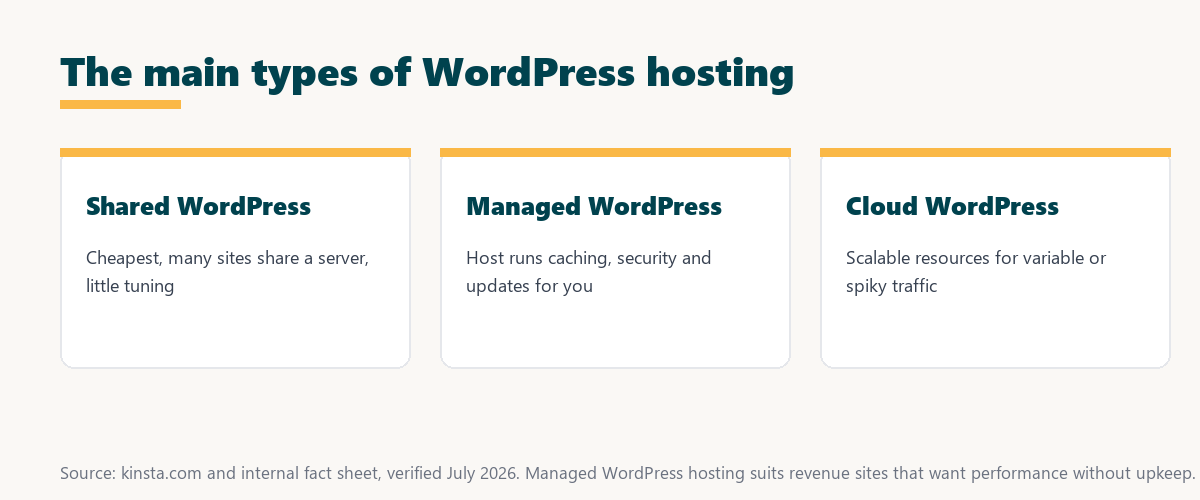
Source: provider documentation and kinsta.com/plans, verified August 2026. Each type trades price against optimization and maintenance.
Comparing shared, managed and cloud plans on optimization, maintenance, performance and price shows the type mostly decides how much work the host does versus how much falls to you.
See how Kinsta runs managed WordPress on Google Cloud
Try Kinsta →Built on Google Cloud, with a 30-day money-back guarantee.
Shared vs Managed Plans
Shared plans are cheap but pack many sites together with little optimization, while managed plans isolate resources and handle maintenance. Managed hosting therefore delivers faster, more reliable performance at a higher price, which is the core tradeoff between the two.
The honest point is that shared hosting saves money up front, while managed hosting saves time and protects performance, so the better value depends on what the site is worth.
Benefits of WordPress-Optimized Hosting
WordPress-optimized hosting benefits you with faster load times, WordPress-aware security, automatic updates and support that understands the platform. Together these reduce both the risk of problems and the time you spend maintaining the site, which matters most as a site grows.
- Faster load times: Server-level caching tuned for WordPress serves pages quickly without extra plugins.
- WordPress-aware security: Firewalls and rules built for WordPress block the platform’s common attacks.
- Automatic updates: Core updates and staging keep the site current without breaking it.
- Expert support: Support teams that know WordPress resolve issues faster than generic help desks.
- Built-in backups: Automatic daily backups make recovery simple after a mistake or bad update.
“The first five seconds of page-load time have the highest impact on conversion rates.”
— HubSpot, page load time and conversion rates
Because those first seconds shape conversions, WordPress-tuned speed is a direct commercial benefit, not just a technical nicety for the site owner.
Do You Need Special WordPress Hosting?
You need WordPress-specific hosting when you want better performance and less maintenance than generic hosting provides. This is especially true for business sites, stores and growing blogs, where speed and reliability directly affect sales, leads and reader retention.
- Business sites: A professional site benefits from the speed and reliability that WordPress-tuned hosting provides.
- Online stores: WooCommerce needs isolated resources and caching that generic hosting rarely optimizes.
- Growing blogs: Rising traffic strains cheap shared hosting, which WordPress hosting scales past.
- Non-technical owners: Managed WordPress hosting removes the maintenance a generic host would demand.
- Security-sensitive sites: WordPress-aware security defends the platform better than generic server rules.
The honest qualifier is that a zero-traffic hobby page can run anywhere, so the need for special WordPress hosting grows with the site’s stakes.
How to Choose the Right Type
Choose WordPress hosting by matching the type to your site’s size and goals, comparing performance, caching, backups, support and visit limits. Favor managed hosting once your site earns enough to justify hands-off reliability, since migrating later is more disruptive than choosing well now.
Source: provider documentation and kinsta.com/plans, verified August 2026. Shared suits hobby sites; managed suits revenue sites.
Contrasting price, isolation, speed, maintenance and support shows which type fits a given site: shared for a hobby project, managed for a site that earns. Owners weighing platform commitment can also read our note on SaaS vendor lock-in.
How Kinsta Fits In
Kinsta offers premium managed WordPress hosting on Google Cloud Platform, bundling isolated resources, edge caching, staging, backups and expert support. WordPress sites therefore get top performance with minimal maintenance, since the platform is built specifically for the software.
Get WordPress hosting handled on Kinsta
Start With Kinsta →Free migration and a 30-day money-back guarantee.
Hosting for WooCommerce and Stores
WordPress hosting for WooCommerce needs extra resources and object caching, because store pages like cart and checkout cannot be cached. A store therefore benefits from managed WordPress hosting that isolates resources and keeps dynamic pages fast under shopping load, especially during sales.
“A tool is only worth its premium when the hours or revenue it protects exceed the invoice.”
— Growth Hack Suite, on tool ROI
Applied to a store, managed WordPress hosting earns its premium whenever the checkout speed and uptime it protects would cost more in lost sales than the plan.
How Much Does WordPress Hosting Cost?
WordPress hosting ranges from a few dollars a month for shared plans to premium managed hosting in the tens of dollars, starting around 35 dollars a month. The price reflects optimization, isolation and included support, so matching spend to a site’s importance matters more than defaulting to the cheapest plan.
The honest summary is that a hobby blog can start cheap, while a site that earns is usually better served by paying for managed reliability from the outset.
Getting Started With the Right Host
You get started with WordPress hosting by picking a plan that fits your traffic and goals. Managed hosts like Kinsta offer one-click WordPress installs and free migration, so you can launch a new site or move an existing one easily and without downtime.
The honest summary is that the right first move is matching the hosting type to the site’s real needs, since a good fit now avoids a disruptive migration later.
Launch or move a WordPress site risk-free
Try Kinsta Risk-Free →One-click installs, free migration, and a 30-day money-back guarantee.
WordPress Hosting: Frequently Asked Questions
The 12 most-asked questions about WordPress hosting.
What is WordPress hosting in simple terms?
WordPress hosting is web hosting optimized to run WordPress well, tuning the server, caching and security for WordPress specifically, so your site loads faster and needs less maintenance than on generic hosting.
How is WordPress hosting different from normal hosting?
WordPress hosting is optimized for WordPress, often adding WordPress caching, automatic updates and specialized support, while normal hosting is generic and leaves WordPress tuning and upkeep to you.
Do I need special WordPress hosting?
You need WordPress-specific hosting when you want better performance and less maintenance, especially for business sites, stores and growing blogs where speed and reliability affect your results.
What are the types of WordPress hosting?
The main types are shared WordPress hosting for budgets, managed WordPress hosting for hands-off performance, and cloud-based options, differing in how much the host optimizes and maintains your site.
What is the difference between shared and managed WordPress hosting?
Shared WordPress hosting is cheap but packs many sites together with little optimization, while managed WordPress hosting isolates resources and handles maintenance for faster, more reliable performance.
Can I run WordPress on regular web hosting?
Yes, you can run WordPress on regular web hosting, but a WordPress-optimized or managed host usually delivers better speed, security and support because the environment is tuned for WordPress.
Is managed WordPress hosting worth it?
Managed WordPress hosting is worth it when your site earns revenue or you want to avoid maintenance, because the speed, security and support protect your results and save you technical work.
How much does WordPress hosting cost?
WordPress hosting ranges from a few dollars a month for shared plans to premium managed hosting in the tens of dollars, with price reflecting optimization, isolation and included support.
Does WordPress hosting include updates?
Managed WordPress hosting usually includes automatic core updates and staging to test theme and plugin updates, while basic shared WordPress hosting often leaves updates for you to manage.
Is WordPress hosting good for beginners?
Yes, WordPress hosting, especially managed plans, suits beginners because the host handles technical setup and maintenance and offers support, letting you run a professional site with less to learn.
Can I move my WordPress site to a new host?
Yes, you can move a WordPress site to a new host, and many managed WordPress hosts offer free migration, so you can switch to better hosting without downtime or losing content.
Which WordPress hosting should I choose?
Choose WordPress hosting by matching the type to your site’s size and goals, favoring managed hosting once your site earns enough to justify the hands-off performance and reliability it provides.
About this guide
Written by the Growth Hack Suite editorial team, drawing on hands-on experience running WordPress sites across hosting types. Details were cross-checked against provider documentation. This page carries affiliate links to Kinsta, so the position is stated plainly: WordPress hosting is hosting tuned for WordPress, it ranges from cheap shared plans to premium managed hosting, and the right type depends on what a site earns and how much upkeep the owner wants to avoid. Kinsta is a premium managed option on Google Cloud Platform.