Table of Contents
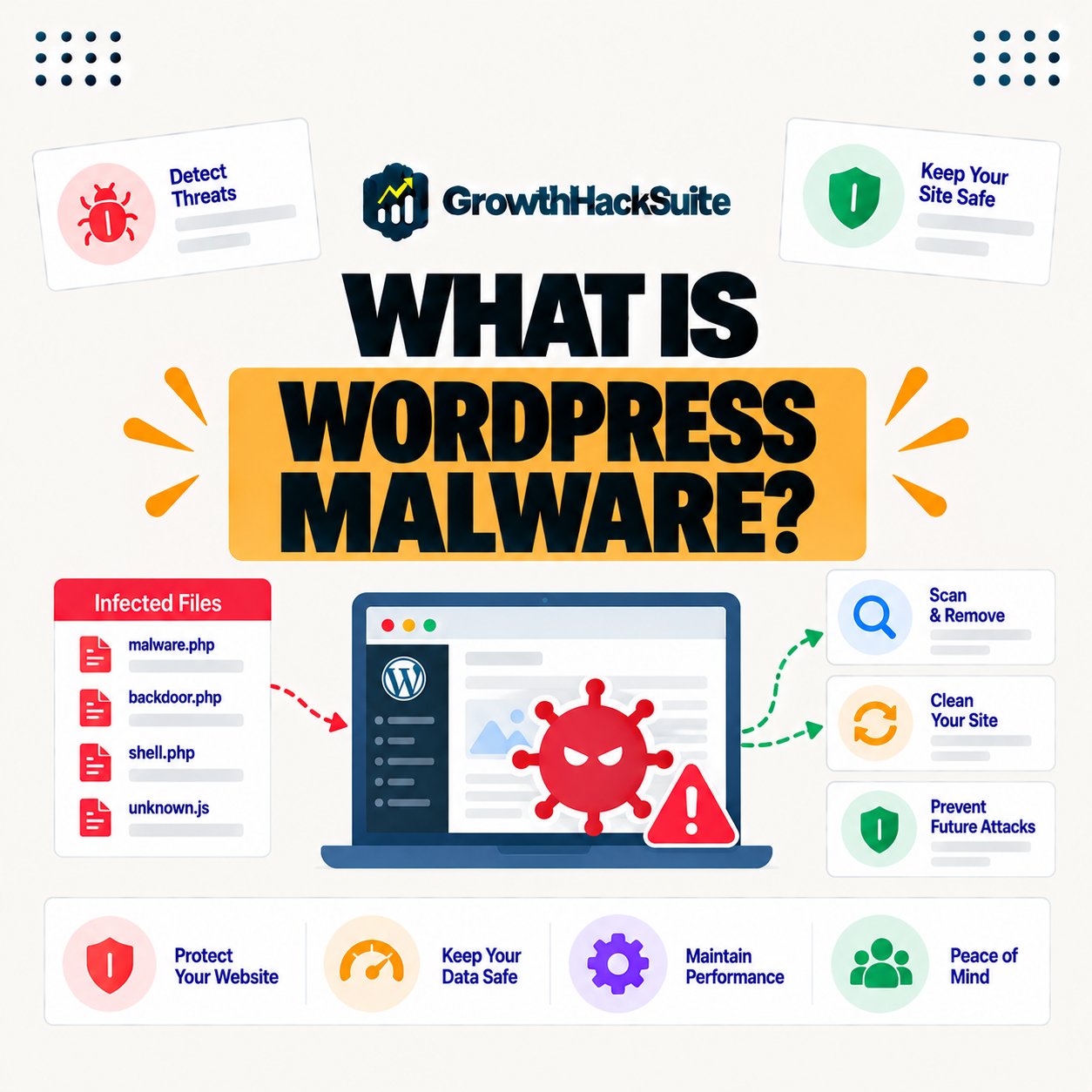
WordPress malware is malicious code injected into a WordPress site to steal data, redirect visitors, send spam or damage the site. It usually gets in through outdated plugins, weak passwords or vulnerabilities, so prevention through updates, strong security and a firewall matters, and infected sites need thorough cleaning to fully remove it. This guide explains how sites get infected and how to remove malware.
Last updated: August 2026. Written by the Growth Hack Suite editorial team, with details cross-checked against provider documentation. This is general security education, not formal security advice, and this page carries affiliate links to Kinsta.
What Is WordPress Malware?
WordPress malware is malicious code injected into a WordPress site to steal data, redirect visitors, send spam or damage the site. It turns your own website into a tool for the attacker’s goals, often without you noticing at first, which is what makes it so dangerous.
“Malware is any software intentionally designed to cause disruption to a computer or network.”
— Wikipedia, Malware
WordPress malware is that disruption applied to your site, hidden in files or the database and working quietly toward the attacker’s aims.
How Do WordPress Sites Get Infected?
WordPress sites get infected mainly through outdated plugins and themes, weak passwords, vulnerable code and compromised hosting. Most infections exploit known weaknesses that timely updates and strong security would have prevented, so the majority of hacks are avoidable rather than sophisticated.
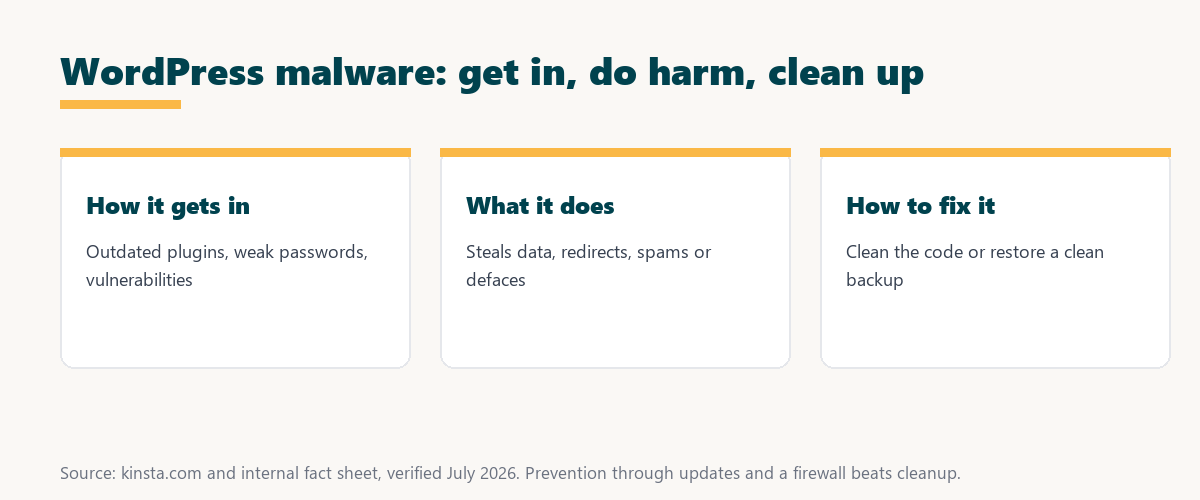
The pattern to remember is that malware follows neglect: outdated software and weak credentials are the doors it walks through.
What Are the Signs of Malware?
Signs of WordPress malware include unexpected redirects, spam content or pop-ups, browser or search engine warnings, unfamiliar admin accounts and a sudden drop in traffic. These symptoms suggest your site may be compromised, so noticing them early is key to limiting the damage.
The practical takeaway is that any unexplained change, from redirects to strange admin users, is worth investigating as a possible infection.
Types of WordPress Malware
Types of WordPress malware include backdoors that give attackers access, spam injections, malicious redirects, phishing pages and cryptominers. Different malware pursues different goals once it infects a site, so identifying the type helps guide how thoroughly it must be removed.
Source: provider documentation, verified August 2026. Each type has a distinct attacker goal.
Listing backdoors, spam injections, redirects, phishing and cryptominers shows malware pursues varied goals, from persistent access to stolen compute, so removal must be complete rather than partial.
See how Kinsta protects against and fixes malware
Try Kinsta →Firewall plus a free hack-fix guarantee, with a 30-day money-back guarantee.
Why Malware Is So Damaging
Malware is damaging because it can steal customer data, harm visitors, get your site blocklisted by search engines and browsers and destroy trust. An infection threatens both your security and your reputation and revenue, so the cost of a hack extends well beyond cleanup.
“The first five seconds of page-load time have the highest impact on conversion rates.”
— HubSpot, page load time and conversion rates
Because malware often adds warnings, redirects or slowdowns, it wrecks those early seconds and the trust a clean, fast site would have earned.
How to Prevent WordPress Malware
You prevent WordPress malware by keeping core, themes and plugins updated, using strong passwords and two-factor authentication, limiting plugins to trusted sources and running a firewall. This closes the weaknesses malware exploits, so prevention is mostly consistent maintenance plus an edge firewall.
The honest point is that prevention is far cheaper than removal, and most of it is routine: update, use strong logins and filter at the edge.
How to Remove Malware From WordPress
You remove WordPress malware by identifying and deleting the malicious code, restoring a clean backup, updating everything and changing passwords. Thorough cleaning is difficult, which is why professional help or a host’s hack-fix service is valuable, since missed code can reinfect the site.
The honest point is that half-removed malware often returns, so complete cleaning, or expert help, is what actually ends an infection.
How to Choose Secure, Protected Hosting
Choose secure hosting that includes a firewall, malware monitoring, isolation and ideally a hack-fix guarantee. Strong hosting-level security prevents many infections and helps you recover quickly if one occurs, so the host is a major part of your defense, not just where the site lives.
Source: provider documentation, verified August 2026. Prevention is cheaper; removal must be thorough.
Comparing the steps to prevent malware against the steps to remove it shows prevention is routine maintenance, while removal is a careful, thorough cleanup. Anyone weighing a long hosting commitment can read our note on SaaS vendor lock-in.
How Kinsta Protects Against and Fixes Malware
Kinsta protects against malware with a Cloudflare firewall, DDoS protection, isolated containers and monitoring, and backs it with a free hack-fix guarantee. If your site is compromised, Kinsta’s team cleans the malware for you, so protection and recovery are both part of the platform.
Get a firewall plus a free hack-fix guarantee
Start With Kinsta →Free migration and a 30-day money-back guarantee.
Keeping Your WordPress Site Malware-Free
You keep your WordPress site malware-free by combining updates, strong authentication and trusted plugins with secure hosting. Multiple layers prevent infection and a hack-fix guarantee covers recovery, so security is not a single control but a stack that both blocks and repairs attacks.
“A tool is only worth its premium when the hours or revenue it protects exceed the invoice.”
— Growth Hack Suite, on tool ROI
Applied to security, secure hosting with a hack-fix guarantee earns its cost the first time it prevents or cleans an infection that would have meant days of downtime.
What to Do if Your Site Is Hacked
If your site is hacked, you should take it into maintenance, change passwords, scan and clean the malware or restore a clean backup, update everything and contact your host. Fast, thorough action limits the damage, so responding quickly is as important as cleaning completely.
The honest point is that speed and completeness both matter: act fast to contain it, then clean thoroughly so it cannot return.
Choosing Malware-Protected Hosting
You choose malware-protected hosting by favoring a managed host with a firewall, isolation, monitoring and a hack-fix guarantee. That combination prevents many infections and covers cleanup if one slips through, so the host handles both the defense and the recovery for you.
The honest summary is that the strongest malware protection is layered and includes recovery, so a host that both blocks and fixes attacks is the safest choice.
Try Kinsta risk-free with malware protection
Try Kinsta Risk-Free →Firewall, hack-fix guarantee and free migration, with a 30-day money-back guarantee.
WordPress Malware: Frequently Asked Questions
The 12 most-asked questions about WordPress malware.
What is WordPress malware in simple terms?
WordPress malware is malicious code injected into your site to steal data, redirect visitors, send spam or damage the site, turning your website into a tool for the attacker.
How do WordPress sites get infected?
WordPress sites get infected mainly through outdated plugins and themes, weak passwords, vulnerable code and compromised hosting, so most infections exploit preventable weaknesses.
What are the signs of WordPress malware?
Signs include unexpected redirects, spam content or pop-ups, browser or search warnings, unfamiliar admin accounts and a sudden traffic drop, suggesting a compromise.
What are the types of WordPress malware?
Types include backdoors that give attackers access, spam injections, malicious redirects, phishing pages and cryptominers, each pursuing a different attacker goal.
Why is malware so damaging?
Malware is damaging because it can steal data, harm visitors, get your site blocklisted and destroy trust, so an infection threatens security, reputation and revenue together.
How do I prevent WordPress malware?
You prevent malware by updating core, themes and plugins, using strong passwords and two-factor authentication, sticking to trusted plugins and running a firewall.
How do I remove malware from WordPress?
You remove malware by finding and deleting the malicious code, restoring a clean backup, updating everything and changing passwords, though a host’s hack-fix service helps clean it thoroughly.
Can a firewall prevent malware?
A firewall helps prevent malware by blocking many attacks that would inject it, but it works best combined with updates, strong authentication and trusted plugins.
How do I know if my WordPress site is hacked?
You may be hacked if you see redirects, spam, browser warnings, unknown admin accounts or traffic drops, so monitoring and security scans help confirm an infection.
Does hosting help with malware?
Yes, secure hosting with a firewall, isolation, monitoring and a hack-fix guarantee prevents many infections and helps you recover quickly if one occurs.
What should I do first if my site has malware?
First, take the site into maintenance, change passwords, then scan and clean the malware or restore a clean backup, update everything and contact your host.
Does Kinsta remove malware?
Yes, Kinsta backs its firewall and isolation with a free hack-fix guarantee, so if your site is compromised, its team investigates and cleans the malware for you.
About this guide
Written by the Growth Hack Suite editorial team, drawing on hands-on experience running WordPress sites. Details were cross-checked against provider documentation. This is general security education, not formal security advice, and this page carries affiliate links to Kinsta. The position is stated plainly: WordPress malware is injected malicious code that usually exploits outdated software or weak logins, prevention through updates and a firewall beats cleanup, and complete removal matters. Kinsta protects with a Cloudflare firewall, DDoS protection and isolated containers, backed by a free hack-fix guarantee.