Table of Contents
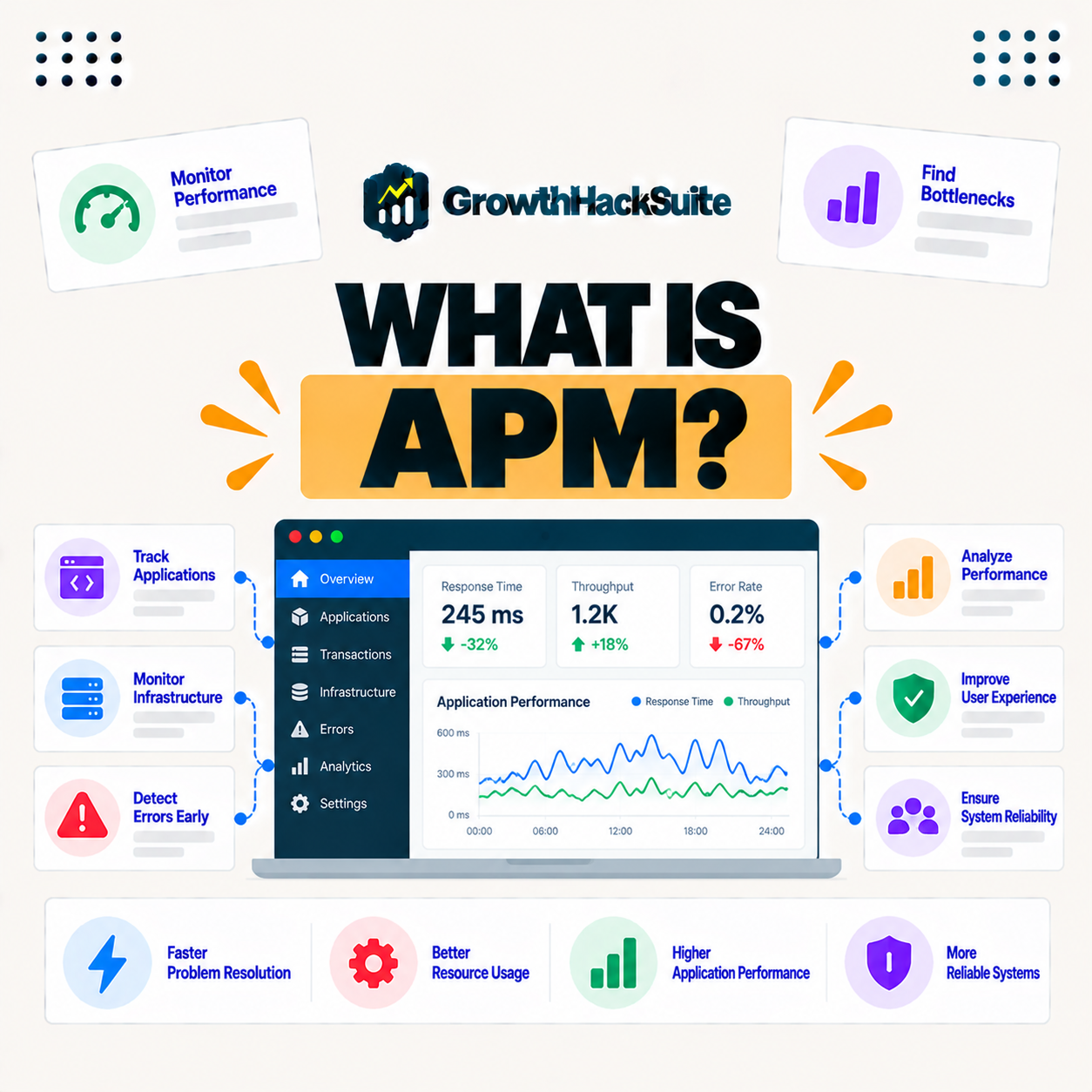
APM, or application performance monitoring, is the practice and tooling for tracking how an application performs in real time, measuring response times, transactions, and errors to find bottlenecks. For websites, it reveals slow database queries, plugins, and code, so developers can diagnose exactly what is slowing a site rather than guessing. This guide explains what it does, what it measures, and why it matters.
Last updated: August 2026. Written by the Growth Hack Suite editorial team, with details cross-checked against provider documentation. This page carries affiliate links to Kinsta.
See how Kinsta’s built-in monitoring works on Google Cloud
Try Kinsta →A built-in monitoring tool at no extra cost, with a 30-day money-back guarantee.
What Is Application Performance Monitoring?
Application performance monitoring, or APM, is the practice and tooling for tracking how an application performs in real time, measuring response times, transactions, and errors, so you can see how a site behaves and where it slows down rather than guessing. It replaces hunches with data.
“Application performance management is the monitoring of software application performance and availability.”
— Wikipedia, Application performance management
For a website, APM turns that monitoring into specifics: it shows which parts of a request are slow, so a fix targets the real cause.
How Does Performance Monitoring Work?
Performance monitoring works by instrumenting your application to record the time spent in different parts of each request, such as database queries, code, and external calls, so it builds a detailed picture of where processing time goes on every transaction. Nothing is left to guesswork.
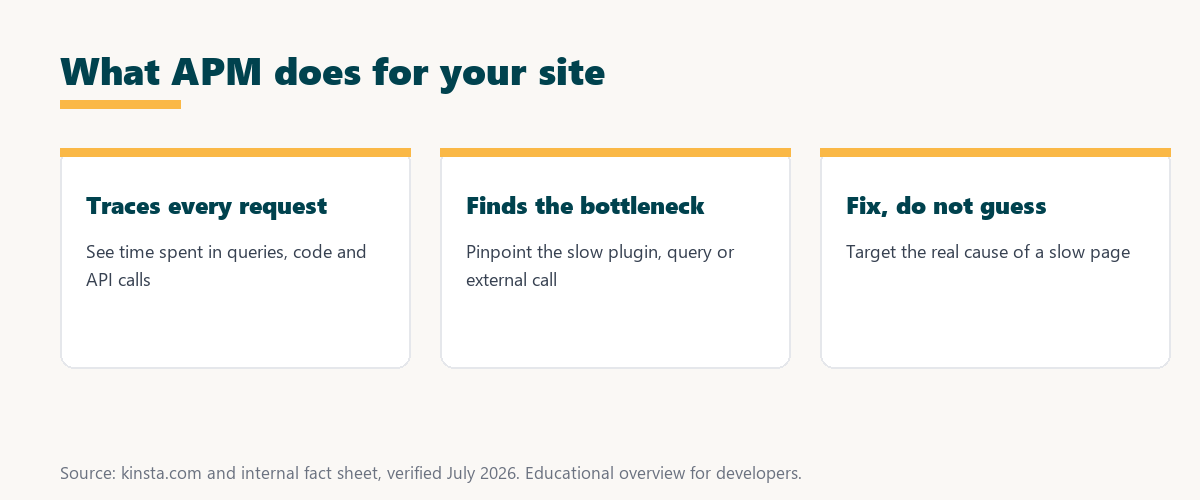
The key mechanism is instrumentation: by timing each stage of a request, it shows exactly where the milliseconds go.
What Does Performance Monitoring Measure?
Performance monitoring measures response and transaction times, slow database queries, plugin and code execution, external API calls, and errors, so it breaks down exactly what contributes to a slow request across the whole application. Each layer of a request is measured.
Five things it measures explain where a slow page loses its time:
- Response times: The total time each request takes is recorded, so slow pages stand out against fast ones for closer inspection.
- Database queries: The time spent in each query is measured, so a single slow or repeated query becomes easy to spot and fix.
- Plugin and code execution: The processing time of plugins and code is broken out, so a heavy plugin is identified rather than suspected.
- External calls: Time waiting on external APIs is tracked, so a slow third-party service is separated from a site’s own code.
- Errors: Failed transactions and errors are captured, so problems that both slow and break a site surface in one place.
Together these measurements turn a vague sense of slowness into a precise breakdown of where a request spends its time.
Performance Monitoring vs Uptime Monitoring
APM differs from uptime monitoring by measuring how fast and healthy an application performs, while uptime monitoring only checks whether it is available, so it diagnoses slowness while uptime monitoring detects outages. The two answer different questions.
Source: general overview cross-checked with public monitoring documentation, verified August 2026.
Reading down the table, uptime monitoring tells you the site is down, while performance monitoring tells you why it is slow, so most teams use both.
How Performance Monitoring Finds Bottlenecks
It finds bottlenecks by tracing each transaction and highlighting the slowest parts, so instead of guessing, you see which plugin, query, or external call consumes the most time and target the real cause of slowness. The slowest link is shown, not inferred.
The takeaway is that tracing turns performance work into targeting: fix the one slow query or plugin the trace points to, rather than changing things at random.
Why APM Matters for Websites
APM matters for websites because slow pages hurt experience, conversions, and SEO, so being able to pinpoint the exact cause of slowness lets you fix performance problems quickly rather than making blind changes. Speed problems become solvable.
“The first five seconds of page-load time have the highest impact on conversion rates.”
— HubSpot, page load time and conversion rates
If those early seconds decide conversions, monitoring is how you protect them: it finds the exact bottleneck slowing a page so the fix restores the speed visitors reward.
When Should You Use Performance Monitoring?
You should use performance monitoring when a site is slow, before a big traffic event, or when diagnosing intermittent issues, so it turns vague performance complaints into specific, fixable findings about what is actually slowing the site. It is the tool for the hard-to-explain slowdown.
The practical point is that this monitoring earns its keep exactly when performance is confusing: intermittent, unexplained, or worse under load.
What to Look for in a Monitoring Tool
Look for an APM tool that traces transactions, identifies slow queries and plugins, requires little setup, and integrates with your hosting, so you can diagnose performance without a complex or costly separate monitoring service. Ease of use matters as much as depth.
Source: general overview cross-checked with public monitoring documentation, verified August 2026.
Reading the table together, the core metrics, response times, queries, plugins, and errors, are exactly what you need to find and fix a slow site.
How Kinsta Provides Built-In Monitoring
Kinsta provides a built-in APM tool in MyKinsta at no extra cost, so you can trace slow transactions, plugins, and database queries directly, diagnosing performance issues without installing an agent or paying for a separate service. The tool lives right in the dashboard.
Diagnose slow pages with built-in monitoring on Kinsta’s Google Cloud platform
Start Free Migration →A built-in monitoring tool at no extra cost, with free migration.
Diagnosing Slow Pages With Performance Monitoring
You diagnose slow pages with performance monitoring by tracing a slow request to find the plugin, query, or call responsible, so with a built-in tool like Kinsta APM, you get a clear starting point to fix performance instead of guessing. The trace points straight to the culprit.
The takeaway is that diagnosis becomes fast and specific: open the trace, read the slowest segment, and fix that. For anyone weighing a long hosting commitment, our note on SaaS vendor lock-in is worth a read.
Monitoring and Ongoing Performance
It supports ongoing performance by letting you monitor and investigate over time, so you catch regressions, verify that fixes worked, and keep a site fast as it changes, making performance a measured practice rather than a one-time effort. Speed stays maintained, not just fixed once.
“A tool is only worth its premium when the hours or revenue it protects exceed the invoice.”
— Growth Hack Suite, on tool ROI
Applied to APM, the value is time saved: hours of blind debugging become a few minutes reading a trace, and the faster site protects the revenue slowness would cost.
Common Monitoring Terms to Know
Common terms include transaction, trace, response time, and bottleneck, so a transaction is a single request, a trace is its timed breakdown, response time is how long it took, and a bottleneck is the slowest part. Knowing these makes the tool’s output easy to read.
The honest summary is that it has a small vocabulary: once transaction, trace, and bottleneck are clear, the tool’s reports become straightforward.
Try Kinsta risk-free with built-in monitoring included
Try Kinsta Risk-Free →Built-in monitoring and free migration, with a 30-day money-back guarantee.
APM: Frequently Asked Questions
The 12 most-asked questions about application performance monitoring.
What is APM in simple terms?
APM, or application performance monitoring, tracks how your site performs in real time, measuring response times, transactions, and errors to find bottlenecks instead of guessing.
How does APM work?
APM instruments your application to record time spent in different parts of each request, such as database queries and code, building a detailed picture of where processing time goes.
What does APM measure?
APM measures response and transaction times, slow database queries, plugin and code execution, external API calls, and errors, breaking down what contributes to a slow request.
What is the difference between APM and uptime monitoring?
APM measures how fast and healthy an application performs, while uptime monitoring only checks whether it is available, so APM diagnoses slowness and uptime detects outages.
How does APM find bottlenecks?
APM traces each transaction and highlights the slowest parts, so you see which plugin, query, or external call consumes the most time instead of guessing at the cause.
Why does APM matter for websites?
APM matters because slow pages hurt experience, conversions, and SEO, so pinpointing the exact cause of slowness lets you fix problems quickly rather than making blind changes.
When should I use APM?
Use APM when a site is slow, before a big traffic event, or when diagnosing intermittent issues, so it turns vague complaints into specific, fixable performance findings.
Does APM slow down my site?
APM adds minimal overhead and is designed to observe performance, so you typically enable it when investigating, and hosting-level APM is optimized to measure without noticeably slowing the site.
Can APM find a slow plugin?
Yes, APM highlights which plugins consume the most time during requests, so you can identify and replace a poorly performing plugin that is dragging down your pages.
Do I need coding skills to use APM?
APM’s visual breakdown points to the slow plugin or query even without deep coding skills, giving you or your developer a clear starting point rather than requiring expertise to read.
Is APM the same as Google PageSpeed?
No, PageSpeed measures front-end load performance from the outside, while APM traces server-side processing from within, so they complement each other in diagnosing speed.
Does Kinsta include APM?
Yes, Kinsta includes a built-in APM tool in MyKinsta at no extra cost, so you can trace slow transactions, plugins, and queries without installing an agent or paying separately.
About this guide
Written by the Growth Hack Suite editorial team, drawing on hands-on experience running WordPress sites. Details were cross-checked against public monitoring documentation. This page carries affiliate links to Kinsta. The position is stated plainly: APM traces how an application performs to reveal slow queries, plugins, and code, so developers fix the real cause of slowness instead of guessing. Kinsta includes a built-in APM tool in MyKinsta at no extra cost.