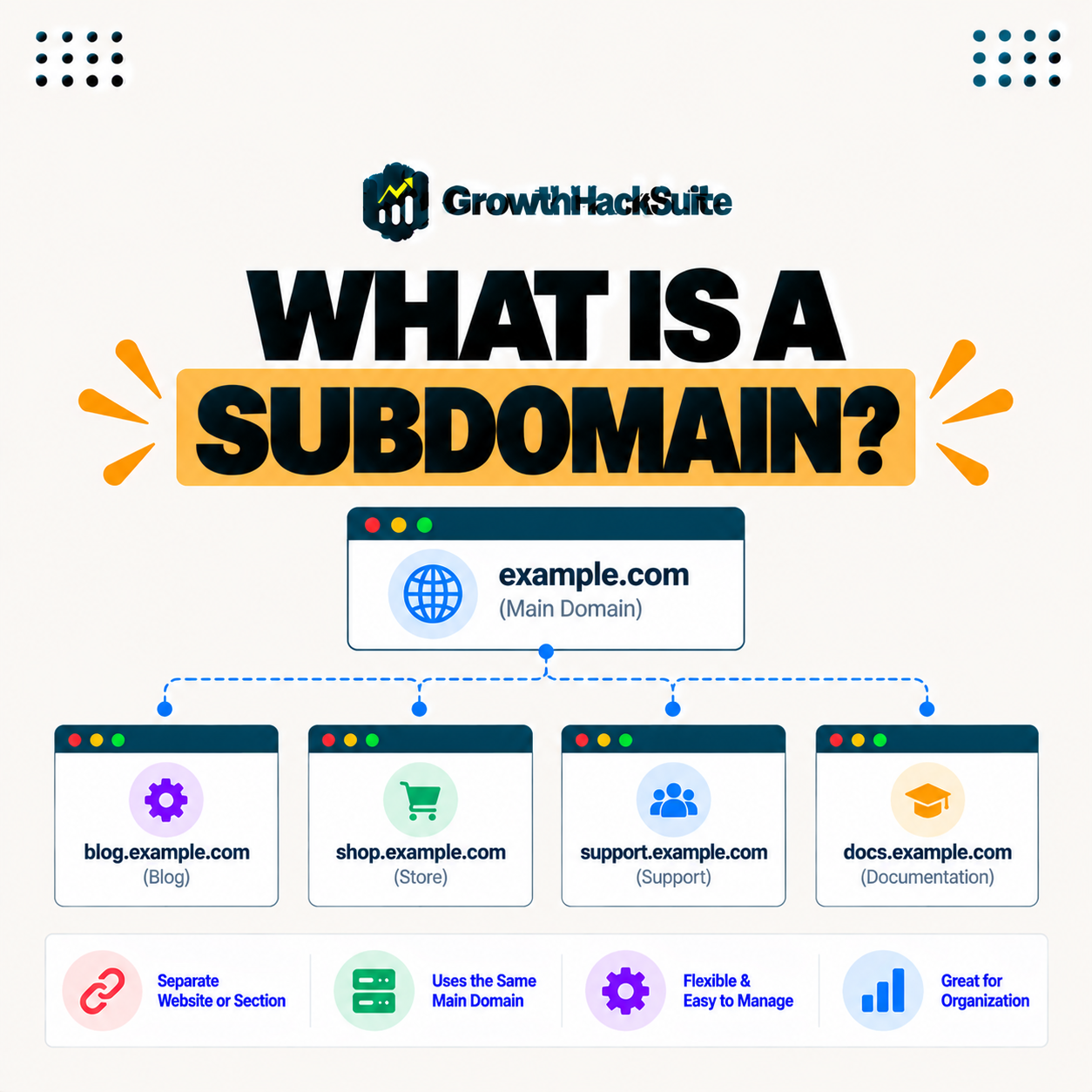
Table of Contents
A subdomain is a prefix added before your main domain, like blog.example.com, used to organize a distinct section or site under your domain. They let you separate content such as a blog, store, or app, and they function almost like a separate site, so knowing when to use one helps structure your web presence. This guide explains what they are and when to use one.
Last updated: August 2026. Written by the Growth Hack Suite editorial team, with details cross-checked against provider documentation. This page carries affiliate links to Kinsta.
See how Kinsta manages them on Google Cloud
Try Kinsta →DNS and site tools for these sections, with a 30-day money-back guarantee.
What Is a Subdomain?
A subdomain is a prefix added before your main domain, such as blog.example.com, used to organize a distinct section or separate site under your domain, so it lets you divide your web presence into parts that function almost independently. It is part of your domain, but treated on its own.
“A subdomain is a domain that is part of a larger domain.”
— Wikipedia, Subdomain
For a website owner, it is a simple way to carve out a section, like a blog or store, that runs almost like its own site under your brand.
How Do They Work Through DNS?
Subdomains work through DNS, where a record points it to a server or location, so browsers treat blog.example.com as its own address that can host different content from the main domain example.com. The DNS record is what makes it resolve.
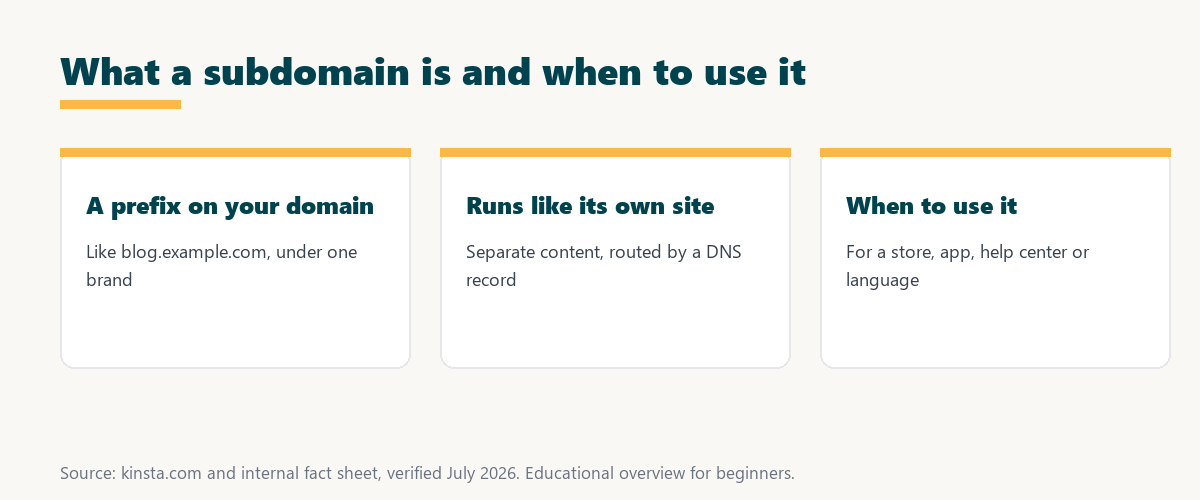
The key mechanism is DNS: a record for it tells browsers where to find it, so it can serve entirely different content from the main site.
What Is This Structure Used For?
This structure is used to separate content like a blog, store, support portal, app, or a staging site, so you can organize distinct areas, each with its own structure, under a single brand and domain. They keep different sections cleanly apart.
Five common uses show where it fits:
- Online store: A shop on a prefix like shop.example.comm runs its own storefront separately from the main marketing site.
- Support portal: A help center on help.example.com organizes documentation and tickets apart from the main pages.
- Web app: An application on app.example.com lives separately from the public site, so the tool and the marketing stay distinct.
- Staging site: A test copy on staging.example.com lets changes be tried safely without touching the live site.
- Another language: A localized site on its own prefix serves a specific region or language while sharing the brand and domain.
Together these uses show the pattern: this structure suits any section distinct enough to run almost like its own site.
Subdomain vs Subdirectory
A subdomain places content on a prefix like shop.example.com, while a subdirectory places it in a folder like example.com/shop, so the prefix acts more like a separate site and the folder stays part of the main site. The structure changes how content relates to the main domain.
Source: general overview cross-checked with public domain documentation, verified August 2026.
Reading down the table, the prefix approach separates content into what acts like its own site, while subdirectories keep it woven into the main domain.
How Does the Structure Affect SEO?
For SEO, search engines can treat a prefix somewhat separately from the main domain, while a subdirectory shares the main site’s authority more directly, so the choice can affect how link equity flows between your content. It is a real factor in structure decisions.
The honest point is that for content meant to boost the main site, a subdirectory often helps SEO, while a prefix suits content that stands apart.
When Should You Use a Subdomain?
You should use a subdomain when you want to clearly separate a section, such as a store, app, help center, or a site in another language, so it suits content that is distinct enough to function as its own site. Separation is the deciding factor.
“The first five seconds of page-load time have the highest impact on conversion rates.”
— HubSpot, page load time and conversion rates
Good structure supports that speed indirectly: separating a heavy app or store onto its own prefix keeps each part focused and easier to keep fast for the visitors those early seconds depend on.
When to Use a Subdirectory Instead
You should use a subdirectory when the content is part of the main site and you want it to share the site’s SEO authority, so blogs and closely related sections often work better as subdirectories than prefixes. Related content usually belongs in a folder.
The practical point is that if the content is meant to strengthen the main site, a subdirectory keeps its authority connected rather than split off.
How Do You Create a Subdomain?
You create a subdomain by adding a DNS record for it and pointing it to the right location, usually through your host or DNS provider, so with your hosting dashboard you set it up and connect it to its content. It is a quick, standard setup.
Source: general overview cross-checked with public domain documentation, verified August 2026.
Reading the table together, this structure suits a store, app, help center, or localized site, each distinct enough to run on its own address.
Using This Structure With WordPress Multisite
This is one way to structure a WordPress Multisite network, so each subsite can live on its own prefix, and a host that supports Multisite lets you run a network built this way from one installation. Multisite turns them into a fleet of sites.
Run a Multisite network on Kinsta’s Google Cloud platform
Start Free Migration →Multisite support and DNS tools, with free migration.
Managing Them on Managed Hosting
You manage these prefixes on managed hosting through the host’s DNS and site tools, so on a platform like Kinsta you add prefixes, point them where needed, and use them for separate sites or a Multisite network. The dashboard handles the DNS and routing.
The takeaway is that managed hosting makes them approachable: the tools add and route them without you touching raw DNS by hand. For anyone weighing a long hosting commitment, our note on SaaS vendor lock-in is worth a read.
Domains and DNS Behind the Prefix
This prefix depends on your domain and DNS, so it is created by adding DNS records under your domain, which is why understanding domains and DNS helps you set up and route them correctly. The three work together as one system.
“A tool is only worth its premium when the hours or revenue it protects exceed the invoice.”
— Growth Hack Suite, on tool ROI
Applied to this structure, the value is clarity: the small effort of structuring content across prefixes and subdirectories pays off in an organized site that is easier to run and grow.
Common Naming Examples
Common examples include blog.example.com for a blog, shop.example.com for a store, app.example.com for an application, and help.example.com for support, so the prefix signals what each section is. The naming makes the structure obvious to visitors.
The honest summary is that a clear prefix does double duty: it organizes your content and tells visitors exactly what part of your site they are on.
Try Kinsta risk-free and manage DNS with ease
Try Kinsta Risk-Free →DNS tools, Multisite support and free migration, with a 30-day money-back guarantee.
Frequently Asked Questions
The 12 most-asked questions about this topic.
What is a subdomain in simple terms?
A subdomain is a prefix added before your main domain, like blog.example.com, used to organize a distinct section or separate site under your domain.
How do subdomains work?
Subdomains work through DNS, where a record points the subdomain to a server or location, so browsers treat it as its own address hosting content separate from the main domain.
What are subdomains used for?
Subdomains are used to separate content like a blog, store, support portal, app, or staging site, so you can organize distinct areas under one brand and domain.
What is the difference between a subdomain and a subdirectory?
A subdomain uses a prefix like shop.example.com, while a subdirectory uses a folder like example.com/shop, so subdomains act more like separate sites.
Is a subdomain or subdirectory better for SEO?
Search engines can treat a subdomain somewhat separately, while a subdirectory shares the main site’s authority more directly, so the choice affects how link equity flows.
When should I use a subdomain?
Use a subdomain to clearly separate a section like a store, app, help center, or another-language site, so it suits content distinct enough to work as its own site.
When should I use a subdirectory instead?
Use a subdirectory when content is part of the main site and you want it to share SEO authority, so blogs and closely related sections often work better as subdirectories.
How do I create a subdomain?
You create a subdomain by adding a DNS record and pointing it to the right location, usually through your host or DNS provider, then connecting it to its content.
Do subdomains cost extra?
Subdomains themselves are usually free to create under a domain you own, though the content on each subdomain still needs hosting, which may affect your plan’s resources.
Can I use a subdomain for a separate site?
Yes, a subdomain can host a separate site with its own content, so it is a common way to run distinct areas like a store or blog under one domain.
Are subdomains used in WordPress Multisite?
Yes, subdomains are one way to structure a WordPress Multisite network, so each subsite can live on its own subdomain within a single installation.
How does Kinsta handle subdomains?
Kinsta lets you add and route subdomains through its DNS and site tools, so you can use them for separate sites or a subdomain-based Multisite network on Google Cloud.
About this guide
Written by the Growth Hack Suite editorial team, drawing on hands-on experience running WordPress sites. Details were cross-checked against public domain documentation. This page carries affiliate links to Kinsta. The position is stated plainly: a subdomain is a prefix on your domain that runs almost like a separate site, suited to distinct sections, while subdirectories suit content that should share the main site’s authority. Kinsta manages subdomains through its DNS and site tools, including subdomain-based Multisite.