Table of Contents
Shared hosting is a hosting type where many websites share the resources of a single server, keeping costs very low. It suits small, low-traffic sites, but because resources are shared, a busy neighbor can slow your site, so sites that grow or earn revenue often need to upgrade to faster, isolated hosting. This guide explains how it works and when to upgrade.
Last updated: August 2026. Written by the Growth Hack Suite editorial team, with details cross-checked against provider documentation. This page carries affiliate links to Kinsta.
See how Kinsta differs from shared hosting on Google Cloud
Try Kinsta →Isolated containers instead of a shared server, with a 30-day money-back guarantee.
What Is Shared Hosting?
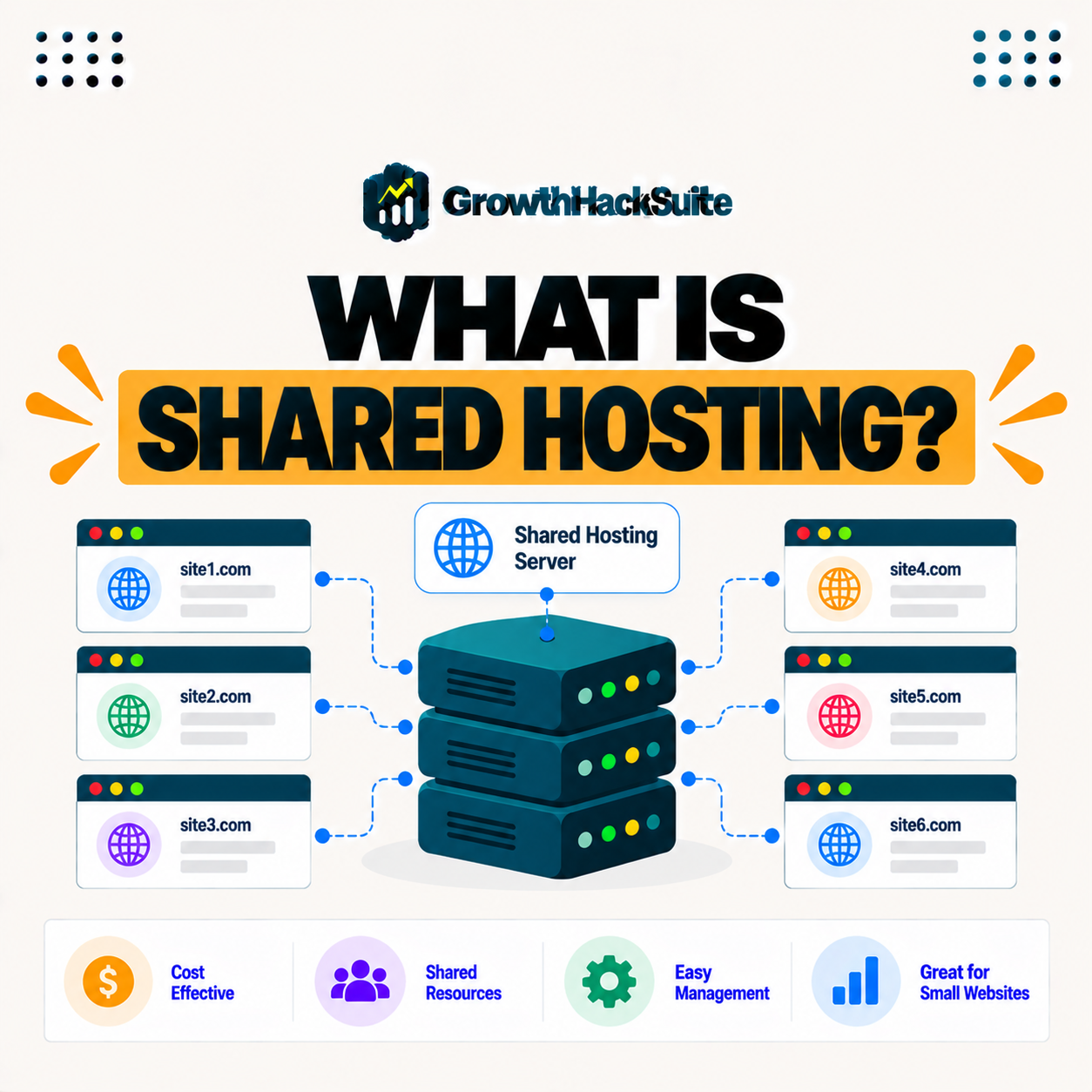
Shared hosting is a hosting type where many websites share the resources of a single physical server, so the cost is split among users, making it the cheapest way to get a website online while the server’s CPU, memory, and storage are shared. It is the entry level of web hosting.
“A shared web hosting service places many websites on one web server.”
— Wikipedia, Shared web hosting service
For a beginner, that shared arrangement is the appeal: splitting one server across many sites is what makes shared hosting so cheap to start with.
How Does Shared Hosting Work?
Shared hosting works by placing many sites on one server that divides its resources among them, so each site draws from a common pool, which keeps prices low but means the sites also share the effects of each other’s activity. One busy site can affect the rest.
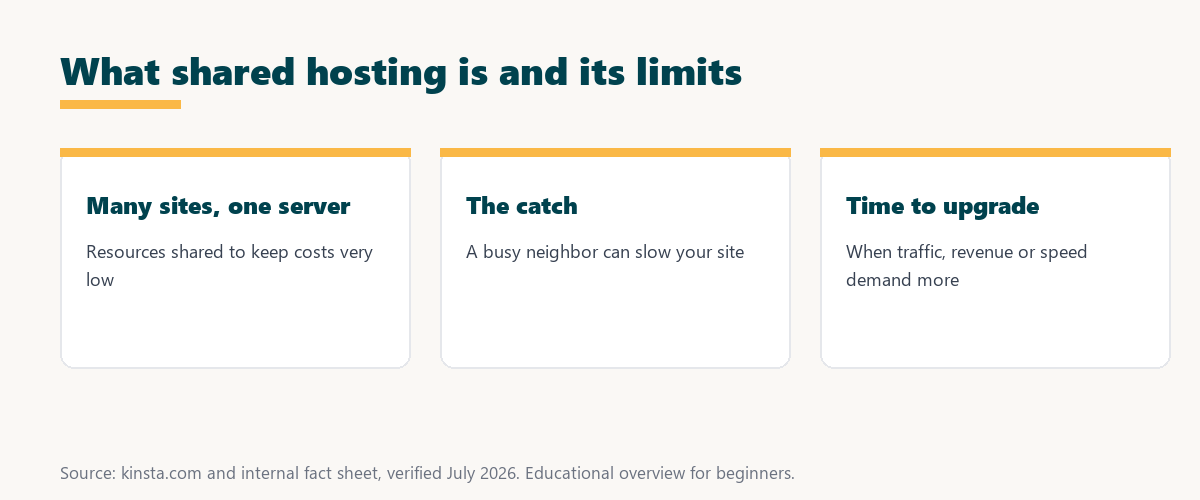
The key point is the shared pool: low cost comes from sharing resources, and the trade-off is that your site’s speed depends partly on its neighbors.
What Are the Benefits of Shared Hosting?
The benefits of shared hosting are low cost, simplicity, and included management, so it is an accessible starting point for beginners and small sites that do not yet need much performance or many resources. It removes the barriers to getting online.
Three benefits make it the common starting point:
- Low cost: Splitting one server across many sites keeps prices very low, so a new site can go online for a small monthly fee.
- Simplicity: The host handles server setup and upkeep, so a beginner can launch a site without managing infrastructure.
- Included management: Basic maintenance and a control panel come bundled, so routine tasks are handled without extra tools or expertise.
Together these benefits explain its popularity: it is the cheapest, simplest way to put a small site online.
Shared Hosting vs Managed Hosting
Shared hosting pools many sites on one server cheaply, while managed hosting provides isolated resources and optimization at a higher price, so managed hosting delivers faster, more reliable performance than shared hosting for sites that need it. The difference is isolation and speed.
Source: general overview cross-checked with public hosting documentation, verified August 2026.
Reading down the table, the shared option wins on price while managed hosting wins on isolation, resources, and performance, which is the trade a growing site eventually faces.
What Is the Noisy Neighbor Problem?
The noisy neighbor problem is when another site on your shared server consumes excessive resources, so your site slows down or goes offline through no fault of your own, which is an inherent risk of sharing a server. You cannot control what neighbors do.
The honest point is that a noisy neighbor is the core weakness of this setup: your performance is partly out of your hands.
What Are the Downsides of Shared Hosting?
The downsides of shared hosting are limited resources, slower performance, vulnerability to noisy neighbors, and weaker isolation, so as a site grows in traffic or importance, these limitations increasingly hold it back. What works at launch can constrain a growing site.
“The first five seconds of page-load time have the highest impact on conversion rates.”
— HubSpot, page load time and conversion rates
This is where its limits bite: if a crowded server slows those early seconds, it directly costs the conversions a faster host would protect.
When Should You Upgrade From Shared Hosting?
You should upgrade from shared hosting when your site grows in traffic, earns revenue, slows down, or suffers downtime, so once the site’s performance and reliability start costing you, faster isolated hosting becomes worth the higher price. The signs are usually clear.
The practical rule is to upgrade when it starts costing you more than it saves, in slow pages, downtime, or lost sales.
What Should You Upgrade To?
You should move up to managed WordPress, cloud, or VPS hosting depending on your needs, so for most growing WordPress sites, managed hosting on isolated resources is the natural next step up in performance and reliability. The right tier depends on the site.
Source: general overview cross-checked with public hosting documentation, verified August 2026.
Reading the table together, slow pages, downtime, traffic growth, and revenue are the clearest signs that a site has outgrown this hosting type.
How Kinsta Differs From Shared Hosting
Kinsta differs from shared hosting by running each site in an isolated container on Google Cloud with dedicated resources, so your site is not affected by noisy neighbors and gets premium performance rather than a shared, oversold server. Isolation is the core difference.
Upgrade from shared hosting on Kinsta’s Google Cloud platform
Start Free Migration →Isolated containers and free migration.
Moving Up to Managed Hosting
You move from shared hosting to managed hosting by choosing a host like Kinsta that migrates your site for free, so you upgrade to isolated, faster hosting without the risk and effort of moving the site yourself. Free migration removes the biggest barrier to upgrading.
The takeaway is that upgrading is easier than most owners expect: a managed host handles the move, so the switch is low-risk. For anyone weighing a long hosting commitment, our note on SaaS vendor lock-in is worth a read.
Why Growing Sites Outgrow Shared Servers
This hosting type suits the earliest stage of a site, but growing sites outgrow it, so recognizing the signs of slow pages, downtime, and resource limits helps you upgrade before performance problems cost you visitors and revenue. Timing the upgrade well protects growth.
“A tool is only worth its premium when the hours or revenue it protects exceed the invoice.”
— Growth Hack Suite, on tool ROI
Applied to hosting, the calculation is simple: once a slow or unreliable shared server starts costing sales, the premium for faster, isolated hosting more than pays for itself.
Common Limits of Shared Servers
Common shared hosting limits include capped CPU and memory, restrictions on traffic or storage, and limited scalability, so a site that grows quickly can hit these ceilings and slow down. These limits are how providers keep low prices sustainable.
The honest summary is that its limits are the price of its low cost: they are fine at first but become the reason to upgrade later.
Try Kinsta risk-free and leave shared-server limits behind
Try Kinsta Risk-Free →Isolated resources and free migration, with a 30-day money-back guarantee.
Frequently Asked Questions
The 12 most-asked questions about this hosting type.
What is shared hosting in simple terms?
Shared hosting is a hosting type where many websites share the resources of a single server, keeping costs very low, while the server’s CPU, memory, and storage are shared among sites.
How does shared hosting work?
Shared hosting places many sites on one server that divides its resources among them, so each site draws from a common pool, keeping prices low but sharing the effects of activity.
What are the benefits of shared hosting?
The benefits are low cost, simplicity, and included management, so it is an accessible starting point for beginners and small sites that do not need much performance yet.
What is the difference between shared and managed hosting?
Shared hosting pools many sites cheaply, while managed hosting provides isolated resources and optimization, so managed delivers faster, more reliable performance for sites that need it.
What is the noisy neighbor problem?
The noisy neighbor problem is when another site on your shared server uses excessive resources, so your site slows or goes offline through no fault of your own.
What are the downsides of shared hosting?
Downsides are limited resources, slower performance, vulnerability to noisy neighbors, and weaker isolation, so growing sites are increasingly held back by these limits.
When should I upgrade from shared hosting?
Upgrade when your site grows in traffic, earns revenue, slows down, or suffers downtime, so once performance and reliability start costing you, faster hosting is worth it.
Is shared hosting good for beginners?
Shared hosting suits beginners and small, low-traffic sites because it is cheap and simple, though sites usually outgrow it as traffic and importance increase.
Is shared hosting secure?
Shared hosting can be less secure because sites share a server, so a compromise or issue on a neighboring site can pose a risk, unlike the isolation of managed hosting.
What should I upgrade to from shared hosting?
You typically upgrade to managed WordPress, cloud, or VPS hosting, so for most growing WordPress sites, managed hosting on isolated resources is the natural next step.
Can I move my site off shared hosting easily?
Yes, many managed hosts offer free migration, so you can move your site off shared hosting to faster, isolated hosting without the risk of doing it yourself.
How is Kinsta different from shared hosting?
Kinsta runs each site in an isolated container on Google Cloud with dedicated resources, so it avoids noisy neighbors and delivers premium performance rather than a shared server.
About this guide
Written by the Growth Hack Suite editorial team, drawing on hands-on experience running WordPress sites. Details were cross-checked against public hosting documentation. This page carries affiliate links to Kinsta. The position is stated plainly: shared hosting is the cheapest hosting type where many sites share one server, ideal for small starter sites but limited by shared resources and noisy neighbors as a site grows. Kinsta runs each site in an isolated container on Google Cloud, avoiding those limits.