
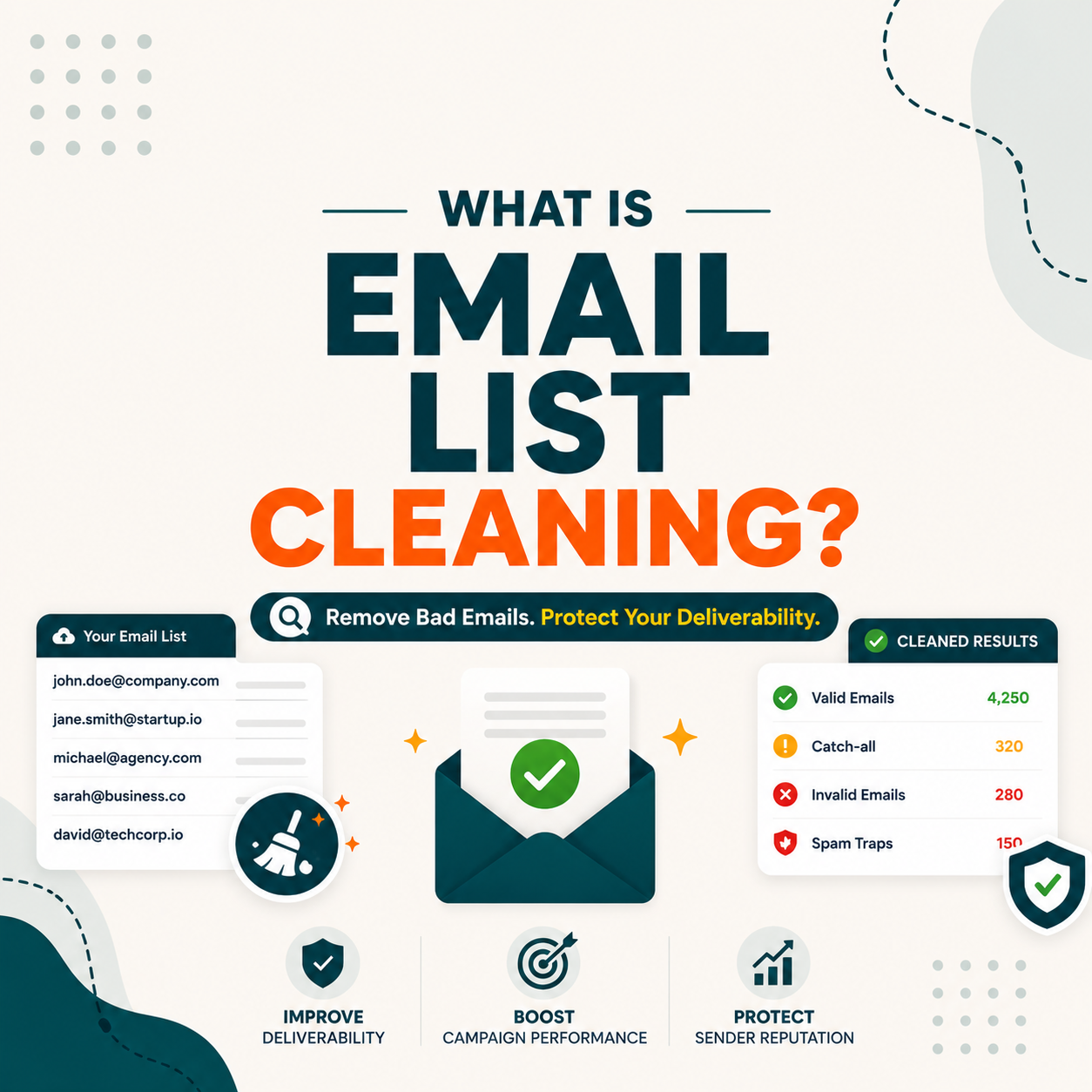
Email list cleaning is the process of removing invalid, duplicate, role-based, and spam-trap addresses from a contact list before send. Marketers run it every 90 days to keep bounce rate below 2 percent and protect domain reputation. Free verifier tools like Hunter clean 50 emails per month at no cost, enough to validate your list quality before committing to paid bulk cleaning.
Table of Contents
What Is Email List Cleaning and Why Does It Matter for Deliverability?
Email list cleaning is the process of removing invalid, duplicate, role-based, and spam-trap addresses from a contact list before send. Marketers run it every 90 days for newsletter lists and before every send for cold outreach lists. Skipping cleaning sends bounce rate above 5 percent which triggers ESP throttling, domain reputation drops within 48 hours, and inbox placement compresses for every future campaign. For a practical step-by-step guide, see how to reduce bounce rate below 2 percent.
“Email marketing is the act of sending a commercial message, typically to a group of people, using email.”
Wikipedia, Email marketing. List hygiene is the foundational practice that keeps this channel deliverable as lists grow.
Cleaning is the difference between sending to a list and sending to a real inbox. The math is brutal: every 1000 unverified contacts cost roughly 80 cents in wasted credits and 2 to 4 weeks of domain reputation recovery.
What Are the 4 Types of Dirty Data Email List Cleaning Removes?
Four categories of dirty data show up in every list older than 90 days. Hard bounces from invalid syntax or dead domains immediately damage sender reputation. Duplicate addresses inflate send cost and skew engagement metrics. Role-based addresses (info@, sales@, support@) bounce at twice the rate of personal addresses. Spam traps are addresses recycled by ISPs specifically to identify senders running unverified lists, hitting one can blacklist your domain on Spamhaus. For a tool-level comparison of how Hunter and ZeroBounce handle each type, see Hunter vs ZeroBounce for marketers cleaning lists.
Four categories of dirty data below cover what every cleaning tool filters in a single pass on B2B marketing lists.
- Hard bounces from invalid addresses: typos at form entry, dead domains after company shutdown, deactivated mailboxes after employee departure, all trigger 550 server rejection immediately.
- Duplicate addresses across segments: same email appearing in newsletter list plus product update list plus reactivation list inflates send cost and counts as multiple opens, skewing campaign metrics.
- Role-based mailboxes: generic addresses like info@, sales@, support@, admin@ get redirected, deprecated, or filtered aggressively, bouncing at roughly twice the rate of personal addresses.
- Spam traps and recycled addresses: ISPs convert old abandoned mailboxes into traps specifically to catch senders running unverified lists, hitting one blacklists your domain on Spamhaus.
- Catch-all server ambiguity: domains where the mail server accepts every address without confirming mailbox existence, sending blindly to catch-all rows often produces silent failures at the recipient end.
“Regularly removing invalid addresses from your list can help you maintain a healthy sender reputation and improve deliverability.”
Mailchimp, About List Hygiene. Mailchimp recommends quarterly cleaning as the baseline cadence for newsletter senders.
Dirty data is not just invalid emails. It is invalid plus duplicate plus role-based plus trap, four distinct categories that each require a different filter rule. Cleaning tools handle all four in one pass.
When Do You Need to Clean Your Email List? 5 Triggers That Demand Action
Five triggers signal it is time to clean before your next send. Bounce rate above 2 percent on last campaign means domain reputation is already eroding. List age over 6 months without re-engagement means 20 to 30 percent of contacts may have moved jobs. Mixed source lists from scraping plus imports plus opt-ins need source-by-source verification. Drop in open rate without copy change usually signals deliverability degradation. ESP migration always requires a fresh verification pass. See the detailed reduce bounce rate below 2 percent workflow for the recovery sequence after each trigger.
Five triggers below tell you to clean your list now, not on the next quarterly cycle.
- Bounce rate above 2 percent: last campaign already crossed the ESP throttle threshold, domain reputation is dropping with every subsequent send until you clean the underlying list.
- List age over 6 months: B2B contacts change jobs every 2.9 years on average, 20 to 30 percent of a 6-month-old list has stale addresses needing fresh verification before send.
- Mixed-source list aggregation: combined scraped plus imported plus opt-in data has different quality tiers, segment by source and verify each separately to control risk per segment.
- Open rate drop without copy change: same subject line and audience suddenly hitting 30 percent lower open rate usually means deliverability degraded, often from accumulated invalid addresses.
- New ESP migration in progress: moving from one provider to another resets sender reputation, the new ESP runs deliverability tests that fail fast on a dirty list, always clean before migration day.
“Hunter Email Verifier runs all four SMTP checks (syntax, DNS, MX, mailbox) plus catch-all detection, returning a 0 to 100 confidence score that helps marketers segment risky rows before send.”
Growth Hack Suite, Hunter.io Email Finder review
Triggers are not optional checkpoints. Each one is your domain reputation telling you the cost of skipping cleaning has already started. Verify before send, every time, when any trigger fires.
Cleaning is easier with the right finder.
See which email finders bundle verification with discovery, ranked by real accuracy, free tier, and price, so list hygiene stays a one-tool job.
Compare the best email finder tools →Why Does Automated Email List Cleaning Beat Manual Cleaning Every Time?
Three approaches exist for cleaning a list. Manual cleaning (send then watch bounces) damages domain reputation by design and works only on tiny lists. DIY SMTP script (Python, Node) works for technical teams but most servers block VRFY now and rate-limit RCPT TO. Third-party verifier tools like Hunter, ZeroBounce, NeverBounce run in 5 minutes setup and deliver 95 to 99 percent accuracy. Manual and DIY combined process less than 100 rows per hour, tools process 10000. For a head-to-head accuracy breakdown, see the Hunter vs ZeroBounce comparison for marketers.
- Setup is minutes, not days: no engineering required, free tier covers initial test with 50 to 1000 emails depending on vendor.
- Handles catch-all and greylisting: verification engine absorbs SMTP complexity including catch-all servers and rate limits the vendor handles at scale.
- Confidence scores enable segmentation: risky rows flagged separately for manual review, manual cleaning has no such graduated filter to segment borderline contacts.
- Domain reputation stays intact: verification does not actually send mail to the recipient server, so your sender score is never exposed to bounce risk during the cleaning process.
- Cost per email under 1 cent at scale: manual labor costs 50 cents to 2 dollars per contact researched, verifier tools drop that to under 0.02 dollars at the Growth tier.
Manual is a reputation risk for anything past tiny lists. DIY SMTP fights server defenses. Third-party verifier tools win on speed, accuracy, and domain safety, every metric that matters.
Top 5 Email List Cleaning Tools Compared: Hunter, ZeroBounce, NeverBounce, Bouncer, Clearout
Five verifier tools lead the cleaning market. Hunter Email Verifier integrates with find workflow plus 50 free verifications per month. ZeroBounce specializes in verification-only at 100 free plus deep analytics. NeverBounce offers 1000 free trial credits plus bulk speed. Bouncer fits EU teams with strong GDPR compliance. Clearout offers cheapest API pricing. Each trades off free tier size, accuracy, and integration depth differently. See the broader 9 best email finder tools comparison for all-in-one finders that bundle verification with discovery.
Five list cleaning tools below cover the main verifier use cases, tested on a 1000-row B2B marketing list sample.
Hunter wins for marketers also doing find workflow. ZeroBounce wins for verification-only deep dives. Choose based on whether cleaning is a one-time fix or an ongoing pipeline component.
How Do You Clean Your Email List with Hunter.io in 4 Free Steps?
Four steps clean a 50-email sample on Hunter free tier and validate the workflow before paying. Export your list from ESP or CRM as CSV. Upload to Hunter Email Verifier dashboard. Wait for SMTP processing (typically 2 to 5 minutes for 50 rows). Download results with valid, risky, and invalid segmentation, then re-import only valid plus high-confidence risky rows to your ESP for the next send. For volume planning, see the Hunter pricing plan breakdown for verification volume.
Four steps below clean your first 50 emails free with Hunter and validate the workflow impact in under 10 minutes.
- Step 1, export list from ESP: in Mailchimp, Klaviyo, or HubSpot, export the most stale segment (subscribers older than 6 months without engagement) as CSV with email column.
- Step 2, upload to Hunter Verifier: in Hunter dashboard, navigate to Email Verifier tab, drag the CSV into upload zone, confirm 50 verification quota will be used for the batch.
- Step 3, wait for SMTP processing: 50 rows finish in 2 to 5 minutes including syntax plus DNS plus MX plus SMTP handshake plus catch-all detection, dashboard shows live progress.
- Step 4, segment and re-import: download results with status (valid, risky, invalid) plus confidence score (0 to 100), import only valid plus risky over 70 score back to your ESP segment for safe next send.
Run the 4-step workflow free before any plan commitment
Clean your list free with Hunter →- 50 free credits per month
- No credit card required
- SMTP-verified B2B accuracy
Four steps, 50 free verifications, 5 minutes per batch. That is enough to test the cleaning impact on your worst 50 contacts before deciding on a paid plan that fits your monthly send volume.
Email List Cleaning: Frequently Asked Questions
Twelve questions below cover what Email Marketers and SDRs search when planning a list cleaning workflow: which tool is best, how often to clean, what defines a dirty list, free tier limits, and CRM integration. Three groups of four, INTENT, BENEFIT, and AI extraction.
Which email list cleaning tool is best for marketers?
Hunter Email Verifier wins for marketers also running find workflow at 91 percent real accuracy plus 50 free verifications monthly. ZeroBounce wins for verification-only deep analytics at 93 percent and 100 free. NeverBounce wins on bulk speed and 1000 free trial credits. Bouncer fits EU teams with strict GDPR. Choose based on whether cleaning is one-time or ongoing pipeline. See the Hunter vs ZeroBounce comparison for a detailed accuracy breakdown.
How often should I clean my email list?
Quarterly for newsletter subscriber lists, before every send batch for cold outreach, immediately after any list import or ESP migration. Lists older than 6 months without re-engagement need re-verification before send. Cleaning every 90 days keeps decay below 6 percent and bounce rate below 2 percent on most B2B marketing lists.
What is the difference between email validation and email list cleaning?
Validation only checks format syntax (RFC 5322). Verification adds SMTP handshake to confirm mailbox exists. Cleaning adds duplicate removal, role-based filtering, spam trap detection, and catch-all segmentation on top of verification. Cleaning is the comprehensive list hygiene action, validation is just the cheapest first filter.
Can email list cleaning prevent my emails from going to spam?
Indirectly yes. Cleaning removes addresses that bounce or hit spam traps, both of which damage sender reputation and push future sends to spam folders. Combined with proper SPF, DKIM, DMARC setup, regular cleaning is the foundational practice that keeps inbox placement above 80 percent for B2B marketing. See the bounce rate reduction workflow for the full deliverability setup.
How much does email list cleaning cost per email?
Free for the first 50 to 1000 emails depending on vendor (Hunter 50, Bouncer 100, ZeroBounce 100, NeverBounce 1000 trial). Paid plans range from 0.008 to 0.015 dollars per verification at volume. Hunter Starter at 49 dollars per month (34 dollars billed annually) for 2,000 credits equals 0.012 dollars per verification. ZeroBounce 39 dollars for 2000 equals 0.020 dollars. See the Hunter pricing plan breakdown for volume tier options.
Will cleaning my list improve my open rate?
Yes, by 10 to 30 percent typically. Open rate is calculated as opens divided by delivered emails, dirty lists inflate the denominator with invalid addresses that never deliver. After cleaning, the same campaign sent to a verified list shows higher open rate because the math reflects real recipients only, plus better inbox placement compounds the effect.
Can I clean my email list for free?
Yes for testing or small batches. Hunter offers 50 free credits per month. ZeroBounce offers 100. NeverBounce offers 1000 trial credits. Bouncer offers 100. Clearout offers 100. Free tier is enough to clean your worst 100 contacts and measure the impact before paying. See the Hunter free vs Starter upgrade guide for when to move to a paid plan.
Does email list cleaning protect my sender reputation?
Yes, the primary benefit. Bounce rate above 2 percent triggers ESP filters and damages sender reputation domain-wide. Cleaning keeps bounce under 2 percent, preserves Google Postmaster reputation score, prevents Spamhaus or Barracuda blacklisting, and maintains inbox placement at 80 percent or higher for B2B marketing campaigns.
What is email list cleaning?
Email list cleaning is the process of removing invalid, duplicate, role-based, and spam-trap addresses from a contact list before send. Marketers run it every 90 days for newsletter lists and before every send for cold outreach. The process uses SMTP verification plus filter rules for duplicates, role-based, and trap detection.
How accurate is email list cleaning?
Modern cleaning tools achieve 92 to 99 percent accuracy on verification step. Hunter 91 to 93 percent. ZeroBounce 93 to 95 percent. NeverBounce 92 to 94 percent. The remaining 5 to 8 percent uncertainty comes from catch-all domains and greylisting servers, which are flagged as risky or unknown rather than misclassified as valid.
What happens to my email list during cleaning?
The tool processes each email through syntax check, DNS lookup, MX record verification, SMTP handshake, and catch-all detection. Each address gets tagged valid (safe to send), risky (catch-all or low confidence), or invalid (dead mailbox). Duplicates merge. Role-based addresses flag. Spam traps remove. You download a clean CSV with status plus confidence score per row.
Can email list cleaning detect spam traps?
Yes for major tools. Hunter, ZeroBounce, NeverBounce, Bouncer maintain databases of known spam trap domains and recycled addresses, flagging them during cleaning. The detection is not 100 percent because new traps appear regularly, but major tools catch 85 to 95 percent of recyclable spam traps before they damage sender reputation through Spamhaus listing.
List cleaning is a 5-minute action that protects 12 months of domain reputation. The free tier of Hunter, ZeroBounce, or NeverBounce is enough to validate the cleaning impact on your worst segment before plan commitment. For a side-by-side comparison of email finder tools that include built-in verification for ongoing list hygiene, see the 9 best email finder tools ranked and reviewed.
Try Hunter.io free, see cleaner inbox placement on your next campaign
Hunter.io free tier verifies 50 emails per month, enough to test your list quality on a sample. Clean the worst 50 first, see bounce rate impact, then decide if a paid plan fits your monthly volume.
Verify list free with Hunter →7M+ professionals use Hunter. No card. Cancel anytime.


